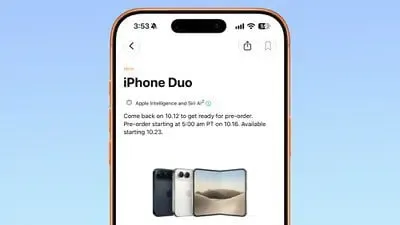
Apple Sets iPhone Duo Pre-Orders? Apple has officially established the rollout schedule for its first foldable smartphone, the iPhone Duo, introducing a flexible form factor that shifts iOS application development from fixed aspect ratios to dynamic window resizing. Following its September 9 unveiling, Apple opened pre-order configuration preparations on October 12, ahead of official pre-orders on Friday, October 16, with initial availability beginning October 23, 2026. For software engineering teams, this release represents more than a premium hardware addition. Because existing applications execute differently depending on their compiled SDK version, developers must evaluate how their view hierarchies adapt when transitioning between the 5.4-inch cover screen and the expansive 7.6-inch inner canvas.
Apple iPhone Duo Preorder Timeline and Developer Impact
At a Glance
- Pre-order preparations begin on October 12, 2026, leading to formal pre-orders on October 16 with initial availability starting October 23 at an entry price of $1,999.
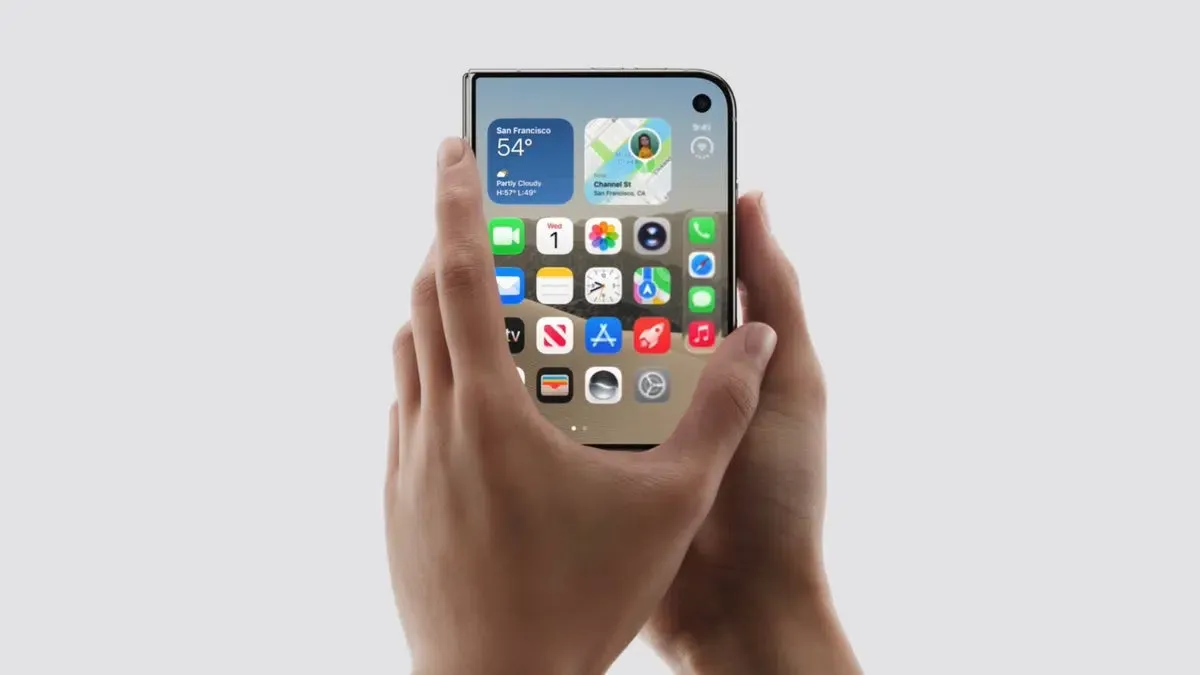
- The hardware pairs a 5.4-inch outer cover screen with an internal 7.6-inch folding display, powered by Apple’s A20 Pro processor and C2 modem.
- Existing applications behave according to their build SDK tier: legacy builds display with unused space, while apps built with modern SDKs expand dynamically across the display.
The arrival of the iPhone Duo marks Apple’s entry into the foldable hardware segment. Retailing at a starting price of $1,999 in the United States, the device introduces an unconventional form factor into the iOS ecosystem, as announced in the Apple Newsroom iPhone Duo unveiling. According to technical specifications published on Apple’s official iPhone Duo specifications page, the device features an external cover screen rated for up to 44 hours of video playback and an internal 7.6-inch folding display supporting up to 31 hours.
Retail preparation has expanded across physical Apple Stores. According to Bloomberg’s Mark Gurman, some U.S. Apple Store customers may receive personalized first-boot greetings on their devices. The implementation has not been publicly confirmed, including whether Apple’s existing Presto wireless update system is involved. Secondary reporting from 9to5Mac’s retail overview and Forbes’s launch analysis also notes that stores are preparing dedicated demonstration fixtures.
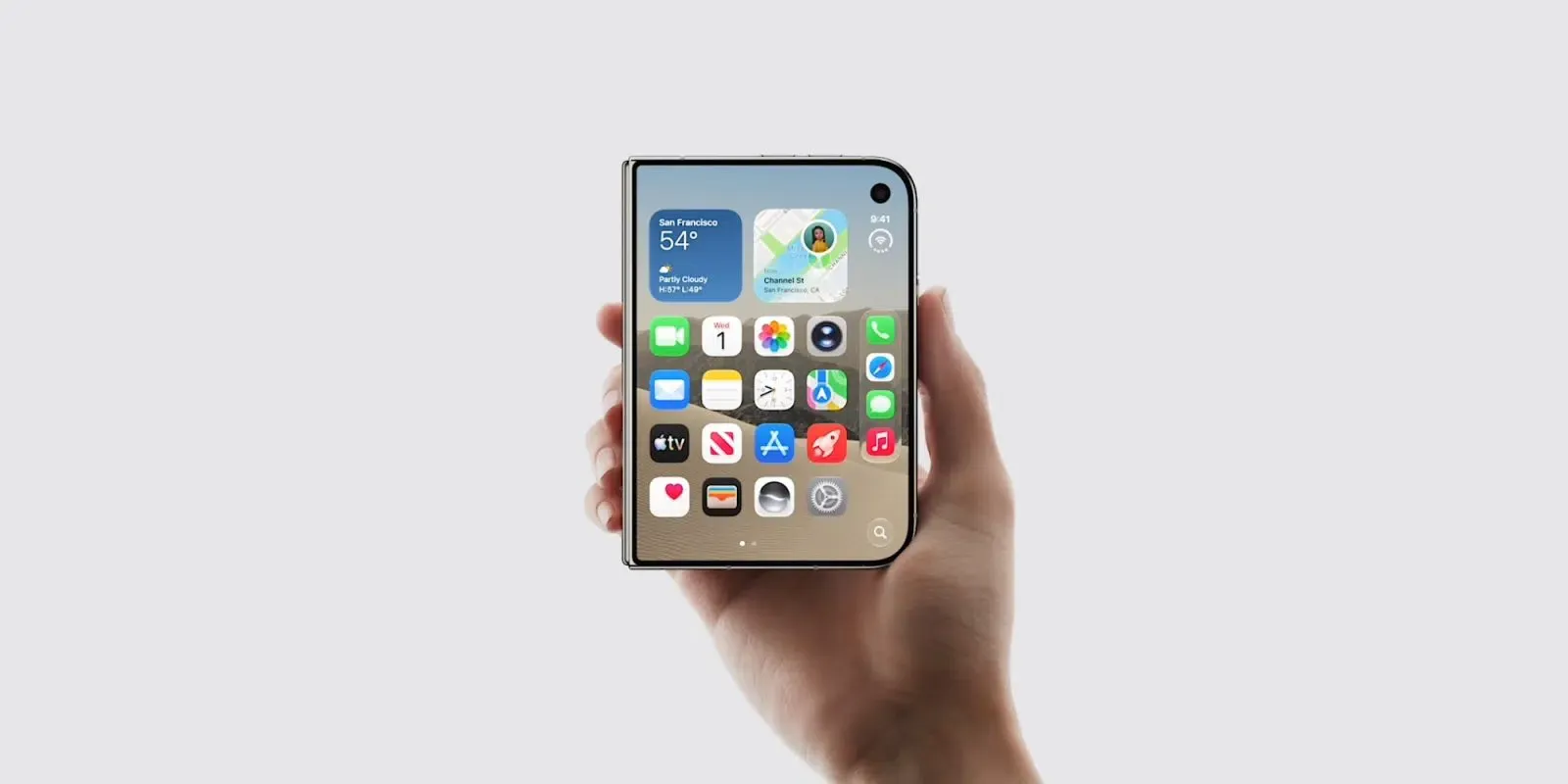
However, the primary engineering challenge rests in software compatibility. Rather than forcing an immediate rewrite of every catalog application, Apple has instituted backward-compatible runtime behaviors that depend on the specific base SDK used during compilation. Developers can prepare their store listings prior to consumer deliveries by reviewing official guidance, as noted in MacRumors’s iPhone Duo guide.
How Existing iOS Apps Behave on iPhone Duo
When an unoptimized application runs on the iPhone Duo, the operating system does not automatically scale or stretch UI assets arbitrarily. Instead, Apple documents different window presentation behaviors according to the SDK version used to build the app, as detailed in Apple Developer’s preparation guidelines for iPhone Duo.
Existing apps remain runnable on the 5.4-inch cover display, but their available content region and layout behavior depend on the SDK used to build them. Older SDK builds may use compatibility layouts that differ from newer adaptive builds. When the user unfolds the device to access the 7.6-inch inner canvas, the operating system applies specific containment policies depending on how the application was originally compiled.
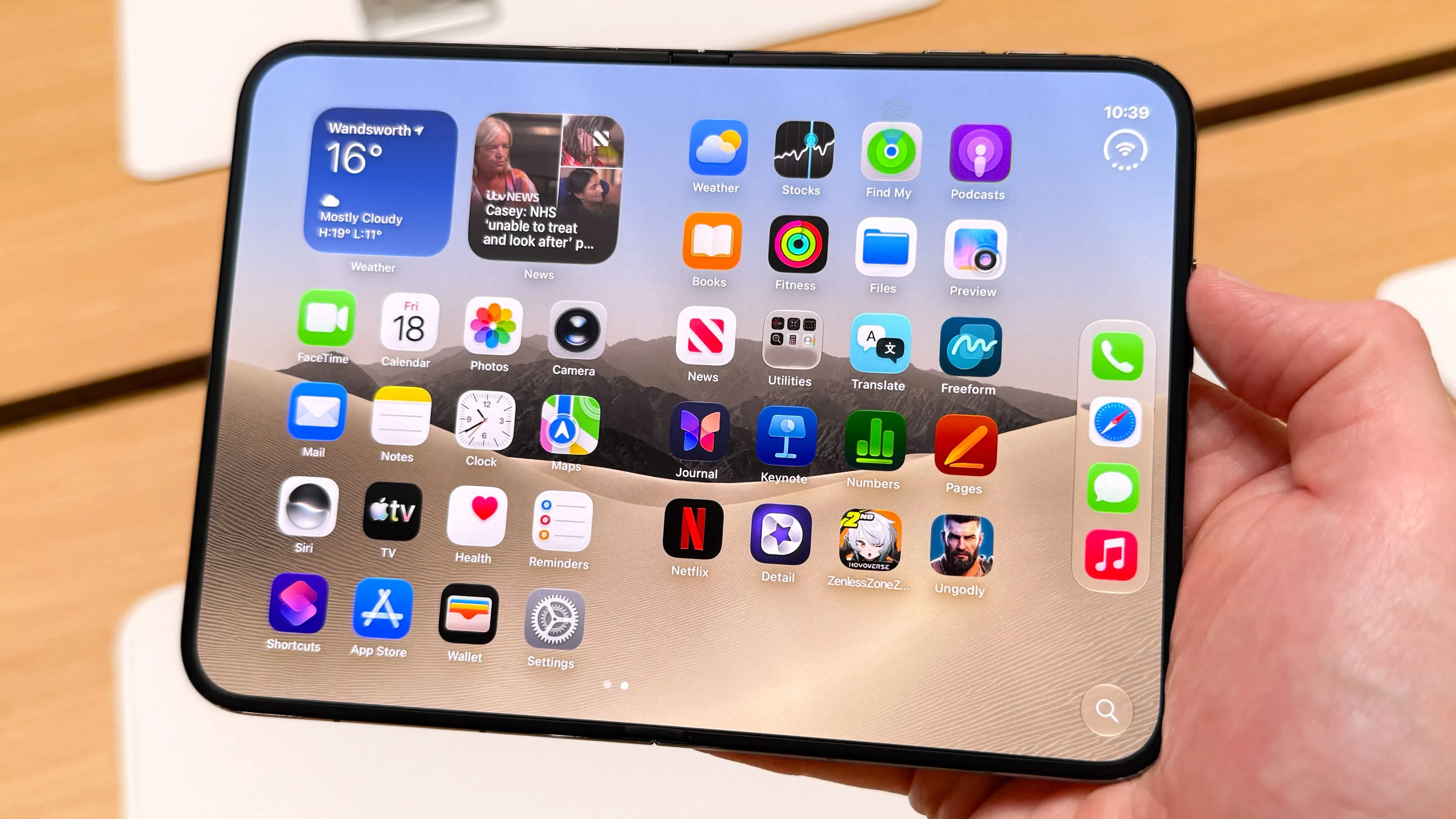
Applications that rely on hard-coded screen coordinates, fixed assumptions regarding device width, or absolute pixel constants may experience layout clipping or visual misalignment if forced to resize without adaptation. To prevent unexpected crashes or interface breakage, Apple maintains distinct display tiers that govern how windows scale across the foldable display.
What Changes with iOS 26, 27 and 27.1 SDK Builds
The runtime presentation of third-party software on the iPhone Duo is determined primarily by the build SDK used during compilation rather than the host device’s operating system version alone. In Apple Developer’s preparation guidelines for iPhone Duo, Apple outlines three distinct compatibility tiers:
| Compiled Build SDK | Runtime Presentation on Inner 7.6-Inch Canvas | Required Developer Action |
|---|---|---|
| iOS 26 SDK or Earlier | The application remains usable, but may appear centered with unused space around the window when unfolded. | Audit layout dependencies; rebuild with a modern SDK to utilize available display real estate. |
| iOS 27 SDK | The window expands dynamically to use most of the inner display while preserving margins to avoid the right-hand status bar. | Verify dynamic Auto Layout constraints, safe-area insets, and responsive navigation components. |
| iOS 27.1 SDK or Later | The application can use the full display area, adapting interface elements to available screen dimensions. | Verify that content adapts correctly when toolbars and tab bars appear vertically, and validate multi-column layouts. |
To improve expanded-screen compatibility, engineering teams should rebuild with a newer SDK and validate dynamic resizing. Apps built with the iOS 27 SDK can use most of the inner display, while those built with the iOS 27.1 SDK or later can take full advantage of the display area, subject to correct layout adaptation.
Adaptive Window Geometry and Layout Validation
Transitioning an application to support dynamic unfolding requires abandoning fixed-geometry assumptions. On the iPhone Duo, an application window can change dimensions while the process remains active in memory.
Replacing Hard-Coded Screen Bounds
Legacy iOS codebases frequently query global display metrics to position interface elements:
- Audit code querying
UIScreen.mainfor layout bounds and window initialization, replacing fixed display assumptions with current view, window, scene, and trait collection metrics. - In UIKit, reference
view.boundsor inspect the containingwindow.boundswithin layout lifecycle methods such asviewDidLayoutSubviews(). - In SwiftUI, use
GeometryReaderor modern layout triggers likeonGeometryChangeto adapt container views dynamically when window dimensions adjust.
Layouts must also respect dynamic safe-area insets. The inner display features asymmetrical margins influenced by system navigation indicators and status bars. Relying strictly on system layout guides ensures content does not overlap display cutouts or edge boundaries.
Posture Awareness and Interface Design
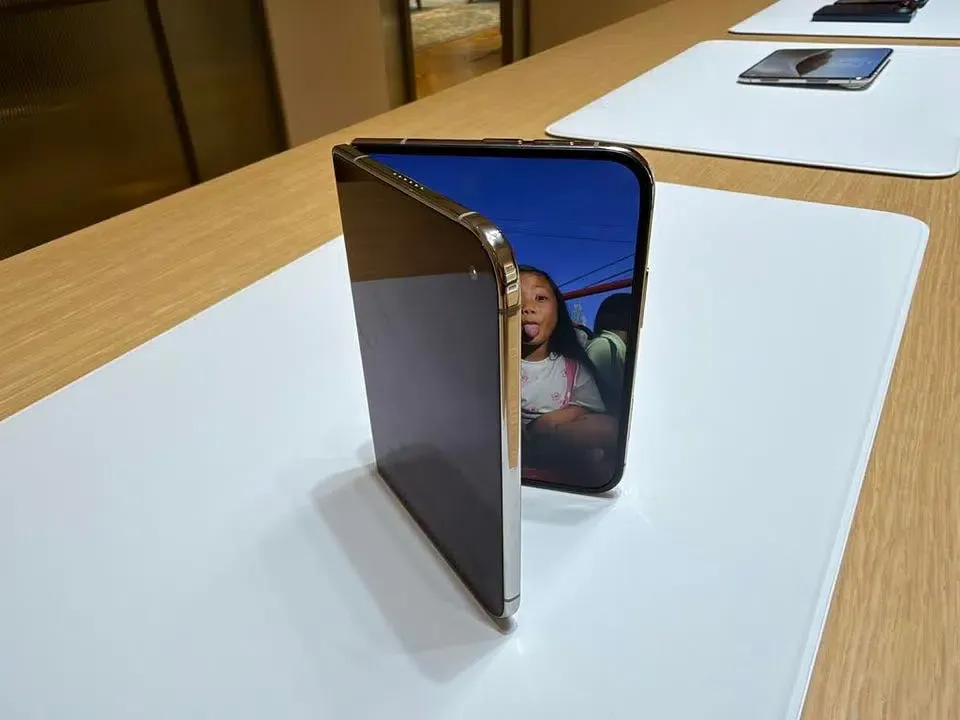
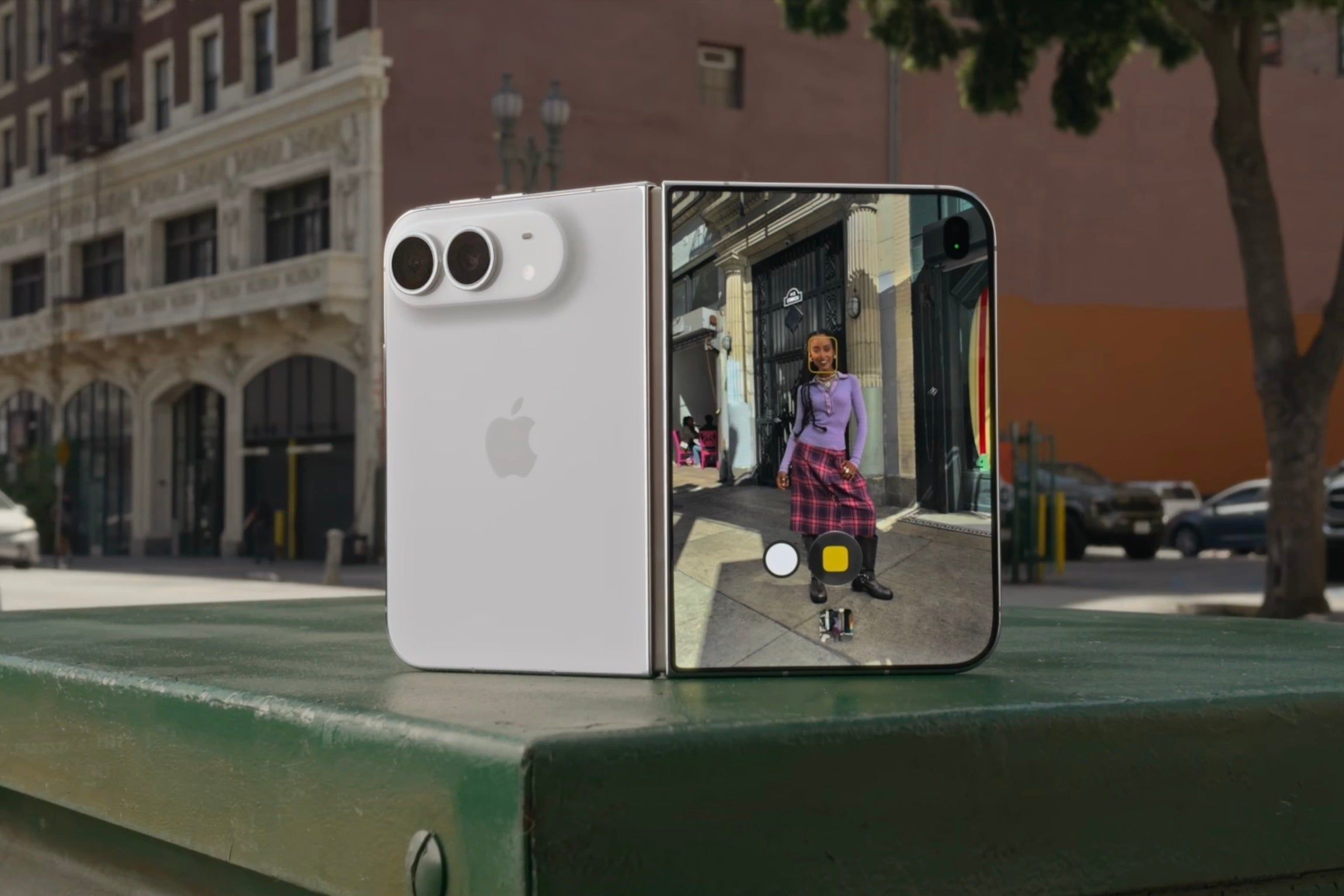
When using the device partially folded on a flat surface, camera and media applications can split controls across planes, as shown during hardware demonstrations. However, public documentation does not establish that third-party applications possess direct access to raw hinge angle sensors or dedicated angle callbacks. Instead, developers should design responsive interfaces following the Apple Human Interface Guidelines for Designing for iPhone Duo, allowing layout elements to reflow naturally whenever window dimensions change.
Split View, Navigation and State Preservation
Expanding an application across a 7.6-inch display often exposes navigation shortcomings. Single-column drill-down lists that feel natural on a compact screen appear excessively wide on an unfolded panel.
Decoupling Layout Resizing from State Restoration
A common misconception is that responsive layouts automatically maintain application state. While Auto Layout recalculates view frames, it does not manage operational business data:
- Layout Calculation: Auto Layout reflows UI elements to match new width and height classes.
- State Preservation: Active form entries, in-flight search queries, shopping cart configurations, and scroll offsets must be independently preserved across view controller reconstructions.
- Multi-Column Navigation: Leveraging adaptive containers, such as
UISplitViewControlleras documented in Apple’s UIKit Split View Controller Documentation, allows applications to present side-by-side master-detail layouts on wide displays while collapsing into hierarchical stacks on the compact cover screen.
The following patterns illustrate possible adaptive interface designs. Actual behavior depends on the app’s layout implementation, SDK version, and available window geometry:
Example Adaptive Interface Patterns for iPhone Duo
| Interface Component | Behavior on Cover Screen (5.4-Inch) | Behavior on Unfolded Canvas (7.6-Inch) | Engineering Requirement |
|---|---|---|---|
| Navigation Stack | Single drill-down list | Side-by-side two-column or three-column split view | Adopt UISplitViewController or SwiftUI NavigationSplitView |
| Toolbars & Bars | Bottom tab bar | Leading vertical sidebar or floating compact bar | Configure adaptive bar placement rules |
| Modal Sheets | Full-screen presentation | Form-sheet or centered popover presentation | Verify modal presentation styles across size classes |
Developers should regression-test incoming Universal Links across supported app lifecycle configurations, ensuring that links resolve to the intended content and that window resizing does not unnecessarily reset navigation or user state. These tests do not imply any newly introduced iPhone Duo-specific Universal Links protocol.
Developer Checklist for Xcode 27.1
Engineering teams preparing updates for the iPhone Duo rollout should follow a systematic verification checklist using the latest platform toolchains:
Geometry & Constraint Auditing
- Audit Screen Size Dependencies: Inspect and replace rigid
UIScreen.mainlayout assumptions across modules and libraries with dynamic view and window metrics. - Avoid Size-Class Assumptions: Do not equate
.regularhorizontal size class exclusively with iPad devices, as the unfolded iPhone Duo presents wide size classes on an iPhone platform. - Verify Aspect Ratio Reflow: Ensure custom canvas views, video players, and image carousels maintain correct aspect ratios when the window width doubles.
Lifecycle & State Governance
- Implement Scene State Restoration: Verify that input forms, video playback positions, and scroll offsets persist when the window transitions between display sizes.
- Test Multi-Window Coexistence: Validate application stability when running side-by-side with another active application in split view.
- Verify Universal Link Routing: Ensure incoming deep links route directly to target content views across supported lifecycle configurations without resetting navigation states.
Tooling, Simulation & Store Readiness
- Test with iPhone Duo Simulators: Use the official iPhone Duo hardware profiles included in Xcode 27.1 and Device Hub to simulate fold, unfold, and rotate transitions.
- Deploy App Resizability Skills: Run Apple’s App Resizability Skill through the Xcode coding assistant to identify common fixed-size layout assumptions and review suggested fixes. Teams using another compatible coding agent can export the skill with
xcrun agent skills export. Follow this with simulator and manual resizing tests, since the skill does not detect every issue. - Prepare App Store Assets: Follow Apple’s asset preparation guidance; as noted in Apple Developer’s submission announcement, developers can submit updated iPhone Duo assets now, and beginning in April 2027, newly submitted apps and games will be required to include iPhone Duo screenshots.
Frequently Asked Questions (FAQ)
How does the compilation SDK affect an app's appearance on iPhone Duo?
Do developers have access to raw hinge angle hardware APIs?
How should apps manage user state when the device unfolds?
Key Takeaways for Engineering Teams
The launch of the iPhone Duo introduces foldable form factors to the iOS platform, requiring development teams to treat window resizability as a core architecture requirement. By compiling against modern SDKs, eliminating hard-coded screen constants, and decoupling layout reflow from state management, software teams can ensure their applications deliver fluid, reliable experiences as consumers unbox their devices.
References
- Apple Newsroom: Apple Unveils iPhone Duo
- Apple: iPhone Duo Technical Specifications
- Apple Developer: Three Steps to Make Your App Shine on iPhone Duo
- Apple Developer: Human Interface Guidelines — Designing for iPhone Duo
- Apple Developer: App Store Submission Notice for iPhone Duo Screenshots
- Apple Developer: UIKit Split View Controller Documentation
- 9to5Mac: iPhone Duo In-Store Launch Details and Retail Setup
- Forbes: Apple iPhone Duo Release Timeline and Personalization Features
- MacRumors: Pre-Order Preparation Procedures for the iPhone Duo
Share this article