iOS 27 code suggests Apple visual search ads? Code uncovered in pre-release developer builds on September 10, 2026, indicates that Apple is exploring technical hooks to allow third-party search providers to surface sponsored results within Visual Intelligence. For mobile software architects, e-commerce engineering leads, and user acquisition teams, the possibility of Apple Visual Search Ads introducing sponsored listings into camera viewports could represent a notable transition in mobile discovery. Rather than requiring users to open a web browser or type keywords into a traditional search box, visual recognition workflows allow physical items to initiate digital commercial lookups directly from the camera. When camera viewports bridge physical merchandise to digital storefronts, development teams must examine how protocol-level Universal Links, web landing pages, and downstream application handoffs maintain transaction context.
Code Indicators and Visual Intelligence Architecture
Visual Intelligence serves as Apple’s camera-based visual lookup interface within Apple Intelligence, enabling iPhone users to analyze real-world objects, identify landmarks, interact with text, and search for visually similar products. In Apple’s platform documentation, the feature is supported on Apple Intelligence-compatible devices; on hardware equipped with Camera Control, it can be launched directly from the physical control, while devices such as the iPhone 15 Pro access the feature through alternative system entry points. iOS 27 also integrates Siri mode in Camera on supported hardware.
At a Glance
- Third-Party Sponsored Insertion: Uncovered iOS 27 code reveals hooks that could allow external search providers, such as Google, to deliver sponsored product listings alongside organic visual matches.
- Exploratory Architecture: The functionality represents exploratory code within pre-release builds; Apple has not announced visual search ads, and revenue-sharing mechanisms remain publicly undisclosed.
- Conditional Commerce Handoffs: If a sponsored visual search result resolves to a merchant-controlled web destination, downstream conversion relies on standard system URL handling and application state preservation.
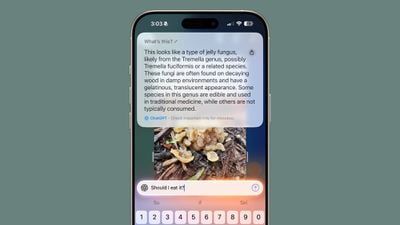
According to technical analysis published by MacRumors, the ad-related code was identified by developer Aaron Perris. The uncovered code indicates that rather than Apple launching a proprietary direct ad sales network for Visual Intelligence, the operating system may allow external search partners to supply their own sponsored product listings. This structure resembles the sponsored product modules integrated into Google Search or Amazon search results.
Current production releases of Visual Intelligence already route product-oriented queries to external partners, including Google Image Search, alongside specialized retail services such as Etsy and Amazon. Adding sponsored inventory to this interface would build upon existing partner aggregation pipelines. However, as noted in reports by PCMag, the discovery does not clarify whether Apple intends to take a revenue share from partner-served sponsored clicks, nor does it confirm whether the capability will be active in public releases of iOS 27.
+-------------------------------------------------------------------------+
|              VISUAL INTELLIGENCE SPONSORED DISCOVERY PIPELINE           |
+-------------------------------------------------------------------------+
|                                                                         |
|  [ Physical Real-World Object / Merchandise Item ]                      |
|         |                                                               |
|         |-- (User Points Camera via Camera Control or System Entry)     |
|         v                                                               |
|  [ Visual Intelligence / Siri Mode in Camera ]                          |
|         |                                                               |
|         |-- (Dispatches Visual Query to Configured Search Partner)      |
|         v                                                               |
|  [ Third-Party Search Provider (e.g., Google, Retail Partner) ]         |
|         |                                                               |
|         +---------------------------------------+                       |
|         |                                       |                       |
|         v                                       v                       |
|  [ Organic Visual Matches ]       [ Potential Sponsored Listing ]       |
|         |                                       |                       |
|         +-------------------+-------------------+                       |
|                             |                                           |
|                             v                                           |
|  [ Visual Intelligence Results Card: Presented in System HUD ]          |
|         |                                                               |
|         |-- (User Selects Result)                                       |
|         v                                                               |
|  [ Destination Depends on Provider and Result Design ]                  |
|                                                                         |
+-------------------------------------------------------------------------+
This discovery coincides with the steady growth of Apple’s Services division. Through its Apple Ads platform, Apple manages commercial placements across the App Store, Apple News, and recently launched search ads in Apple Maps across the U.S. and Canada. Permitting third-party search partners to surface sponsored items within the camera interface would extend commercial discovery into physical retail environments.
The Viewport Shift: Camera-to-Commerce Handoff Mechanics
In traditional mobile marketing, user discovery originates in structured, text-heavy environments: search engine results pages, social media feeds, or email campaigns. In these contexts, users evaluate text descriptions, price comparisons, and reviews before clicking an outbound tracking URL.
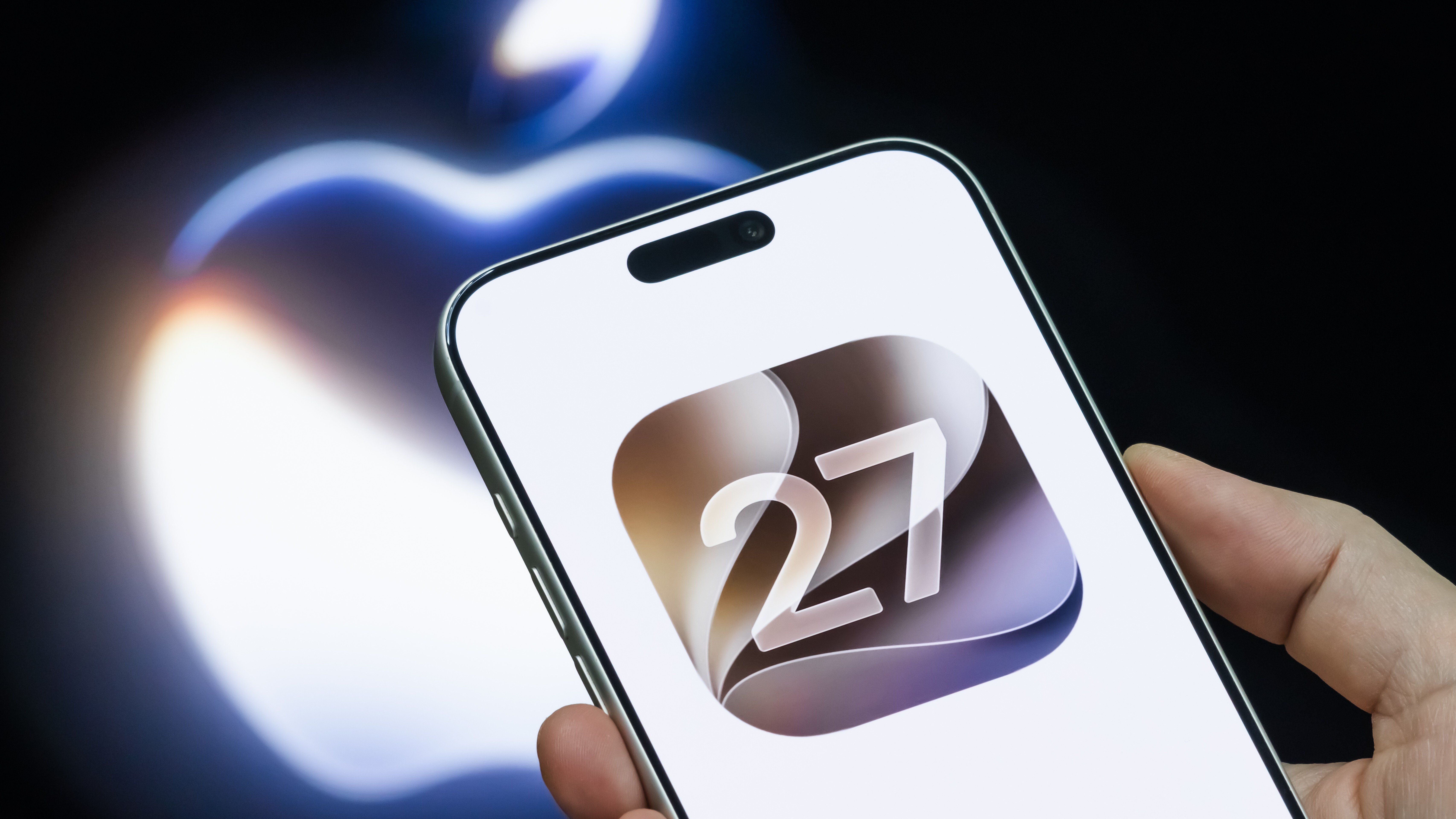
Visual search can alter this journey by initiating product lookups directly from an optical snapshot. A user pointing an iPhone camera at apparel, home decor, or consumer electronics seeks immediate identification. If a third-party search provider returns a sponsored product listing within Visual Intelligence, the handoff to the merchant’s storefront depends on how the provider designs the destination link.
If a sponsored result ultimately resolves to a merchant-controlled HTTPS URL, iOS evaluates the destination using standard system routing mechanisms:
- Target Application Installed: If the user already has the merchant’s native application installed and the merchant has configured verified Apple Universal Links, iOS intercepts the HTTPS URL directly based on the domain’s
apple-app-site-associationfile. For apps using Scenes, UIKit delivers the incoming link throughscene(_:willConnectTo:options:)if the app is not currently running, or throughscene(_:continue:)if the app is already running or suspended in memory. - Target Application Absent: If the native mobile application is not installed on the device, the Universal Link defaults to opening the merchant’s web landing page in Safari or an in-app browser view.
Some merchants prefer native application checkouts because installed apps can support persistent account authentication, saved payment methods, and platform-native biometric authorization. However, bridging users from an uninstalled web touchpoint into a native application introduces a separate installation boundary.
// Illustrative Swift implementation for resolving incoming product deep links.
// Demonstrates merchant-side Universal Link handling across cold launch and warm scene lifecycles.
// Note: This reflects standard merchant-side routing and does not represent a Visual Intelligence system API.

import UIKit

struct ProductRouteContext {
    let sku: String
    let campaignId: String?
    let referrerSource: String?
}

class ProductRouter {
    static let shared = ProductRouter()
    private init() {}

    /// Parses an incoming HTTPS Universal Link to extract product routing metadata
    func parseRoute(from url: URL) -> ProductRouteContext? {
        guard let components = URLComponents(url: url, resolvingAgainstBaseURL: true) else {
            return nil
        }

        // Expected format: https://shop.example.com/products/SKU-10842?campaign_id=vis_2026&source=partner
        let pathSegments = components.path.split(separator: "/").map(String.init)
        guard let productIndex = pathSegments.firstIndex(of: "products"),
              productIndex + 1 < pathSegments.count else {
            return nil
        }

        let sku = pathSegments[productIndex + 1]
        let queryItems = components.queryItems ?? []
        let campaignId = queryItems.first(where: { $0.name == "campaign_id" })?.value
        let referrerSource = queryItems.first(where: { $0.name == "source" })?.value

        return ProductRouteContext(sku: sku, campaignId: campaignId, referrerSource: referrerSource)
    }

    /// Directs the view hierarchy to the designated product display controller
    func navigate(to route: ProductRouteContext, from window: UIWindow?) {
        guard let rootNav = window?.rootViewController as? UINavigationController else {
            return
        }

        let productViewController = ProductDetailViewController(sku: route.sku, campaign: route.campaignId)
        rootNav.pushViewController(productViewController, animated: true)
    }
}

// UIWindowSceneDelegate implementation demonstrating cold-launch and warm-lifecycle link delivery
class SceneDelegate: UIResponder, UIWindowSceneDelegate {
    var window: UIWindow?

    // Handled when the application is launched from a cold boot via a Universal Link
    func scene(_ scene: UIScene, willConnectTo session: UISceneSession, options connectionOptions: UIScene.ConnectionOptions) {
        guard let windowScene = scene as? UIWindowScene else { return }

        let window = UIWindow(windowScene: windowScene)
        let rootNav = UINavigationController(rootViewController: HomeViewController())
        window.rootViewController = rootNav
        self.window = window
        window.makeKeyAndVisible()

        if let userActivity = connectionOptions.userActivities.first(where: { $0.activityType == NSUserActivityTypeBrowsingWeb }),
           let incomingURL = userActivity.webpageURL,
           let route = ProductRouter.shared.parseRoute(from: incomingURL) {
            ProductRouter.shared.navigate(to: route, from: window)
        }
    }

    // Handled when the application is already running or suspended in memory
    func scene(_ scene: UIScene, continue userActivity: NSUserActivity) {
        guard userActivity.activityType == NSUserActivityTypeBrowsingWeb,
              let incomingURL = userActivity.webpageURL,
              let route = ProductRouter.shared.parseRoute(from: incomingURL) else {
            return
        }

        ProductRouter.shared.navigate(to: route, from: self.window)
    }
}

class HomeViewController: UIViewController {
    override func viewDidLoad() {
        super.viewDidLoad()
        self.title = "Storefront"
        view.backgroundColor = .systemBackground
    }
}

class ProductDetailViewController: UIViewController {
    let sku: String
    let campaign: String?

    init(sku: String, campaign: String?) {
        self.sku = sku
        self.campaign = campaign
        super.init(nibName: nil, bundle: nil)
    }

    required init?(coder: NSCoder) {
        fatalError("init(coder:) has not been implemented")
    }

    override func viewDidLoad() {
        super.viewDidLoad()
        self.title = "SKU: \(sku)"
        view.backgroundColor = .secondarySystemBackground
        // Bind product data and log analytics telemetry
    }
}
Downstream Mobile Acquisition and Cross-Surface Routing
The emergence of camera-based sponsored discovery highlights an architectural separation: presenting sponsored search cards inside a system interface is distinct from preserving customer acquisition context across an application installation barrier. Once an external merchant URL is exposed downstream, standard iOS link-handling behavior can become relevant. Retail merchants and e-commerce growth teams must manage what happens when an uninstalled customer transitions from the web into their native mobile application.
In a separate mobile acquisition lifecycle, e-commerce retailers leverage external discovery channels—including search ads, social promotions, and emerging visual search referrals—to acquire new high-intent shoppers. If a user discovers a product through a visual search ad but does not have the merchant’s application installed, a friction point appears at the app marketplace boundary.
+-------------------------------------------------------------------------+
|             SEPARATE DOWNSTREAM MOBILE ACQUISITION JOURNEY              |
+-------------------------------------------------------------------------+
|                                                                         |
|  [ External Touchpoint: Sponsored Visual Search Result / Ad Link ]      |
|         |                                                               |
|         |-- (User Taps Link from Visual Search Results Card)            |
|         v                                                               |
|  [ IF Result Resolves to Merchant-Controlled HTTPS URL ]                |
|         |                                                               |
|         v                                                               |
|  [ Mobile OS Evaluates Universal Link Domain Association ]              |
|         |                                                               |
|         +---------------------------------------+                       |
|         |                                       |                       |
|         v                                       v                       |
|  [ Target App Installed ]             [ Target App Absent ]             |
|         |                                       |                       |
|         v                                       v                       |
|  [ Native In-App Resolution ]         [ Fallback to Mobile Web Landing ]|
|  (Direct SKU Product View)                      |                       |
|                                                 v                       |
|                                       [ Web Banner Prompts App Download]|
|                                                 |                       |
|                                                 v                       |
|                                       [ Route to App Store / Market ]   |
|                                                 |                       |
|                                                 v                       |
|                                       [ Store Flow Does Not Natively    |
|                                         Carry Web Query Into Launch ]   |
|                                                 |                       |
|                                                 v                       |
|                                       [ Deferred Deep Linking Engine ]  |
|                                                 |                       |
|                                                 v                       |
|                                       [ SKU Restored on First Boot ]    |
|                                                                         |
+-------------------------------------------------------------------------+
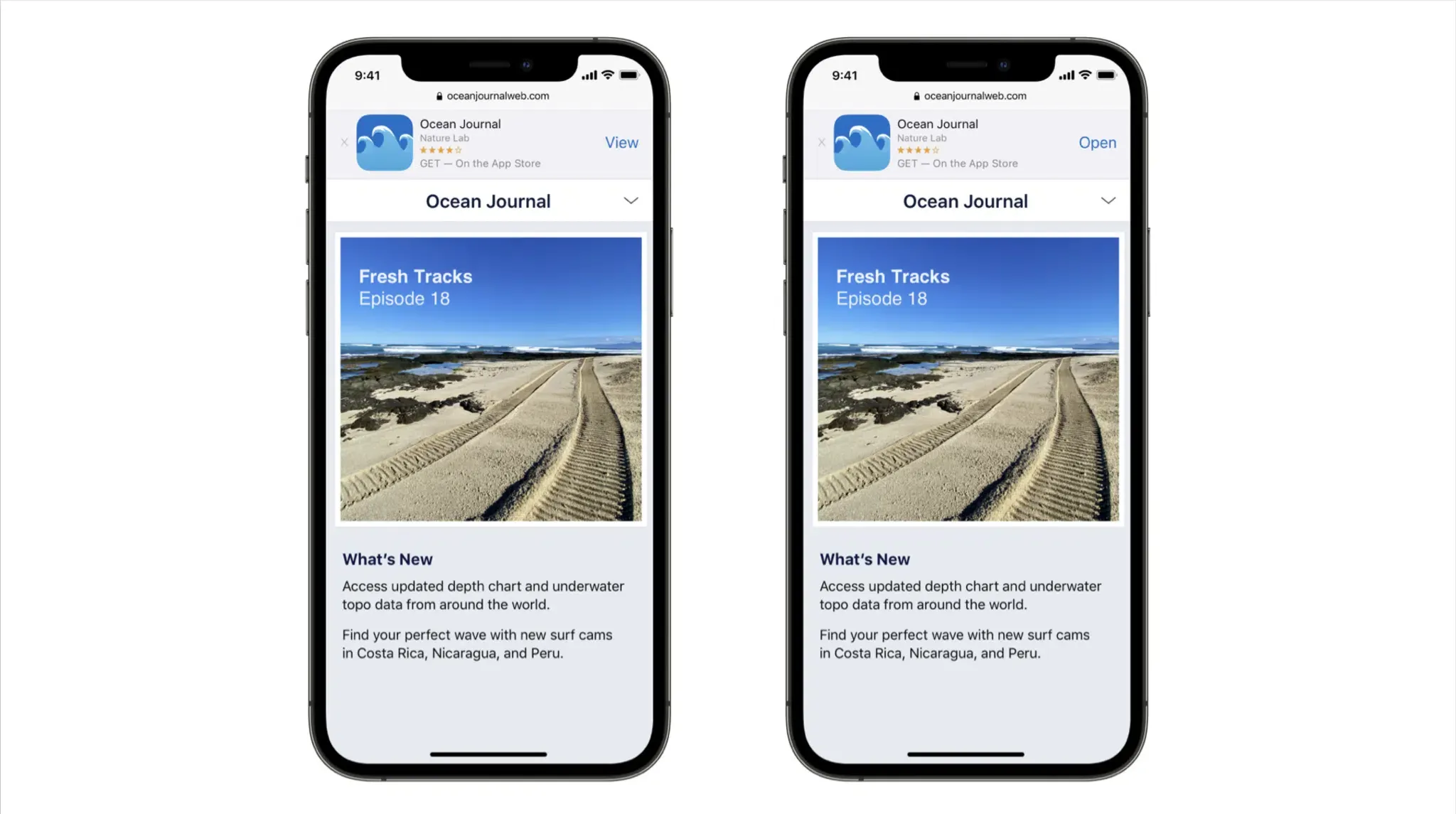
When an uninstalled user lands on a merchant’s mobile web page, the retailer often displays a Smart App Banner or call-to-action encouraging the user to download their native app for a streamlined checkout. However, standard App Store installation flows do not natively pass custom URL query strings or campaign tokens into the application binary upon download, meaning those arbitrary web parameters are not natively delivered to the newly installed app on first launch.
Without specialized infrastructure, a user who downloads the app following a visual search referral opens the app to a generic onboarding screen or home feed, requiring them to search again for the item.
Engineering teams evaluate several routing architectures when building these acquisition pipelines:
| Routing Architecture | Installed App Handling | Uninstalled App Handling | Install-Boundary Parameter Preservation | Operational Ownership Model |
|---|---|---|---|---|
| Custom URI Schemes | Handled through an app-registered custom URL scheme | No native destination when the app is absent; requires explicit fallback handling | None; query parameters are lost across application store installs | Application-owned (High maintenance overhead) |
| Verified Universal Links | Native routing directly to view hierarchy via scene lifecycle | Resolves to fallback web landing page | None natively; standard store download flows do not forward arbitrary query strings | Domain + Application-owned (Requires AASA hosting and DNS setup) |
| Deferred Deep Linking Architecture | Delegates to Universal Links or native schemes | Routes through web landing to store download | Restores eligible pre-install parameters on first launch | SDK-assisted (Managed attribution client and server framework) |
In enterprise production environments, mobile engineering and marketing teams frequently deploy specialized deferred attribution infrastructure such as Branch, AppsFlyer, Adjust, or Opoinstall. A platform like Opoinstall maps pre-install click metadata—such as product identifiers, marketing campaign tags, or referral codes—and pairs it with first-launch application signals using server-assisted matching. According to official platform documentation on the Opoinstall homepage, this deferred parameter pass-through framework can restore parameters on first launch in up to 98% of eligible instances, providing an automated alternative to manual search queries or coupon codes.
By separating the upstream presentation of visual search results from the downstream persistence required across mobile acquisition funnels, engineering organizations can ensure that visual product discovery converts cleanly into sustained customer engagement.
Frequently Asked Questions (FAQ)
Has Apple officially announced advertising inside Visual Intelligence?
How would sponsored visual search results differ from App Store or Apple Maps ads?
How do e-commerce apps preserve product context when users install an app from a web ad?
Practical Implications and Engineering Takeaways
The discovery of ad-related code within iOS 27’s Visual Intelligence highlights the expanding frontier of ambient, visual commerce. As mobile operating systems transform cameras into real-time input devices for product search, commercial entry points are moving closer to physical user interactions.
For software architects, mobile engineers, and digital commerce teams, this evolution reinforces the importance of robust cross-surface routing architectures. Upstream search interfaces will continue to evolve, but the core engineering requirement remains consistent: connecting user intent to specific application destinations without friction. By maintaining verified Universal Links, responsive web fallbacks, and resilient deferred parameter restoration systems, engineering teams can build acquisition funnels capable of capturing customer interest across web, native, and emerging visual channels.
References
-
MacRumors. (2026). Apple Considering Ads Inside Visual Intelligence, Code Suggests. https://www.macrumors.com/2026/09/10/apple-considering-ads-inside-visual-intelligence/
-
AppleInsider. (2026). Apple is laying groundwork for ads in Visual Intelligence. https://appleinsider.com/articles/26/09/10/apple-is-laying-groundwork-for-ads-in-visual-intelligence
-
PCMag. (2026). Apple May Be Prepping Ads for Visual Intelligence on the iPhone. https://www.pcmag.com/news/apple-may-be-prepping-ads-for-visual-intelligence-on-the-iphone
-
Apple. (2026). Apple Intelligence and Siri Capabilities Overview. Apple Newsroom. https://www.apple.com/apple-intelligence/
-
Apple Developer. (2026). Supporting Universal Links in your app. Apple Documentation. https://developer.apple.com/documentation/xcode/supporting-universal-links-in-your-app
-
Apple Ads. (2026). Apple Ads Platform Overview. Apple Documentation. https://ads.apple.com/
-
Opoinstall. (2026). Deferred Deep Linking and Parameterized App Installation Overview. https://www.opoinstall.com/
Share this article