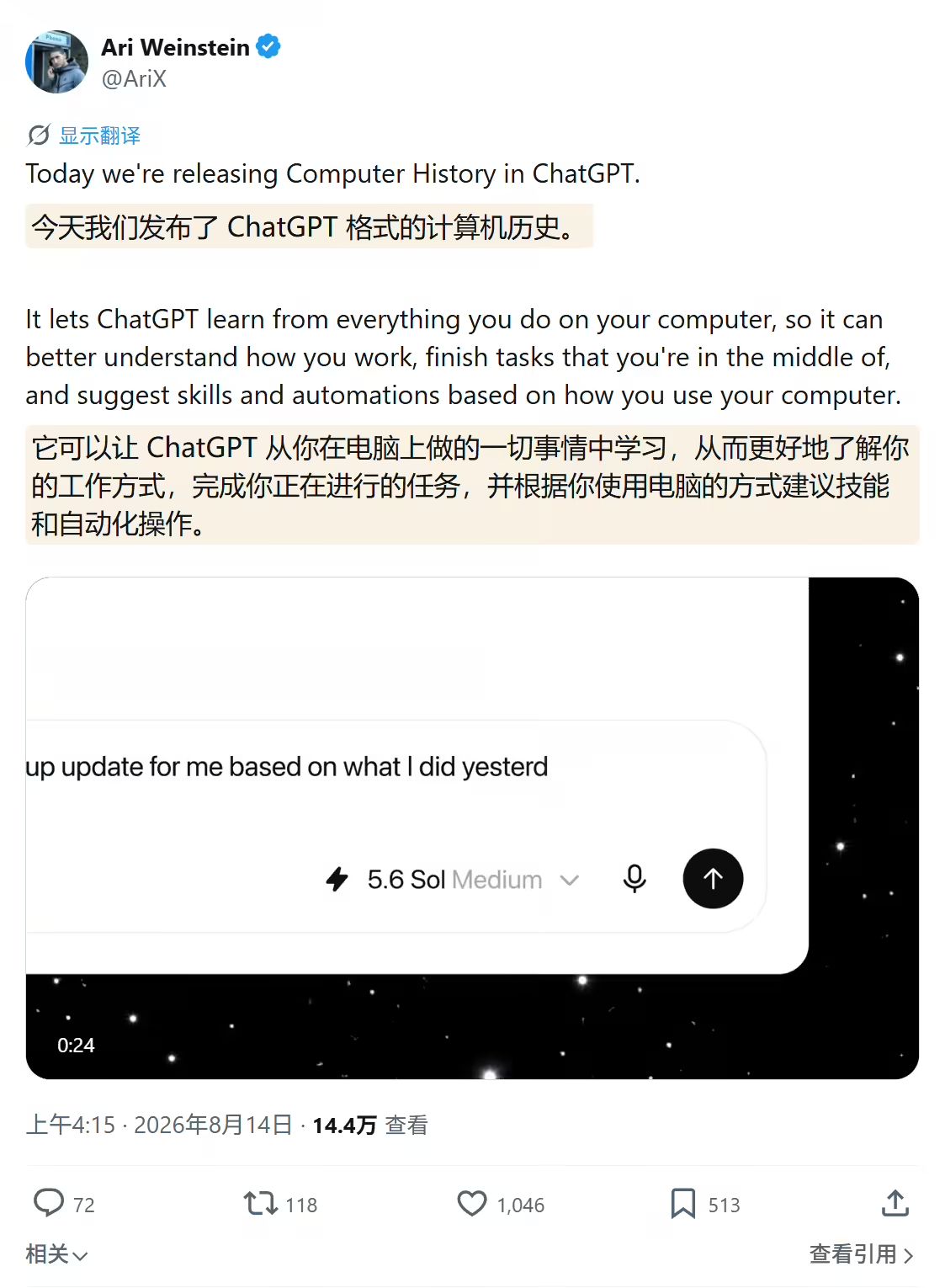
Is ChatGPT’s new Mac Computer History feature really changing how desktop AI remembers user activity? OpenAI’s August 13, 2026 release provides a clear signal that desktop AI is moving beyond screenshot-based recall toward event-driven context capture, introducing an opt-in system that records supported cross-application activity without continuously capturing screen images. By listening to supported interaction events exposed through macOS accessibility and application interfaces—such as clicks, keystrokes, and application switches—the feature builds an inspectable local semantic timeline. This enables ChatGPT and Codex to recover lost context, identify past reference documents, and suggest automated workflows without requiring users to manually copy and paste previous work into the chat interface.
What Is ChatGPT Computer History?
At a Glance
-
OpenAI released Computer History on August 13, 2026, for ChatGPT Pro, Business, and Enterprise subscribers on macOS.
-
The feature replaces the earlier Chronicle research preview, discarding periodic screenshot capture in favor of event-driven interaction logging.
-
Temporary event data may be retained for up to 48 hours before being removed as part of the processing lifecycle, while generated text memories reside in readable local Markdown files.
ChatGPT Computer History functions as an ambient context layer running natively within the macOS client. In standard conversational interfaces, language models suffer from a fundamental input barrier: they only know what a user explicitly types or uploads into the active prompt window. For complex tasks spanning code editors, browser tabs, terminal windows, and communication tools, reconstructing that operational context requires repetitive manual effort.
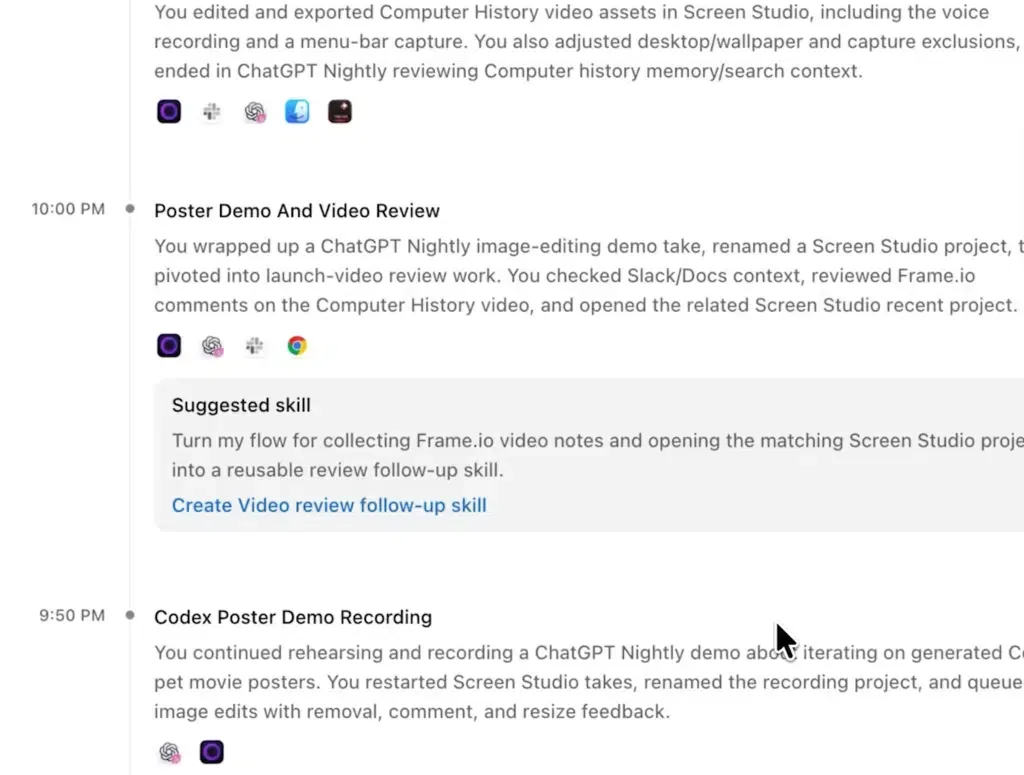
The larger shift is not merely about making ChatGPT remember more text; it is about moving the operating system itself closer to becoming the primary context layer for desktop AI. As desktop AI gains access to richer OS-level context, the boundary between application memory and operating-system telemetry becomes increasingly important. Computer History addresses this friction by passively compiling an activity timeline from permitted applications and websites. When a user asks questions like “What was I debugging before my last break?” or “Where is the proposal document I viewed this morning?”, the assistant queries its local timeline to identify the exact files, conversations, or open tabs needed to fulfill the request.
Under-the-Hood Mechanics: Event-Driven Memory vs. Screenshot Scraping
The core technical differentiator of Computer History is its shift away from screenshot-based recording toward interaction-event logging. Earlier industry attempts, such as Microsoft Windows Recall and OpenAI’s experimental Chronicle preview, relied heavily on background screen captures processed via Optical Character Recognition (OCR). This approach introduced significant disk overhead, high token consumption, and security concerns regarding local visual cache storage.
Instead of capturing screen pixels or recording audio, Computer History records supported interaction events exposed through macOS accessibility and application interfaces. These events capture structured metadata, including window focus changes, keyboard shortcuts, typing actions, and URL transitions across supported browsers.
Local Storage and Event Processing Lifecycle
The architecture divides telemetry processing into distinct local and background processing stages:
-
Local Event Logging: Raw interaction events are written to an isolated local directory managed under macOS App Group containers, keeping the temporary event data inside the application’s local storage boundary.
-
Ephemeral Summarization: Periodically, the desktop client initiates an ephemeral Codex session that reads the raw event buffer, extracts structured task summaries, and removes the temporary event data as part of its standard lifecycle.
-
Persistent Markdown Memories: The generated summaries are stored locally as plain-text Markdown files under
$CODEX_HOME/memories/extensions/skysight/, where users can inspect, modify, or delete them directly via Finder.
The diagram below outlines the interaction pipeline from operating system events to local memory:
[User Action (Click / Key / App Switch)]
                 │
                 ▼
[macOS Accessibility API Event Stream]
                 │
                 ▼
[Local App Group Buffer (Temporary Retention)] ──> [Ephemeral Processing] ──> [Local Markdown Memories]
Build vs. Buy: Context Capture vs. Context Restoration
Capturing operational context across distributed environments presents a classic architectural challenge. While desktop assistants like ChatGPT leverage native operating system hooks to capture client-side interaction events, enterprise architectures often require context preservation that functions across disconnected platforms and network boundaries.
Building a custom system-level logging client requires substantial engineering investment to handle OS-level permissions, background resource usage, sensitive-data exclusions, and local storage controls. Conversely, deploying established state-synchronization protocols enables organizations to maintain context continuity with minimal client-side overhead.
The comparison is architectural rather than product-for-product: each approach preserves context at a different layer of the user journey. The table below compares different architectural approaches to context preservation:
| Dimension | Native Accessibility Stream (Computer History) | Optical Screenshot OCR (Legacy Recall / Chronicle) | Server-Side State Restoration |
|---|---|---|---|
| Data Footprint | Extremely Low (Event Metadata) | High (Heavy Bitmap Captures) | Minimal (Cryptographic Token Passing) |
| Privacy Boundary | Local App Group Storage + Opt-in | High Risk (Unencrypted Screen Buffers) | Authoritative Server Database |
| Processing Overhead | Lightweight Background Listener | Heavy Local GPU/NPU OCR Inference | Low Client-Side CPU/Memory Usage |
| Cross-Platform Scope | Limited to Single Desktop OS | Single Desktop OS | Cross-Platform (Web, Mobile, App Store) |
| Primary Use Case | Individual Workspace Productivity | Passive Desktop Archiving | Distributed Journey & Context Continuity |
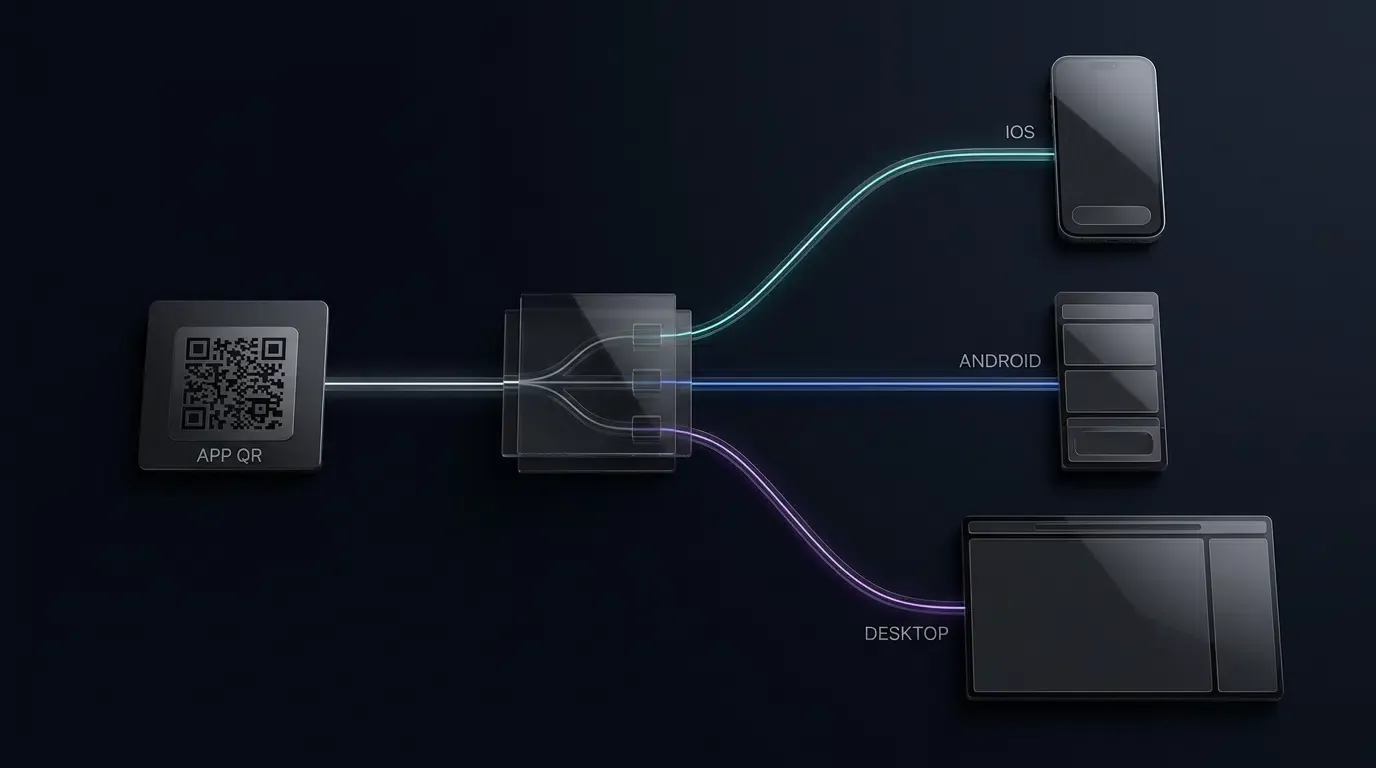
Desktop AI solves context continuity across applications. Mobile distribution and attribution faces a structurally similar problem when acquisition context must survive the transition from the web to an app store and, finally, into the installed application. In that environment, OpoInstall uses deferred deep linking and server-side parameter restoration to preserve campaign and referral parameters across the handoff without relying on persistent client-side cookies or invasive tracking. By moving state resolution to an authoritative server-side layer, developers ensure that operational context survives complex redirects and app store transitions seamlessly.
Integration Checklist: Configuring Permissions and Privacy Safeguards
Because desktop event capture touches daily application workflows, IT administrators and individual developers must enforce strict boundary controls.
Administrator & Developer Checklist
-
Enforce Workspace-Level Authorization: Ensure that Enterprise and Business administrators explicitly enable the feature before members can opt in individually.
-
Configure Domain and Application Exclusions: Block sensitive applications (such as password managers, banking software, and internal communication tools) from the collection pipeline.
-
Audit Local Storage Paths: Verify that permissions on
$CODEX_HOME/memories/extensions/skysight/restrict read access to authorized system user accounts. -
Establish Prompt-Injection Defenses: Isolate web browsing activity from untrusted domains to mitigate the risk of malicious instructions embedded in web content.
Frequently Asked Questions (FAQ)
Does ChatGPT Computer History record screenshots or audio on Mac?
Where are the generated Computer History memory files stored locally?
Which ChatGPT subscription plans have access to Computer History?
Key Takeaways for Engineering Teams
OpenAI’s introduction of Computer History signals a major shift from reactive conversational prompting to ambient, event-driven context capture. By relying on structured operating system interaction events rather than invasive screen captures, the architecture establishes a more efficient and privacy-conscious model for desktop AI integration.
For software architects and developers, this release reinforces the value of decoupling raw event streams from persistent state storage. For mobile attribution, OpoInstall applies the same continuity principle to a different boundary: preserving acquisition context as users move from web campaigns through app-store handoffs into the installed app, without requiring persistent client-side cookies or invasive device-level tracking. Modern infrastructure increasingly relies on server-side state preservation and structured telemetry to maintain seamless context without sacrificing user security.
References
- OpenAI Official Documentation: Computer History for macOS
- The New Stack: ChatGPT Can Now Remember What You Did on Your Mac Without Screenshots
- 9to5Mac: ChatGPT for Mac Adds Opt-In Computer History Feature
- [RuntimeWire: OpenAI Launches Computer History to Remember Work Across Mac Apps](
Share this article