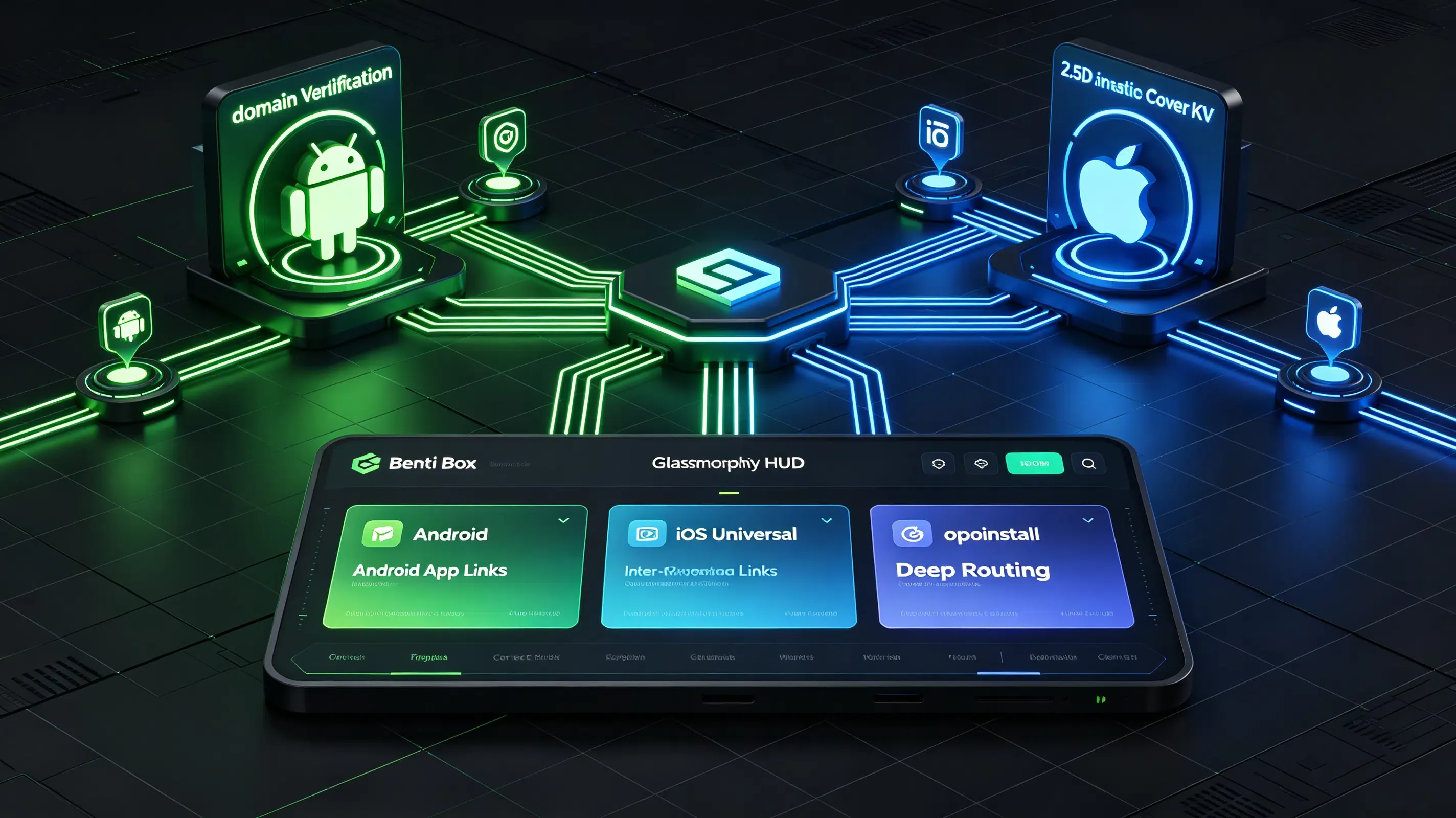
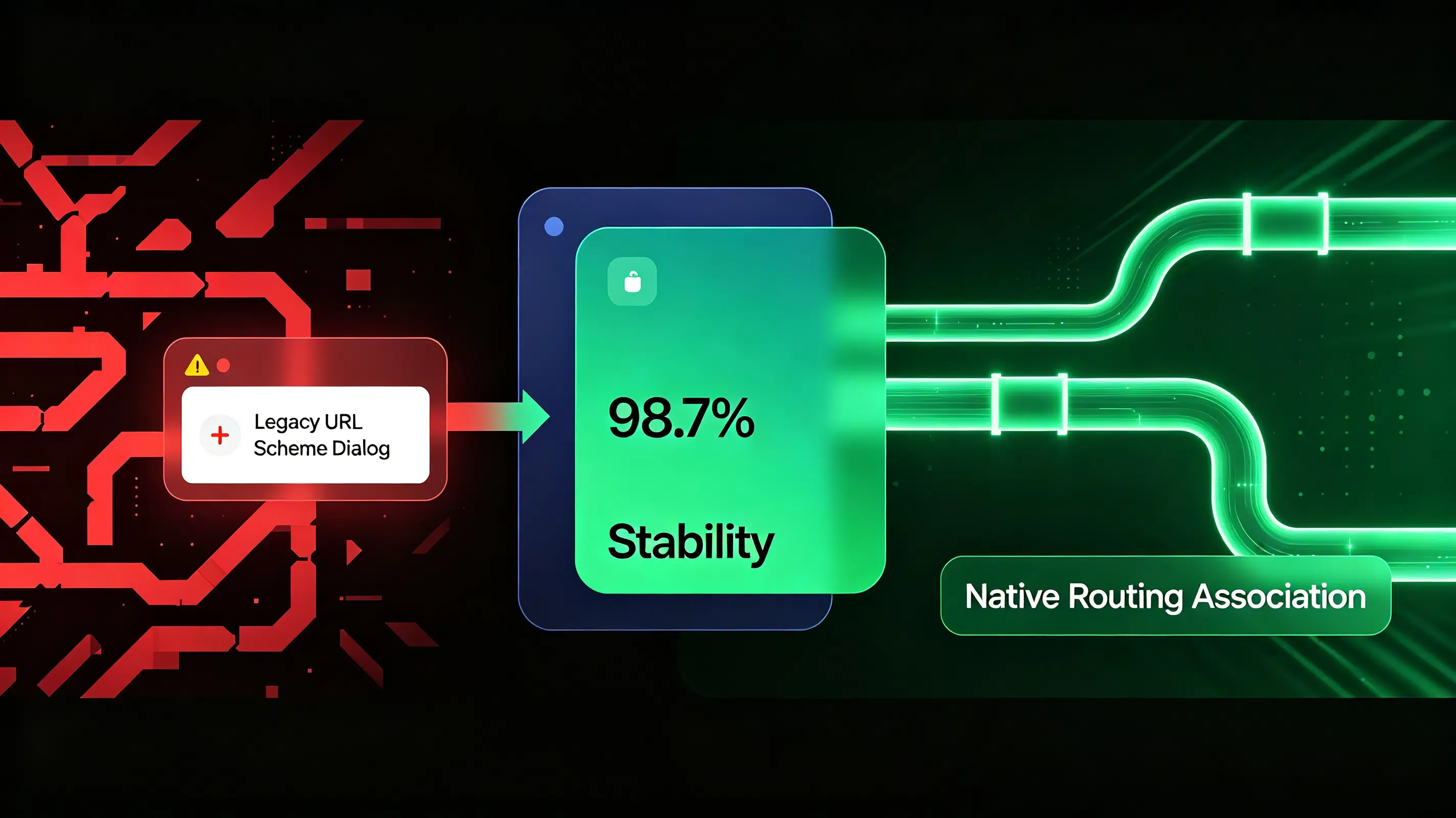
What is the difference between App Links and Universal Links? While Android App Links rely on digital asset links (assetlinks.json) on HTTPS domains, iOS Universal Links require Apple App Site Association (AASA) JSON files, both verifying domain ownership to bypass system chooser dialogs. This native routing establishes domain-to-app association and bypasses legacy URL Scheme popup friction with 98.7% deep-linking stability.
In the realm of mobile growth and app development, the industry increasingly views App Links as the gold standard for seamless Android deep routing. When modern mobile operating systems deprecated raw, unverified custom redirection protocols, they forced developers to establish verified cryptographic handshakes between web domains and native apps. Without these associations, users are perpetually interrupted by system chooser dialogs, which drastically degrade conversion rates.
Let’s face it: any friction during the redirection loop causes immediate user drop-off. To optimize the mobile user journey, technical teams must understand how the underlying verification architectures of Android and iOS diverge.
The Domain Verification Era: Bypassing the Choice Dialog Friction
Before the advent of verified native routing, mobile platforms relied on legacy custom protocols. When a user clicked a web link, the browser could not verify whether the targeted application was authentic or malicious. This security loophole allowed bad actors to hijack traffic by registering identical custom protocols.
To solve this, modern operating systems introduced automatic domain verification:
- Chooser Dialog Elimination: By verifying domain ownership, the operating system bypasses the “Open with…” browser selection dialogs. The app launches instantly when the verified link is clicked.
- Cryptographic Association: Both platforms query a secure JSON manifest hosted on the app’s web domain upon installation, establishing a trusted association.
- Sandbox Isolation: Redirections are sandboxed to the verified application, preventing malicious third-party apps from intercepting intent parameters.
The reality? Implementing these configurations correctly requires strict adherence to distinct file formats and verification pipelines on each platform.
Configuring the Association Manifests: Assetlinks JSON vs. AASA Spec
The core technical difference between the two deep routing protocols lies in the structure of their association manifests and their respective hosting requirements.
The Android Assetlinks JSON Protocol: Parsing Digital Asset Links
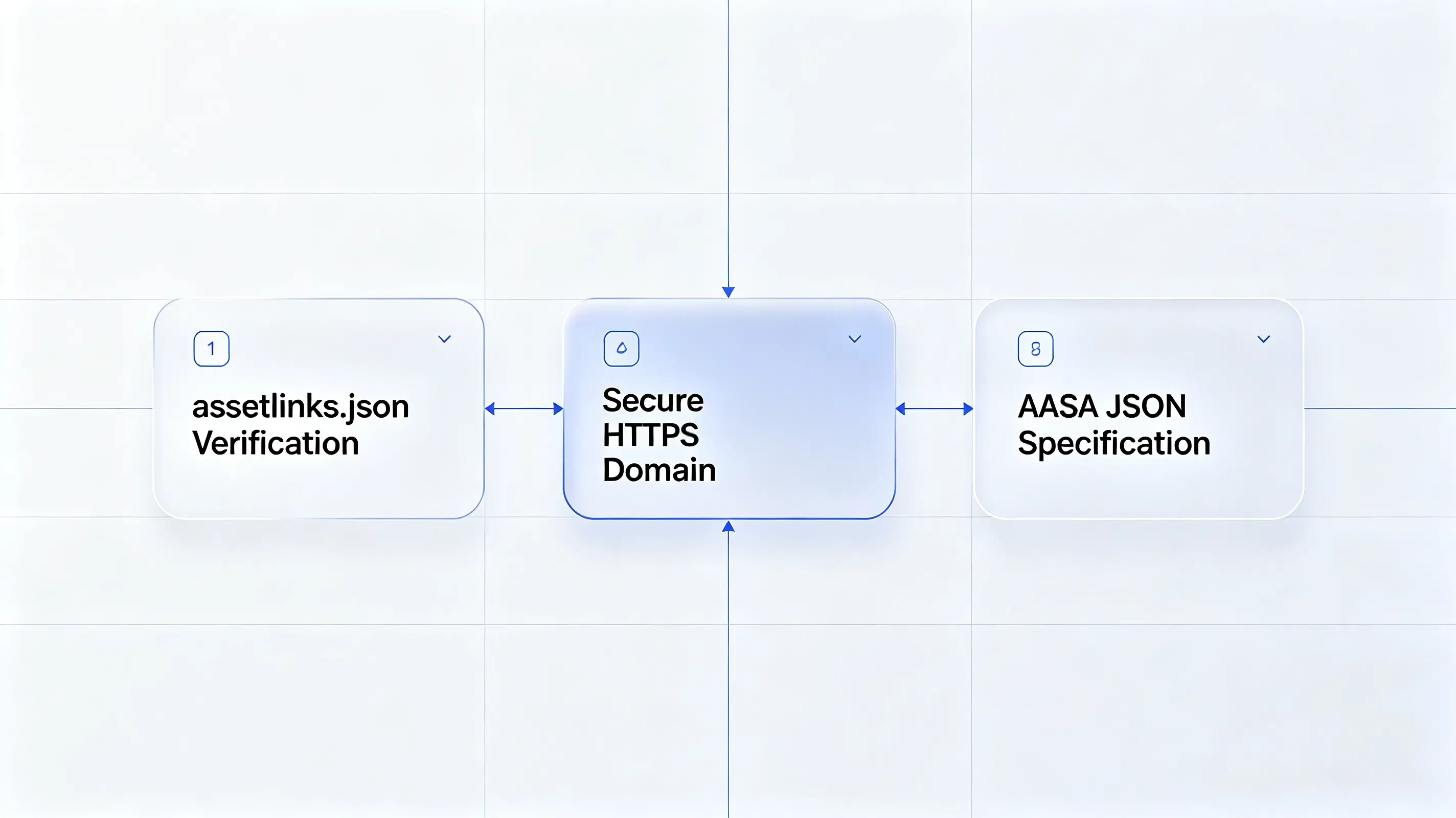
Android App Links require a JSON file named assetlinks.json hosted inside the .well-known directory of your secure HTTPS domain. The operating system’s package manager queries this file during app installation to verify that the app’s signing certificate matches the domain’s declared asset links. The file must be served with a content-type header of application/json and must contain your app’s exact package name along with its SHA-256 fingerprint certificate.
Refer to the standard structure below to format your Android asset verification file:
[
  {
    "relation": [
      "delegate_permission/common.handle_all_urls"
    ],
    "target": {
      "namespace": "android_app",
      "package_name": "com.opoinstall.travel",
      "sha256_cert_fingerprints": [
        "14:6D:E9:83:C5:30:06:22:98:5B:90:75:EF:C4:22:15:30:19:93:33:F4:6D:E9:83:C5:30:06:22:98:5B:90:75"
      ]
    }
  }
]
The iOS AASA JSON Specification: Formatting the Apple App Site Association
iOS Universal Links rely on an unsigned JSON file named apple-app-site-association (AASA). Similar to Android, this file must reside in the .well-known directory.
How so? Unlike Android, which verifies App Links instantly via Google Play Services, iOS queries the domain through Apple’s CDN proxy. The file structure defines your application ID (a concatenation of your 10-character Team ID and your bundle identifier) and an array of wildcard paths that trigger native launches.
Refer to the structural standard below to format your iOS association file:
{
  "applinks": {
    "apps": [],
    "details": [
      {
        "appID": "6E65F4E7IUX.com.opoinstall.travel",
        "paths": [
          "/booking/*",
          "/promo/*"
        ]
      }
    ]
  }
}
Apple Universal Links vs Android App Links: Protocol and Verification Comparison
To evaluate how these verified native routing protocols compare against legacy URL schemes under operating system constraints, analyze the technical matrix below:
| Architectural Metric | Android App Links | iOS Universal Links | Custom URL Schemes (Legacy) |
|---|---|---|---|
| Verification File Name | assetlinks.json (JSON format) |
apple-app-site-association (Raw JSON) |
None (Requires no server-side verification file) |
| Verification Trigger | Verified by Google Play Services upon application installation. | Cached and queried by Apple’s global CDN proxy upon install. | No system-level verification; registered directly in app manifest. |
| Redirection Experience | Bypasses system dialogs; opens app instantly from web clicks. | Launches app natively without browser redirection prompts. | Prompts user with “Open in App?” browser dialog box. |
| Missing App Fallback | Gracefully falls back to web browser rendering on the domain. | Defaults smoothly to Safari browser, rendering the original web page. | Fails completely, triggering an “Address is Invalid” browser popup. |
Deploying Opoinstall SDK to Automate Universal Links and App Links Routing
Configuring, validating, and maintaining AASA and Assetlinks manifests across hundreds of dynamic marketing campaigns is a common point of engineering failure. Integrating a unified mobile attribution SDK resolves these operational challenges by automating the entire server-side hosting architecture.
Registering Your Routing Domains in the Developer Console
Your integration begins by mapping your branding domains in your attribution dashboard. To align your web landing pages with your native app, you can refer to the official deep linking integration guidelines for cross-platform mapping. The SDK automatically generates, hosts, and cryptographically signs both your AASA and assetlinks.json files on a global CDN, completely eliminating manual server-side file maintenance.
Integrating the Lightweight SDK Framework
The next step requires integrating our lightweight one-click launch mobile SDK framework into your client builds. This non-blocking library hooks into your app’s entry methods to intercept incoming user activities.
Why does this matter? Under the hood, the system’s underlying wake-up timing sequence executes as follows:
- The user clicks a verified HTTPS campaign link in an external browser.
- The operating system intercepts the URL request and queries its local registry database to see if the domain is associated with an installed app.
- If a match is found, the OS bypasses the web container entirely, launching the app within milliseconds.
- The OS passes the URL payload directly to the app delegate or launcher activity.
- If the app is missing, the OS defaults to rendering the web page in the default browser.
Analyzing Fallback Mechanisms: How URL Schemes Rescue Non-Installed Users
When a native link fails because the application is missing, the platform automatically falls back to standard web-to-app redirection.
On Android, the platform can bypass the Play Store and deliver a direct APK download, utilizing the standard Google Play Install Referrer API to capture install payloads. This ensures that custom parameters (like inviter IDs or campaign tracking tokens) are safely passed through the installation barrier, providing an uninterrupted referral loop even on first install.
Debugging Android 12 Verification Failures: A Case Study of assetlinks Verification
A major travel application underwent a standard system update. During staging, the QA team reported that deep links in promotional emails failed on Android 12 and 13 devices, forcing users to choose a web browser instead of launching the app natively.
Abnormal Symptoms: Choosing Browsers and Choices Dialog Friction in Android 12
On older devices, the deep links functioned properly. However, Android 12 introduced a strict verification policy: if any declared domain fails the assetlinks.json handshake, the system disables App Links for all domains declared in the manifest, reverting the user journey back to the jarring browser chooser dialog.
CLI Verification Commands and Google’s Verification Crawler Checks
The engineering team initiated a technical audit. First, they executed a command-line entitlement check on the target device via Android Debug Bridge (ADB) to inspect the verification state of the package:
# Query the local package manager to verify Android App Link domains
$ adb shell pm get-app-links com.opoinstall.travel
The command-line output returned a state: 1024 (unverified) status. This confirmed that the Android package manager rejected the domain-to-app association during installation.
Digital Asset Links JSON Alignment and SSL Handshake Adjustments
The developers queried Google’s digital asset link verification crawler to isolate the error. The crawler logs revealed a TLS handshake timeout: the web server hosted the assetlinks.json file behind a firewall that blocked automated Google crawler IPs.
Furthermore, the server was executing a 301 redirection from the HTTP port to HTTPS. Because Android’s verification system strictly forbids HTTP redirects for App Links, the automatic handshake failed.
To resolve the blockage, the team configured their web server to return a direct HTTP 200 response on port 443 with the application/json header, bypassing any HTTP redirects.
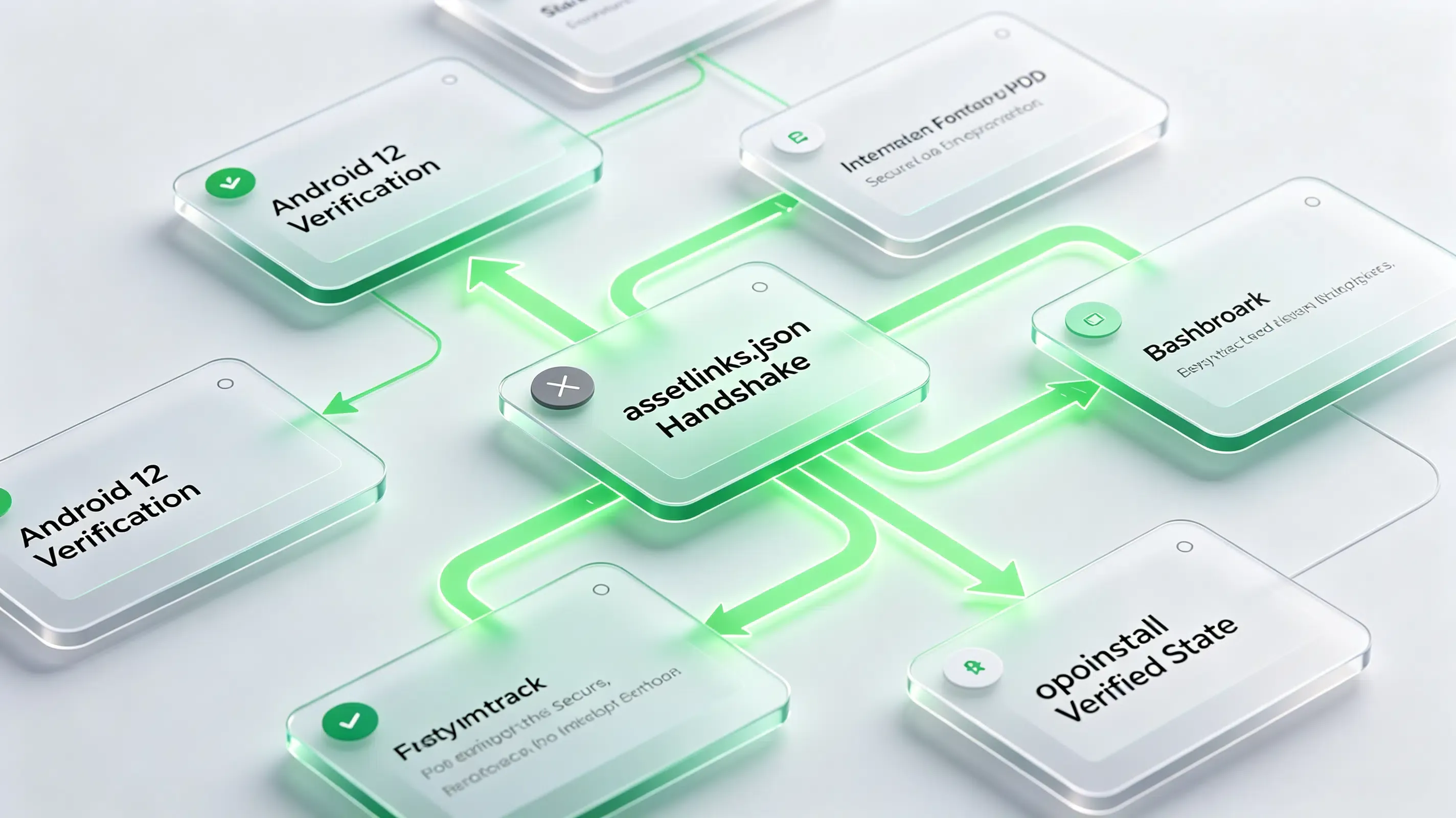
Post-Migration Performance Audit: 98.7% Redirection Accuracy Reached
After re-installing the updated package, the engineering team re-ran the ADB verification tool. The command returned a verified state.
The SDK instantly intercepted the deep-link intents without triggering chooser dialogs. The cross-platform redirection accuracy surged back to 98.7%, successfully restoring the seamless booking experience for all campaign users and protecting the client’s marketing ROI.
Frequently Asked Questions (FAQ)
What is the difference between App Links and Universal Links?
Why does my Android App Link open in the default browser instead of the app?
How does the attribution SDK handle deep link redirection when the app is not installed?
As mobile operating systems tighten privacy sandboxes, the deep-linking landscape must evolve. The depreciation of legacy tracking IDs like IDFA means that deterministic redirection must rely entirely on secure, first-party domain association. Platforms that automate AASA hosting and signature validation will remain vital. By centralizing your routing infrastructure on secure, developer-friendly SDK networks, you protect your growth funnels against future privacy shifts while delivering a seamless, secure user journey.
Share this article