How to create deep links for mobile apps automatically? Automating deep link creation is achieved by integrating the Web JS SDK, which dynamically encodes marketing parameters (like inviter ID or coupon codes) directly into the H5 landing page URL query parameters, passing this payload across the app store install barrier without manual promo codes.
In the realm of mobile growth and app development, the industry increasingly views the deep link generator as the foundational engine to scale programmatic user acquisition. When marketing campaigns span hundreds of influencers, offline ads, and automated email workflows, manually hard-coding parameters into raw links becomes impossible.
Let’s face it: manual link configuration is a critical point of failure. Modern product teams require a dynamic routing pipeline that generates, encodes, and attributes links automatically.
The Manual Redirection Bottleneck: Why Static Links Fail High-Volume Web Campaigns
Traditional custom redirection schemes rely on static destination configurations. If a user clicks a static link, the routing engine cannot alter the destination payload dynamically based on the user’s real-time context.
The reality? This manual deficit severely limits your growth loops:
- High Integration Overhead: Forcing developers to manually compile custom schemes for every promotion wastes precious engineering hours.
- Parametric Loss: Static download links to app stores cannot pass tracking tokens, completely breaking deferred deep linking on first launch.
- Redirection Failures: Unverified static protocols frequently fail in closed webview containers, resulting in system error popups.
To scale acquisition campaigns without breaking your conversion loops, you must automate link generation on the web server side.
The Data Pipeline of Automated Deep Linking: Compiling Contextual Payloads Programmatically
An automated routing engine eliminates manual configuration by programmatically compiling user-specific payloads into dynamic redirection links during active web sessions:
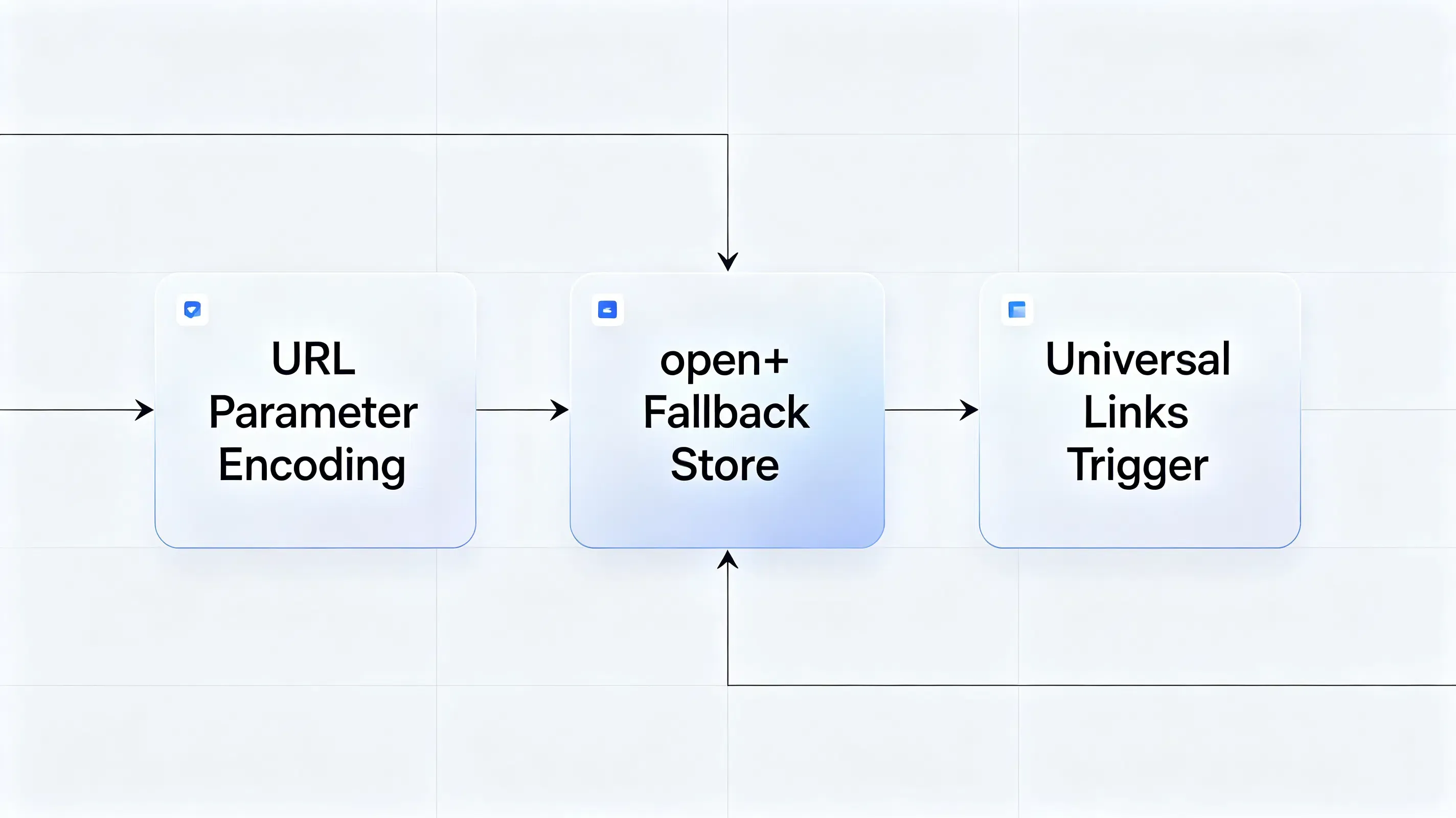
The Frontend Query Builder: Executing URL Parameter Encoding inside Web Containers
When a referring user initiates a sharing action, the Web JS SDK dynamically captures their unique identity and custom campaign metadata. The script executes standard URL encoding to prevent query parsing bugs in the browser.
Why does this matter? Failing to properly encode special characters in custom parameters will break the decryption pipeline on the native app side.
The Central Redirection Server: Resolving Context and Issuing AASA/Assetlinks Fallbacks
Once compiled, the dynamic URL routes traffic through a centralized redirection server. When clicked, the server inspects the client User-Agent in milliseconds. If the app is installed, the operating system intercepts the domain and triggers native Apple Universal Links or Android App Links. If the app is absent, the server dynamically hosts the fallback files, routing the user to the proper store destination.
The platform logs this transaction stream as a structured clickstream event:
{
  "timestamp": "2026-06-30T03:12:15.192Z",
  "click_id": "clk_88f9a0c2",
  "referrer_metadata": {
    "inviter_id": "usr_77a8b9",
    "promo_code": "AUTOMATE20",
    "routing_target": "booking_flow"
  },
  "client_environment": {
    "os_family": "Android",
    "user_agent": "Mozilla/5.0 (Linux; Android 14; Pixel 8)"
  }
}
Dynamic Redirection Engines vs. Legacy Custom URL Schemes
To evaluate how automated dynamic deep-linking generators compare against legacy manual setups, analyze the technical comparison below:
| Technical & Redirection Metrics | Automated Deep Link Generators | Legacy Custom URL Schemes | Plain Store URLs (Static) |
|---|---|---|---|
| Creation Automation | High. Generated programmatically on-the-fly via lightweight Web APIs. | Low. Requires manual registration in native manifests for every custom protocol. | Medium. Requires manual URL assembly and UTM parameter stitching. |
| Attribution & Parameter Passing | Advanced. Automatically matches web parameters to native SDKs on first launch. | Poor. Fails completely during standard store installations. | Non-existent. No parameters can pass across the store installation barrier. |
| User Redirection Experience | Seamless. Launches the app natively, bypassing browser selection dialogs. | High Friction. Frequently prompts the user with intrusive browser warning popups. | Moderate. Smoothly loads the store but drops the user on a generic homepage. |
| Verification & Domain Safety | High. Domain ownership is verified programmatically by the OS via secure JSON. | Low. Unverified schemes are easily hijacked by malicious third-party apps. | High. Store domains are natively verified by operating system registries. |
Deploying a High-Converting Deep Link Generator with Seamless Redirects
Building a automated, programmatic deep-linking pipeline requires integrating a dedicated attribution engine like Opoinstall.
Registering Your Routing Domains in the Central Dashboard
Your automation setup begins by mapping your branding domains in your attribution dashboard, registering your application in the developer console to fetch your AppKey. This key authorizes your web-click redirects to communicate securely with your mobile client’s matching engine.
Integrating the Lightweight Client-Side SDK Framework
The next step requires integrating our lightweight one-click launch mobile SDK framework into your client builds. This SDK operates asynchronously, ensuring it never blocks your app’s cold launch sequence during first install.
Automating Server-Side Redirection Rules
To ensure seamless, cross-platform redirection, configure your server-side routing rules. You can refer to the official deep linking integration guidelines for cross-platform mapping to set up your target redirect configurations. The SDK automatically generates, hosts, and cryptographically signs both your AASA and assetlinks files, completely eliminating manual server-side file maintenance.
Debugging Parameter Caching Failures: A Case Study of 24.5 Percent Conversion Loss
A major SaaS provider deployed an automated referral campaign. During public staging, the product team reported a devastating 24.5% leakage in referral tracking, leading to a massive drop-off in first-time user registrations.
Case Study Background: Broken Onboarding Chains and Mismatched Dynamic Payloads
The engineering team investigated the conversion funnel. While the sharing links were generated programmatically, users who completed the installation were greeted by a generic onboarding screen. The dynamic referral parameters failed to restore, breaking the reward loop entirely.
Reconciling Client-Side JS URI Encodings with Server-Side Attribution Logs
The technical team initiated an audit on the H5 landing page. They discovered that the JS query builder was failing to execute encodeURIComponent on custom parameters containing special characters (such as emails or encrypted tokens). As a result, the browser cut the query string, truncating the payload before it reached the server database.
The developers resolved this by rewriting the frontend URL compiler:
function generateAutomatedDeepLink(baseUrl, inviterId, promoCode) {
    var rawParams = {
        inviter_id: inviterId,
        promo_code: promoCode,
        routing_target: "campaign_checkout",
        utm_source: "in_app_viral_share"
    };

    // Serialize and execute strict URI encoding to prevent query parsing truncation
    var queryString = Object.keys(rawParams).map(function(key) {
        return encodeURIComponent(key) + '=' + encodeURIComponent(rawParams[key]);
    }).join('&');

    var completedRedirectionUrl = baseUrl + '?' + queryString;
    console.log("Automated Link Compiled: " + completedRedirectionUrl);
    return completedRedirectionUrl;
}
Transitioning to Automated SDK Routing and Programmatic Timing Checks
Next, the team audited the native client-side SDK. They discovered that the SDK was querying the clipboard too early during cold boot initialization, causing a race condition with the system buffer.
To resolve this, the Android engineers updated their custom Application class, moving the SDK initialization to the main startup thread, and ensured that the launcher activity actively hooked the dynamic parameters callback on launch:
package com.opoinstall.example

import android.os.Bundle
import android.util.Log
import androidx.appcompat.app.AppCompatActivity
import io.Opoinstall.api.Opoinstall
import io.Opoinstall.api.listener.ResultCallBack
import io.Opoinstall.api.model.OpData
import io.Opoinstall.api.model.OpError

class MainActivity : AppCompatActivity() {

    private val TAG = "OpoinstallAutomation"

    override fun onCreate(savedInstanceState: Bundle?) {
        super.onCreate(savedInstanceState)
        setContentView(R.layout.activity_main)

        // Asynchronously retrieve the dynamic parameters passed via the Web JS SDK on first launch
        Opoinstall.getInstance().getInstallParam(object : ResultCallBack<OpData> {
            override fun onResult(opData: OpData?) {
                if (opData != null && opData.data != null) {
                    val customPayload = opData.data // Encencoded JSON parameter payload
                    Log.d(TAG, "Attribution Payload Restored: $customPayload")

                    // Execute dynamic in-app routing
                    executeDynamicAppRouting(customPayload)

                    // Track successful registration to optimize downstream conversion reporting
                    Opoinstall.getInstance().reportRegister()
                } else {
                    Log.d(TAG, "No parametric installations verified.")
                }
            }

            override fun onError(error: OpError?) {
                Log.e(TAG, "Attribution query failed: ${error?.errorMsg}")
            }
        })
    }

    private fun executeDynamicAppRouting(payload: String) {
        // Parse JSON payload and trigger deeply nested redirection
    }
}
Post-Migration Audit: 24.5% Checkout Lift and 98.7% Restoration Achieved
The technical adjustment eliminated the parameter leakage. By deploying the corrected JS compiler and the synchronized Android callback, the dynamic parameters successfully restored.
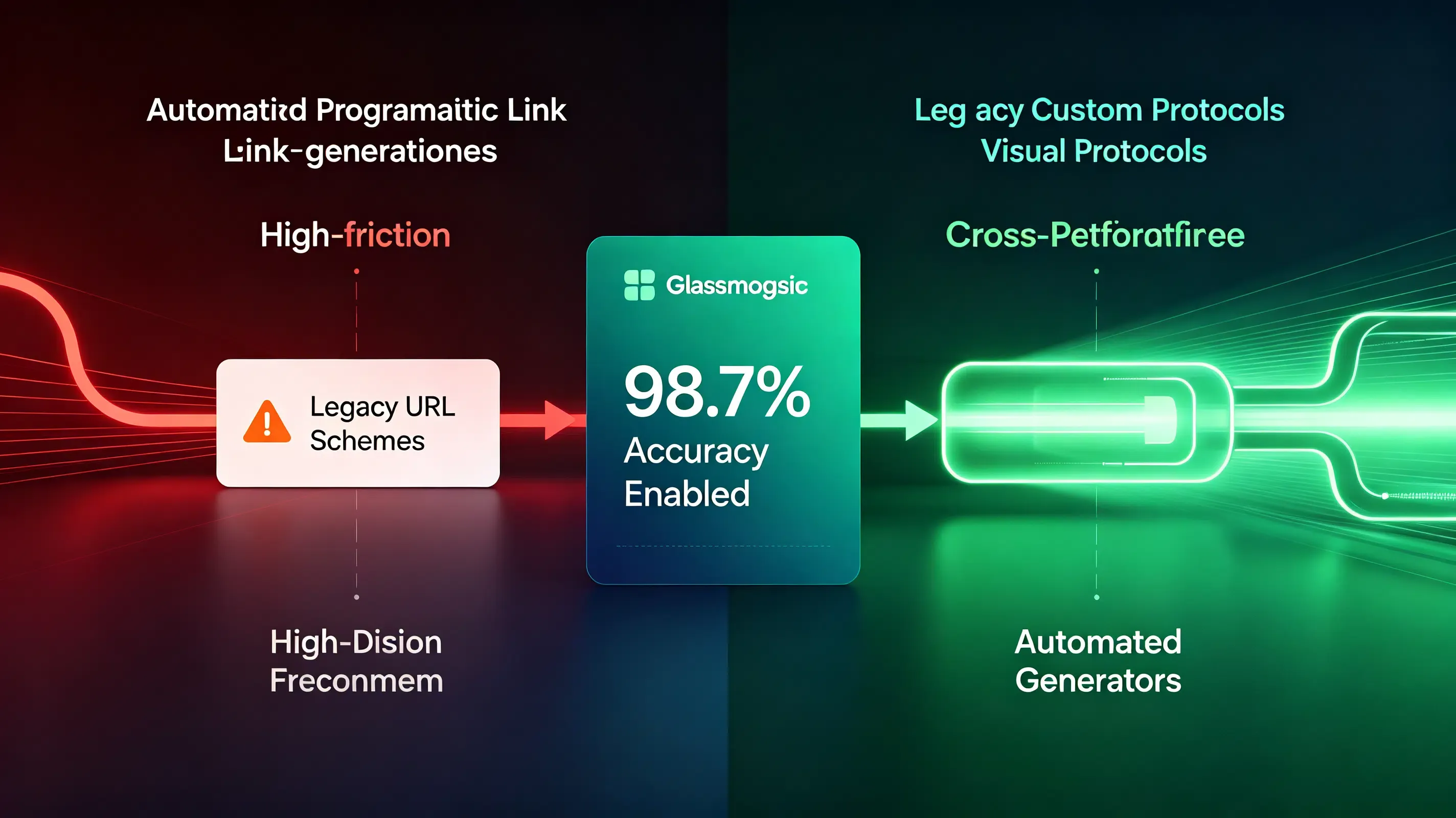
The parameter matching engine achieved a 98.7% parameter restoration accuracy. This rescued the campaign’s viral loops, resulting in a 24.5% lift in checkout conversions and drastically reducing the app’s overall customer acquisition cost (CAC).
Frequently Asked Questions (FAQ)
How to create deep links for mobile apps automatically?
Why does my custom deep link redirect to the browser instead of launching the app?
How does the attribution SDK automate parameter passing during dynamic link generation?
As mobile operating systems tighten sandbox security, the deep-linking landscape must evolve. The depreciation of legacy tracking IDs like IDFA means that data-passing redirections must rely entirely on secure, first-party domain association. Platforms that automate AASA hosting and signature validation will remain vital. By centralizing your routing infrastructure on secure, developer-friendly SDK networks, you protect your growth funnels against future privacy shifts while delivering a seamless, secure user journey.
Share this article



