Chrome Incognito Safe Browsing Proposal? A Chromium code change proposed enabling hash-prefix real-time Safe Browsing lookups in Incognito and Guest profiles behind a disabled-by-default feature flag. However, code review record CL 8766497 is currently marked abandoned, so this patch alone does not establish an active rollout plan or release date. Early coverage discussed the proposal as a possible upgrade, but examining the commit reveals technical discussions on how Chromium balances ephemeral session state with real-time threat telemetry. For web and mobile development teams, this architectural debate offers valuable insights into how browser security models evaluate navigation paths and how private browsing environments handle external link routing.
The Security Proposal: What the Chromium Code Actually Shows
At a Glance
- A proposed Chromium code change explored bringing hash-prefix real-time Safe Browsing lookups to Incognito and Guest profiles under the disabled feature flag
kHashPrefixRealTimeLookupsOnIncognitoAndGuest. - The specific code review entry, CL 8766497, was marked abandoned shortly after submission, meaning it represents an exploratory implementation rather than an active deployment schedule.
- The proposal addressed an established technical challenge: bridging the latency gap between local threat lists and rapidly shifting malicious domains without persisting OHTTP key updates fetched during the private session to disk.
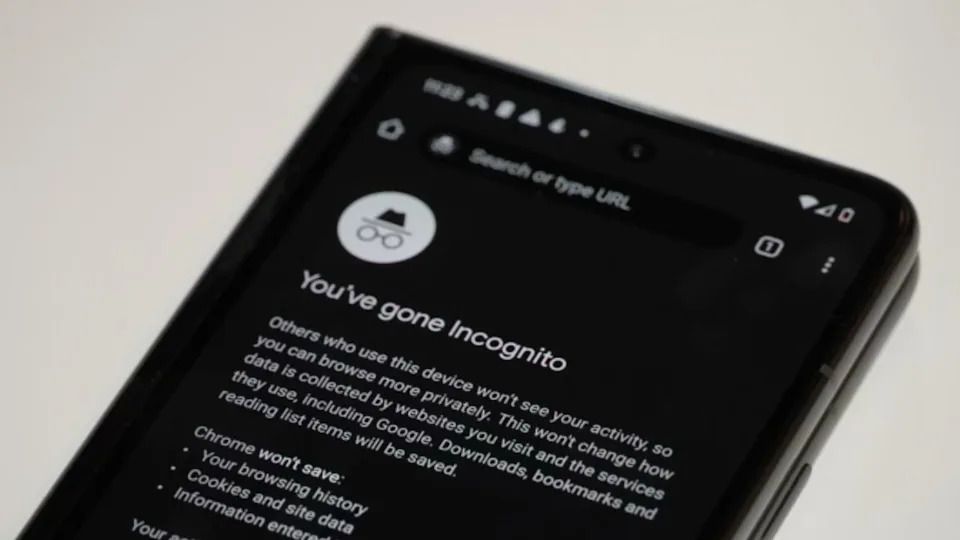
Understanding browser security architecture requires examining actual code implementations rather than speculative commentary. In early November 2026, technology outlets reported on an experimental change within the open-source Chromium review repository. The proposed modification investigated whether Chrome’s real-time Safe Browsing checks could be enabled inside Incognito and Guest windows without compromising session privacy.
Technical inspection of the code review record shows that the patch introduced a dedicated configuration flag: kHashPrefixRealTimeLookupsOnIncognitoAndGuest. However, the review log indicates that the change was marked abandoned on November 9, 2026. While the abandonment of a single code review does not indicate that Google has discarded the broader objective of strengthening private browsing security, it confirms that CL 8766497 does not represent an approved or scheduled production release.
The underlying technical dilemma remains relevant. When Google introduced real-time desktop Safe Browsing in 2024, as documented in the Google Keyword Blog on Safe Browsing Real-Time Protections, platform metrics highlighted that newly registered malicious domains frequently operate for less than 10 minutes, whereas locally stored threat hash lists typically update on a 30 to 60 minute cycle. In private browsing modes, balancing up-to-date threat detection against the strict requirement to discard session artifacts upon closing presents ongoing engineering hurdles.
Technical Deep Dive: OHTTP Key Scopes and Asynchronous Inspections
The architectural discussion within the Chromium patch centered on how cryptographic keys and network lookups should be partitioned when Chrome Incognito Safe Browsing capabilities are evaluated.
Memory Overlays and Protection Levels
In standard browsing, Chrome Safe Browsing operates through distinct tiers configured in user settings:
- Standard Protection: Performs hash-prefix lookups through Oblivious HTTP (OHTTP) relays that hide client IP addresses from the lookup server. However, as noted in official Google Chrome Help Documentation, when suspicious page behavior is detected, Standard Protection may also transmit full URLs and limited page snippets for deeper analysis.
- Enhanced Protection: Proactively evaluates real-time URLs, downloads, and system telemetry against known threats while also identifying previously unknown, emerging threats.
The abandoned Chromium proposal addressed how the OHTTP protocol would operate within private profiles. Specifically, the patch designed Incognito profiles to read cached OHTTP public keys from the user’s regular profile upon construction, while directing any newly fetched or rotated keys to an in-memory overlay. This structure ensured that cryptographic key updates acquired during a private session were stored solely in volatile RAM and purged upon closing all Incognito windows, rather than written to persistent disk storage.
[User Navigates in Incognito Profile]
                  │
                  ▼
[Page Navigation Initiates] ───────────────────────┐
         │                                                               │
         ▼ (Concurrent Lookups)                                 ▼ (Parallel Load)
[Remote / Local Safe Browsing Check]                          [Resource Fetch & Render]
         │                                         │
         ├─────────────────────────────────────────┤
         ▼                                         ▼
(Threat Verdict Received?)                (Check Ongoing / Clean)
         │                                         │
    ┌────┴────┐                                    ▼
    │         │                          [Display Destination]
  (Yes)      (No)
    │         │
    ▼         ▼
[Warning] [Continue]
Note: Simplified illustration of asynchronous remote checks; certain local security evaluations remain synchronous.
Disentangling Lookup Latency from Security Interstitials
Marketing and growth analyses often confuse lookup performance with threat verdicts. Google’s technical publications on Optimizing Safe Browsing Checks in Chrome explain that Chrome supports asynchronous remote Safe Browsing checks that can run while a page loads; some local checks remain synchronous.
A latency spike alone does not classify a site as dangerous. Safe Browsing warnings depend on a threat verdict from the applicable protection mechanisms; a hash-prefix match alone should not be treated as a final unsafe verdict. Furthermore, persistent cookies in regular profiles do not lower Safe Browsing lookup latencies, nor does every intermediate redirect hop trigger an independent synchronous cloud query.
For engineering teams evaluating external marketing funnels, the practical takeaway is to avoid unnecessary redirect layers, maintain verified domain reputations, and treat navigation performance, security warnings, and deep-link routing as separate, observable metrics.
Managing Web-to-App Journeys Across Privacy Environments
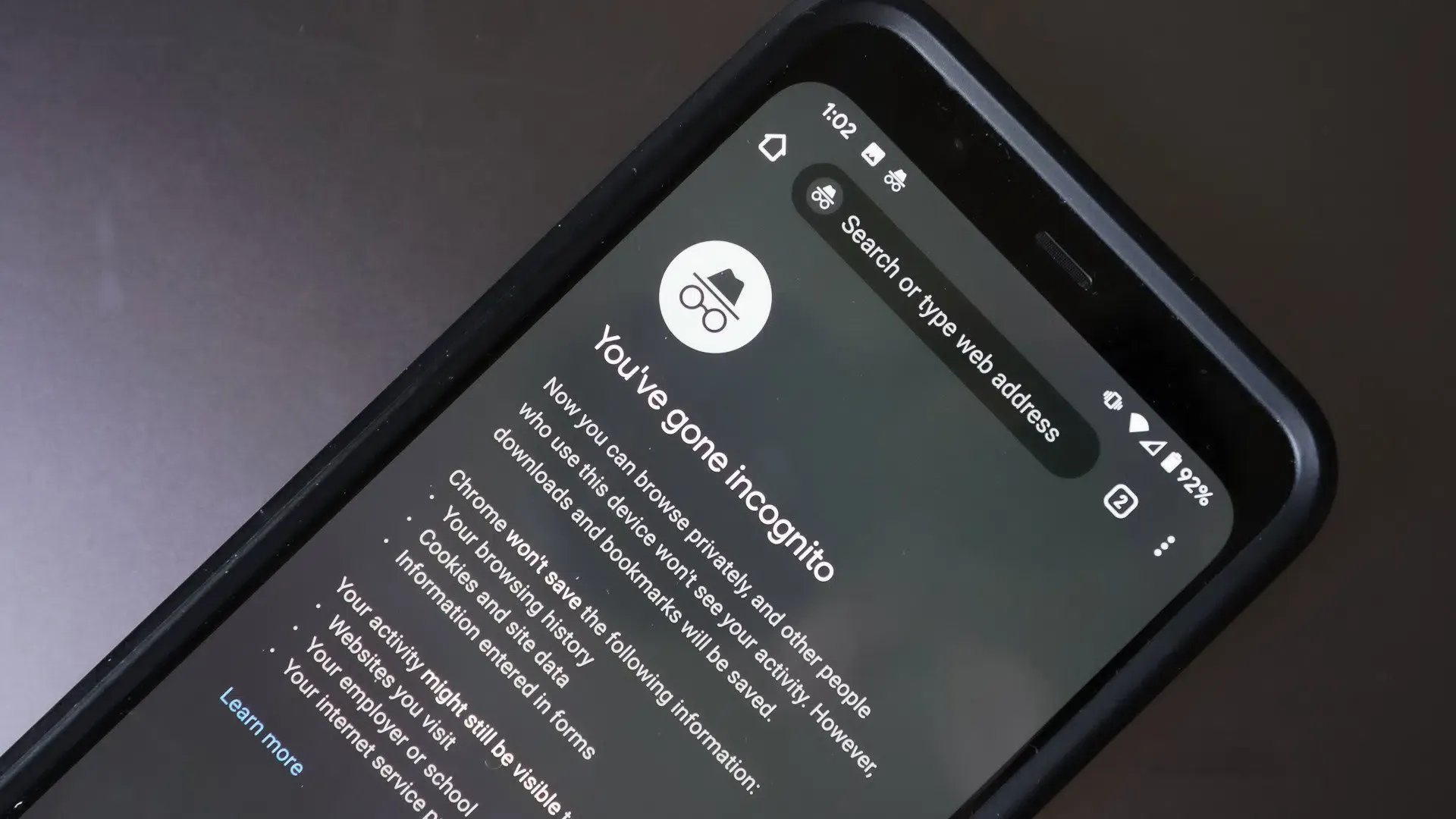
While Safe Browsing governs navigation security, private browsing modes also introduce distinct session boundaries. Under Google Chrome Help Documentation on Incognito, cookies and site data are maintained in temporary storage throughout an active Incognito session, allowing single-session navigation to proceed normally. Once all Incognito windows close and the private profile is destroyed, that temporary state is deleted.
This ephemeral lifecycle means that standard browser cookies cannot serve as a bridge to native applications installed after the private session ends. When development teams run acquisition campaigns where users may browse in Incognito mode, they must structure their routing and parameter preservation around supported, privacy-compliant mechanisms.
The table below contrasts standard approaches to managing cross-channel context continuity:
| Approach | Required Inputs | Cross-Install Capability | Missing-Parameter Fallback |
|---|---|---|---|
| Direct Link Navigation | URL parameters and supported app routing | Does not itself provide deferred recovery across installs | App-defined default or onboarding view |
| Google Play Install Referrer | Available referrer data from a supported Play Store installation | Supplies referrer data for app-side parsing and routing via the Play client | App-defined default or onboarding view |
| Supported Deferred Linking (e.g., OpoInstall) | Captured campaign parameters and a supported matching mechanism | May recover parameters under supported conditions | App-defined default or onboarding view |
In supported acquisition workflows, OpoInstall provides parameter installation and deferred deep-linking capabilities that can help an app receive captured campaign parameters after installation. Availability depends on the browser, platform, integration, and matching conditions. These capabilities do not change Safe Browsing verdicts, guarantee immunity from security warnings, or guarantee recovery from every private-browsing session.
When an application receives restored parameters upon its initial launch, client-side routing logic must independently validate the payload before displaying the destination interface. Platforms utilizing the Google Play Install Referrer Documentation or third-party linking frameworks deliver routing metadata to the client application. However, backend services remain responsible for authenticating the user account, verifying resource access, and confirming transaction eligibility.
Testing Matrix: Validating Navigation Links and Context Continuity
Technical teams auditing web-to-app marketing links can structure their quality assurance around verifiable, controlled test environments.
Controlled Navigation and Installation Testing
- Test Protocol: Execute controlled test runs in explicitly opened Incognito and Guest profiles across recent Chrome builds, documenting protection tiers (Standard vs. Enhanced), redirect latency, and final landing resolutions. These tests establish current browser behavior and do not validate deployment of CL 8766497.
- Domain Reputation Audit: Verify all campaign domains and intermediate subdomains through Google Search Console’s Security Issues report to identify legitimate classification issues proactively.
- Link Topology Optimization: Reduce multi-hop tracking chains by pointing promotional assets directly to authenticated primary domains configured with verified Android App Links or iOS Universal Links.
In-App Scene Restoration Validation
- Intent Handling: Verify that application routing components gracefully handle missing, malformed, or delayed parameter payloads, defaulting to general category views rather than displaying empty states.
- Separation of Routing and Entitlements: Treat deep-link parameters as hints for screen navigation. Ensure that account balances, promotional credits, and user permissions are validated strictly through authenticated server endpoints.
- Fallback Instrumentation: Implement client-side logging to record when an external link opens the application successfully versus when an installation flow falls back to the default home screen.
Frequently Asked Questions (FAQ)
Does Chrome Incognito mode make web browsing completely anonymous?
What did Chromium CL 8766497 propose, and what is its current status?
Does using a deep-linking SDK prevent a website from triggering Safe Browsing warnings?
Key Takeaways for Engineering Teams
The architectural debate surrounding private browsing security illustrates the ongoing challenge of balancing client-side privacy with real-time threat intelligence. While experimental implementations like CL 8766497 demonstrate that browser engineers are exploring ways to update security checks without compromising local data isolation, development teams must build systems that respect platform privacy boundaries.
To ensure resilient user journeys, engineering organizations should focus on clean domain architectures, robust Android App Links, and transparent state management. Rather than relying on fragile redirect chains or assuming persistent browser cookies, teams should deploy verified, first-party routing links paired with server-side parameter restoration where supported. Maintaining rigorous security hygiene and building graceful fallbacks helps improve resilience as platform security models evolve.
References
-
Chromium Code Review: Issue 8766497 (Status: Abandoned) — Enable Hash-Prefix Real-Time Lookups on Incognito and Guest
-
Google Chrome Help: Manage Safe Browsing Protection Levels in Chrome
-
Google Chrome Help: How Incognito Mode Works in Google Chrome
-
Google Chromium Blog: Optimizing Safe Browsing Checks in Chrome
-
Google Keyword Blog: Google Chrome Safe Browsing Real-Time Protections
-
Google Developers: Google Play Install Referrer API Documentation
-
OpoInstall Documentation: Deferred Deep Linking and Parameter Pass-Through Framework
Share this article