Google Releases Android 17 QPR2? Google has begun deploying the stable Android 17 QPR2 update to supported Pixel devices, while developers can evaluate platform-level framework behaviors using available Generic System Image builds. Arriving earlier than the typical quarterly schedule, this release combines consumer-facing Pixel Drop features with foundational changes to package installation permissions, notification management, and on-device privacy logging. For engineering and growth teams managing Android applications, understanding how these platform adjustments affect installation flows, push alert visibility, and contextual parameter handoffs is critical for planning upcoming release cycles.
Core Platform Scope: Distinguishing Stable OTA, GSI Builds, and OEM Timelines
At a Glance
- Google deployed stable Android 17 QPR2 over-the-air builds to compatible Pixel hardware, spanning from the Pixel 6a through recent flagship devices.
- Platform-level developer testing relies on experimental Generic System Image binaries built on Treble-compliant architectures rather than full production OEM firmware.
- Core updates introduce a tri-state package installer authorization dialog, consolidated notification presentation controls, and transparent on-device model logging.
Understanding Android platform releases requires distinguishing between device-specific feature drops and shared operating system framework updates. While Google released Android 17 QPR2 over-the-air packages for Pixel smartphones and tablets, rollout timing for non-Pixel hardware depends on individual manufacturer release roadmaps, regional carrier testing, and hardware tier schedules.
For broader ecosystem testing, Google maintains preview binaries through the Android Developers GSI Documentation and the Android 17 QPR2 GSI Release Notes. Built from shared AOSP and core library trees, these Generic System Image (GSI) packages enable preliminary testing on Treble-compliant devices that originally shipped with Android 9 (API level 28) or higher and feature an unlocked bootloader. However, engineering teams must recognize that GSI builds serve as experimental developer environments: GSI releases are not CTS-approved, lack OEM-specific proprietary services, and do not replicate final manufacturer-skinned runtime environments.
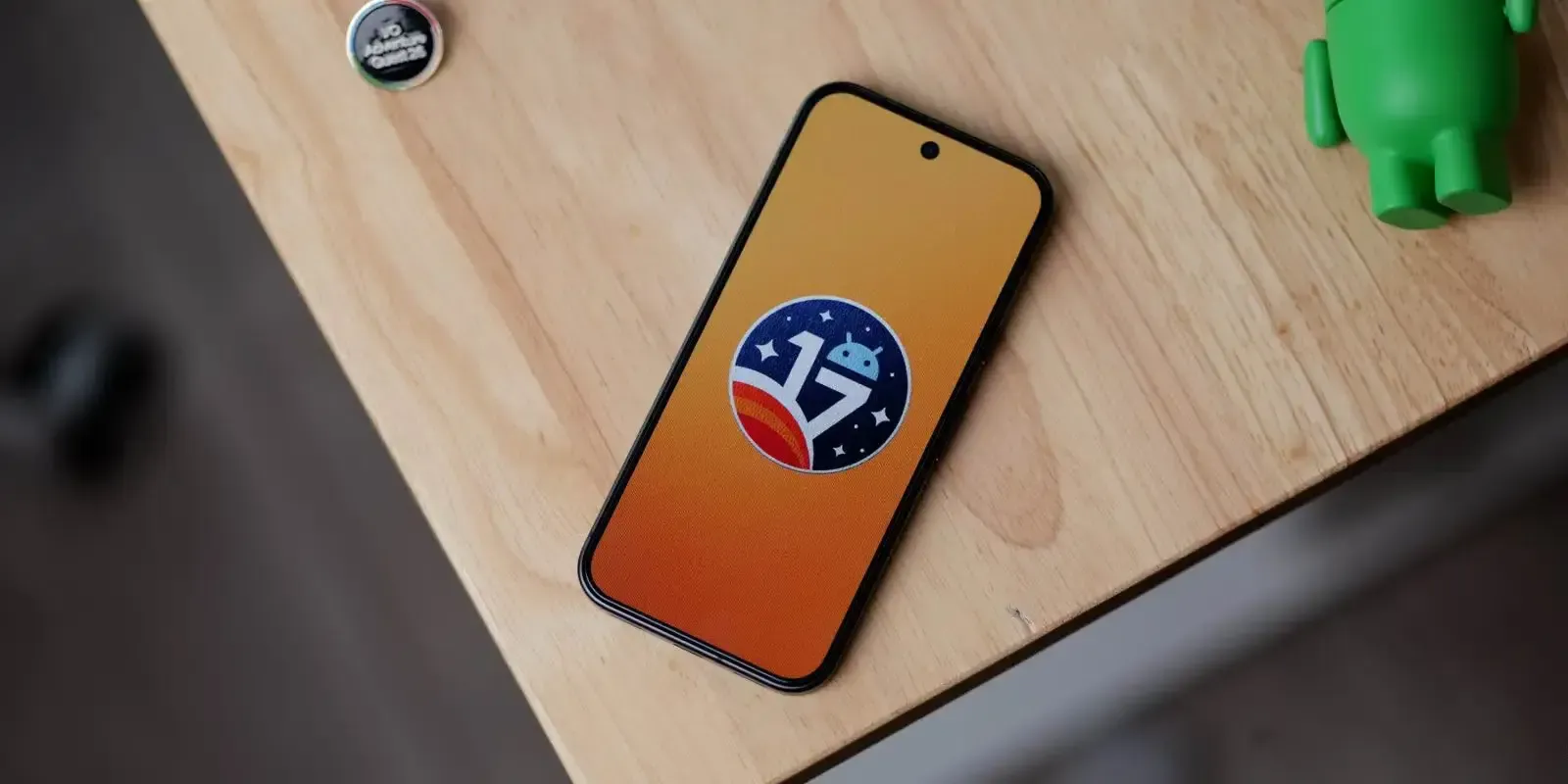
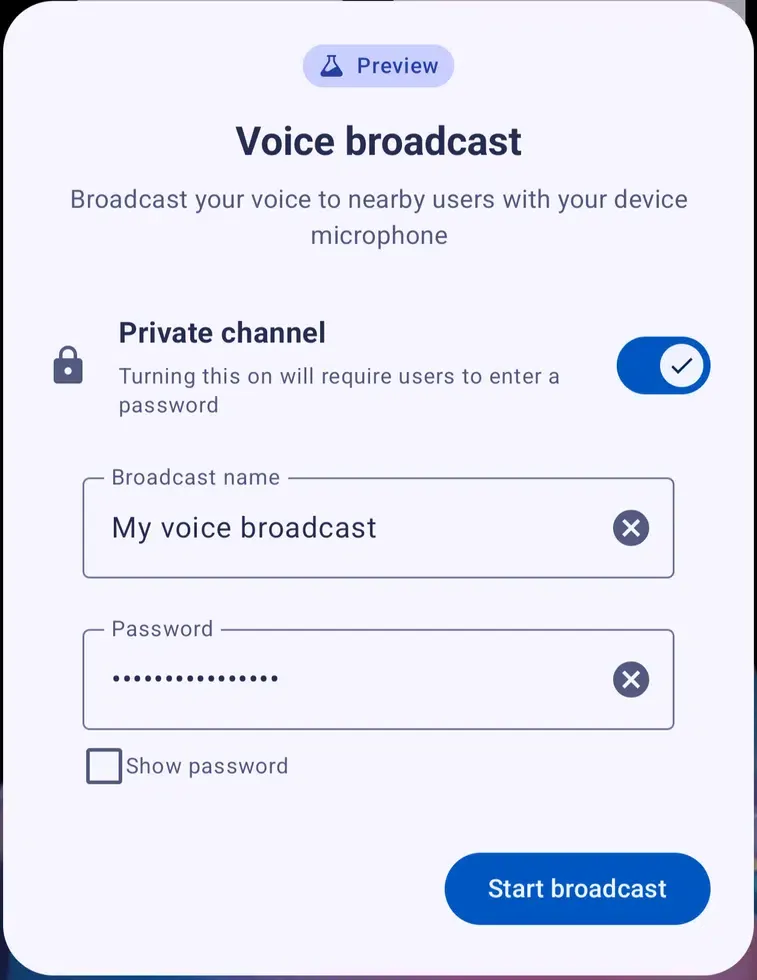
Technical overviews from 9to5Google Platform Reporting indicate that while visual modifications like custom accent sliders and lock screen widgets dominate consumer discussions, the foundational platform changes alter package installation management, background audio streaming, and status bar notification visibility.
Technical Deep Dive: Sideloading Authorization and Notification Behavior
The updates in Android 17 QPR2 introduce structural refinements to how applications request installation authority and how system services govern notification presentation.
The Tri-State Sideloading Authorization Architecture
When an application—such as a mobile browser, file manager, or enterprise distribution tool—initiates the installation of an external package using the standard package installer, Android 17 QPR2 replaces binary toggles with a tri-state dialog:
- Only this time: Grants the source application temporary authorization to invoke the package installer for the current installation session. Once the package installation concludes, the operating system automatically revokes this permission.
- Always allow: Assigns persistent installation authority to the source application, stored under special application access settings.
- Don’t allow: Dismisses the request and prevents the requested installation.
This mechanism applies strictly to package installations involving executable APK archives. It does not govern standard file downloads, such as media caching or document retrieval. However, development teams maintaining self-updating applications or enterprise suites must account for this behavior: if a user selects “Only this time,” subsequent attempts to install secondary modular packages or application updates will prompt the user again.
[Hypothetical External Sideloaded Acquisition Flow — Testable Developer Workflow]
User Initiates Direct APK Download (Web Landing Page)
                       │
                       ▼
    [Package Installer Authorization Request]
                       │
         ┌─────────────┴─────────────┐
         │                                                      │
  [Only This Time]                                          [Don't Allow]
  (Temporary Grant)                                              │
         │                                                      ▼
         ▼                                            [Installation Cancelled]
  [Execute Installation]
         │
         ▼
  [Revoke Grant on Finish]
         │
         ▼
  [First Application Launch]
         │
         ▼
  [Attempt Eligible Parameter Recovery]
         │
   ┌─────┴─────┐
   │                      │
(Success)     (Unavailable / Timeout)
   │                      │
   ▼                      ▼
[Route Target]      [Default Home]
Notification Presentation and Cooldown Controls
Push notification delivery involves distinct stages: transport-layer delivery, system-level presentation, alert notification, and user interaction. Android 17 QPR2 modifies how notifications are presented and prioritized on the client device.
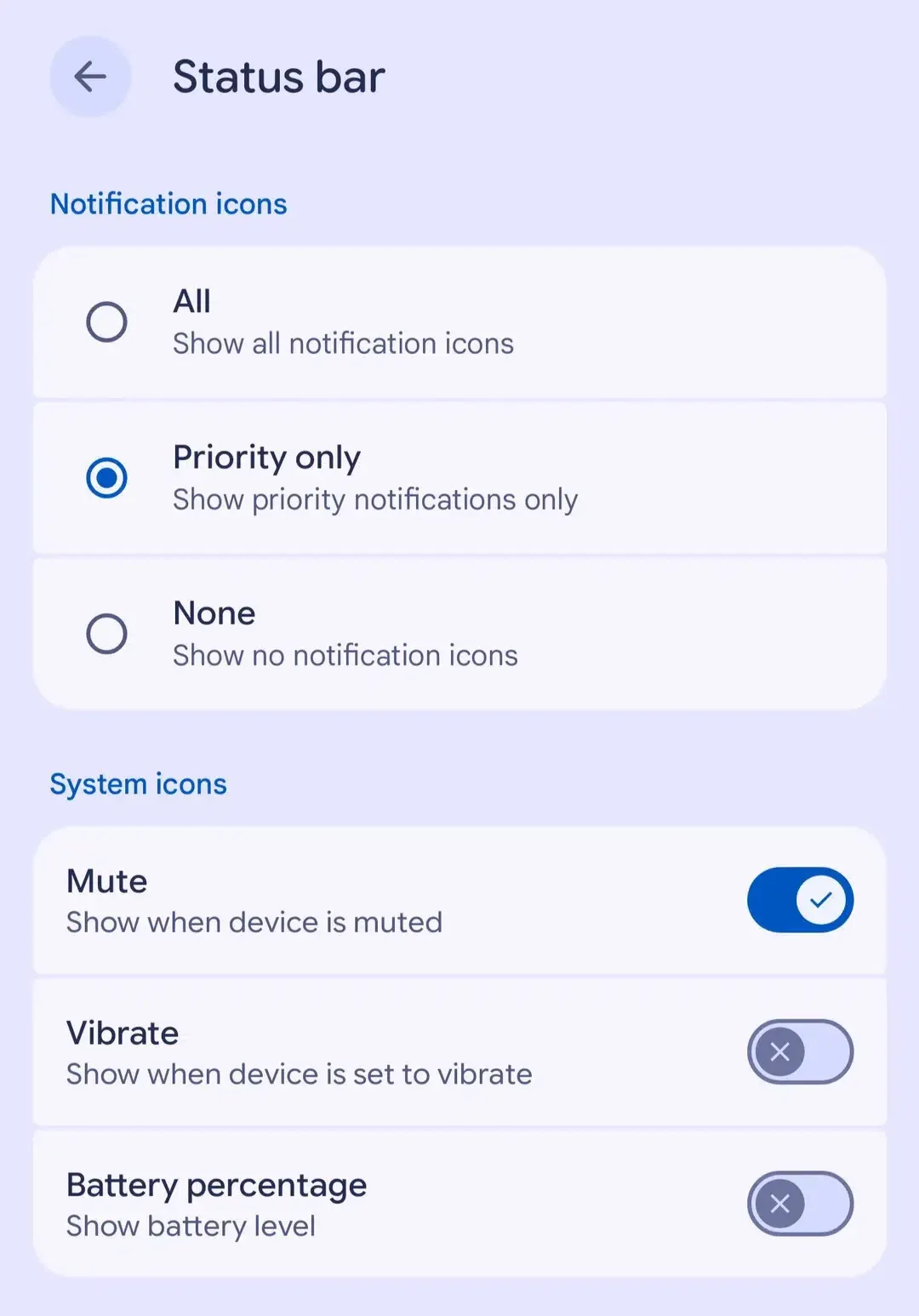
Under updated status bar settings, users can select whether the system displays all notification icons, priority icons only, or no icons at all. Concurrently, the platform consolidates notification controls into a unified system that includes an automated notification cooldown feature. As detailed in Google Help Documentation on Android Notifications, notification cooldown decreases alert volume and minimizes heads-up popup frequency when an application sends rapid bursts of messages within a short timeframe.
Crucially, cooldown does not throttle the underlying network delivery of push payloads, nor does it automatically suppress all marketing messages. Critical communications—including voice calls, alarms, and priority messaging conversations—are exempt from cooldown suppression. Nevertheless, teams relying on high-frequency messaging must test whether rapid sequential alerts lose audible prominence or visual banner placement.
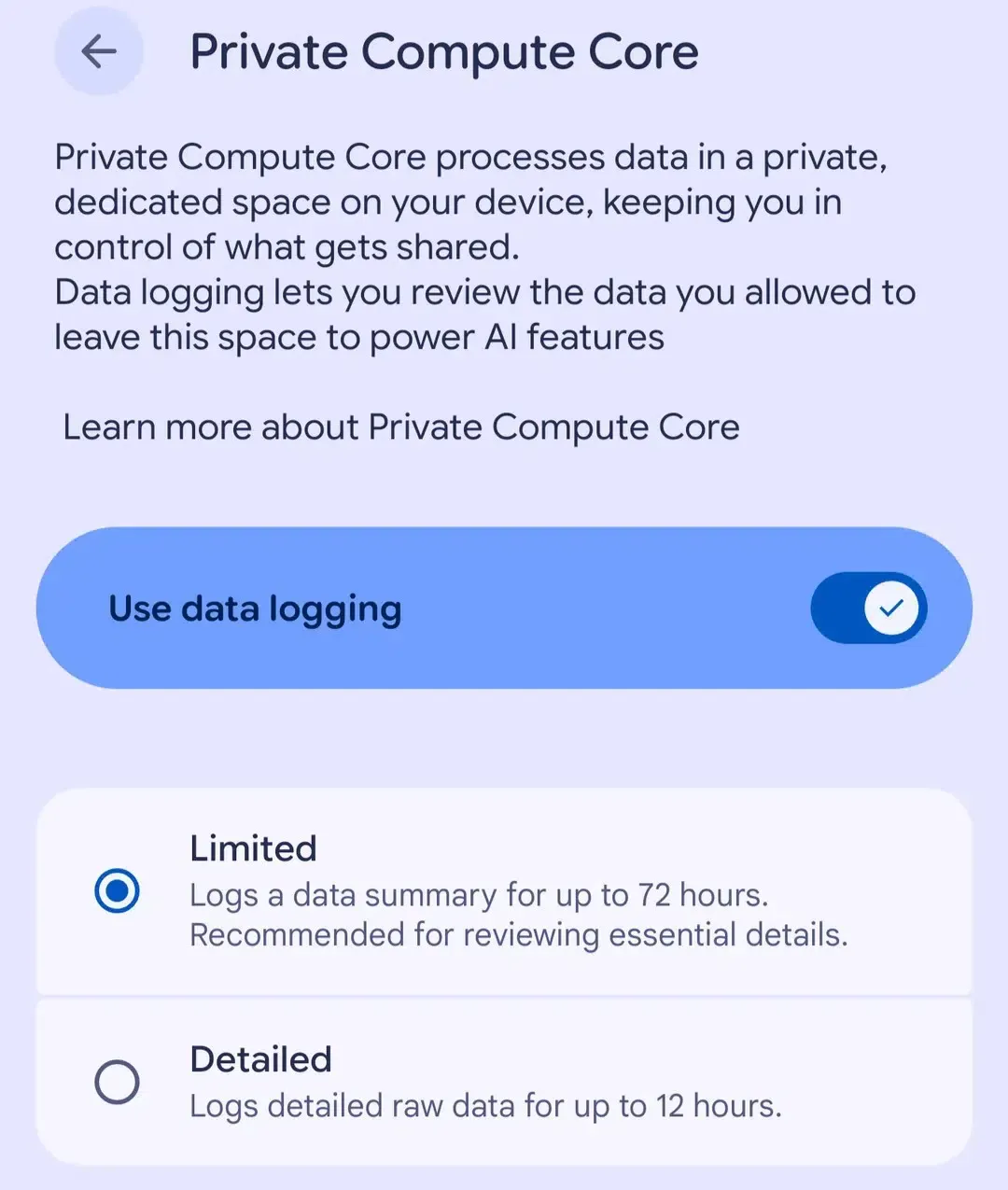
Additionally, Private Compute Core logging provides visibility into supported requests sent out of PCC. As noted in Google Help Documentation on Private Compute Core, current system documentation identifies Proactive Assistance requests as the available logging scope; this feature should not be interpreted as an exhaustive audit of all on-device model execution across third-party applications.
Managing Campaign Context Across Direct APK and Alternative Distribution Channels
When marketing campaigns distribute applications outside primary app stores via direct web downloads, maintaining campaign context presents unique engineering challenges. In Google Play Store distributions, developers can retrieve campaign parameters through the Google Play Install Referrer API Documentation provided by the Google Play Store client application. However, direct browser-based downloads bypass Google Play Store infrastructure entirely.
Furthermore, client-side web browser storage—including cookies governed by domain isolation—is not automatically transferred to an installed native application’s local sandbox. To connect a user’s web interaction with their post-installation onboarding, growth architectures evaluate specialized state-matching strategies.
The table below outlines operational trade-offs across common distribution and attribution pathways under equivalent technical conditions:
| Distribution Channel | Parameter Source & Mechanism | OS Installation Permission | Parameter Unavailable Behavior | Team Responsibility |
|---|---|---|---|---|
| Google Play Store | Supported Play Install Referrer API data | Standard Play Store application installation | App-defined default view or general onboarding | Client integration, parameter parsing, and backend validation |
| Direct Web APK (In-House) | Landing page capture and server-side state mapping | Operating system package installer prompt (e.g., “Only this time” / “Always allow”) | App-defined fallback route | Maintaining capture pipelines, database matching, and fallback logic |
| Direct Web APK (Specialized SDK) | Web-captured parameters delivered via SDK callback under supported conditions | Identical operating system package installer prompt | App-defined fallback route | SDK integration, compatibility testing, and business verification |
In supported direct-distribution workflows, specialized tools such as OpoInstall Documentation offer deferred deep-linking capabilities to bridge the context gap between web campaigns and native app launches. When users download an APK through a web landing page, the framework can capture eligible campaign identifiers or custom routing parameters and make them available to the application upon first post-install execution.
The receiving application must independently validate the retrieved parameters, route the user to the appropriate screen, and execute business logic—such as user authentication or reward attribution—on secure backend systems. Importantly, third-party SDKs do not bypass Android’s operating system permission dialogs, alter the sideloading authorization lifecycle, or guarantee attribution across unsupported environments.
Developer Testing Matrix: Step-by-Step Verification for Android 17 QPR2
Engineering, QA, and growth teams should structure their regression testing around observable platform behaviors rather than theoretical assumptions.
Sideloading Authorization Verification
- Test Case: Initiate a direct APK install from a web browser and select “Only this time.”
- Expected Behavior: The package installer should successfully complete the installation, but subsequent installation intents from the same browser must prompt the user again.
- Failure Fallback: Verify that modular or multi-APK installation routines handle permission revocation gracefully without throwing unhandled security exceptions.
Notification Cooldown and Status Bar Display
- Test Case: Dispatch an illustrative test burst of five promotional push notifications within sixty seconds to a test device.
- Expected Behavior: Observe whether the system mutes alert audio or suppresses heads-up display banners after initial alerts. Note that high-importance channels are not automatically identical to cooldown-exempt priority conversations.
- Fallback Design: Ensure that critical transactional alerts are categorized under appropriate priority channels to avoid unintended muting.
Intent Routing and App Links
- Test Case: Trigger deep link URLs containing promotional parameters across both native browsers and external web views.
- Expected Behavior: Properly configured Android App Links can resolve directly to the destination Activity when supported by the browser, enabled in user settings, and correctly verified by the domain owner.
- Fallback Design: Provide robust default views when incoming intent parameters are malformed, missing, or delayed.
Frequently Asked Questions (FAQ)
Does Android 17 QPR2 apply to all Android smartphones immediately?
How does the new "Install apps" prompt handle secondary APK installations?
Does Notification cooldown block marketing push notifications from being delivered?
Key Takeaways for Engineering Teams
The release of Android 17 QPR2 reflects ongoing platform trends toward granular user consent, minimized interface disruption, and transparent on-device data processing. By moving toward ephemeral sideloading authorizations and automated notification presentation controls, modern mobile operating systems continue to limit unmonitored background behaviors.
For development teams, preparing for platform updates requires auditing installation lifecycles and decoupling critical application state from fragile client-side assumptions. When user journeys remain contained within a single web view or native application, installation parameter handoffs are unnecessary. However, when campaigns direct users from external web landing pages into direct APK downloads, maintaining conversion continuity may require platform referrer APIs, server-side parameter preservation, or another supported handoff mechanism, combined with strict transactional validation on the backend.
References
-
Android Developers: Generic System Image Documentation and Requirements
-
Android Developers: Android 17 QPR2 GSI Release Notes
-
Google Developers: Google Play Install Referrer API Documentation
-
Google Help: Manage Notifications on Android Devices
-
Google Help: Learn How Private Compute Core Protects Your Privacy
-
9to5Google: Android 17 QPR2 Rollout Details and Feature Summary
-
Droid-Life: Overview of Android 17 QPR2 System UI and Status Bar Controls
-
OpoInstall Documentation: Deferred Deep Linking and Parameter Pass-Through
Share this article