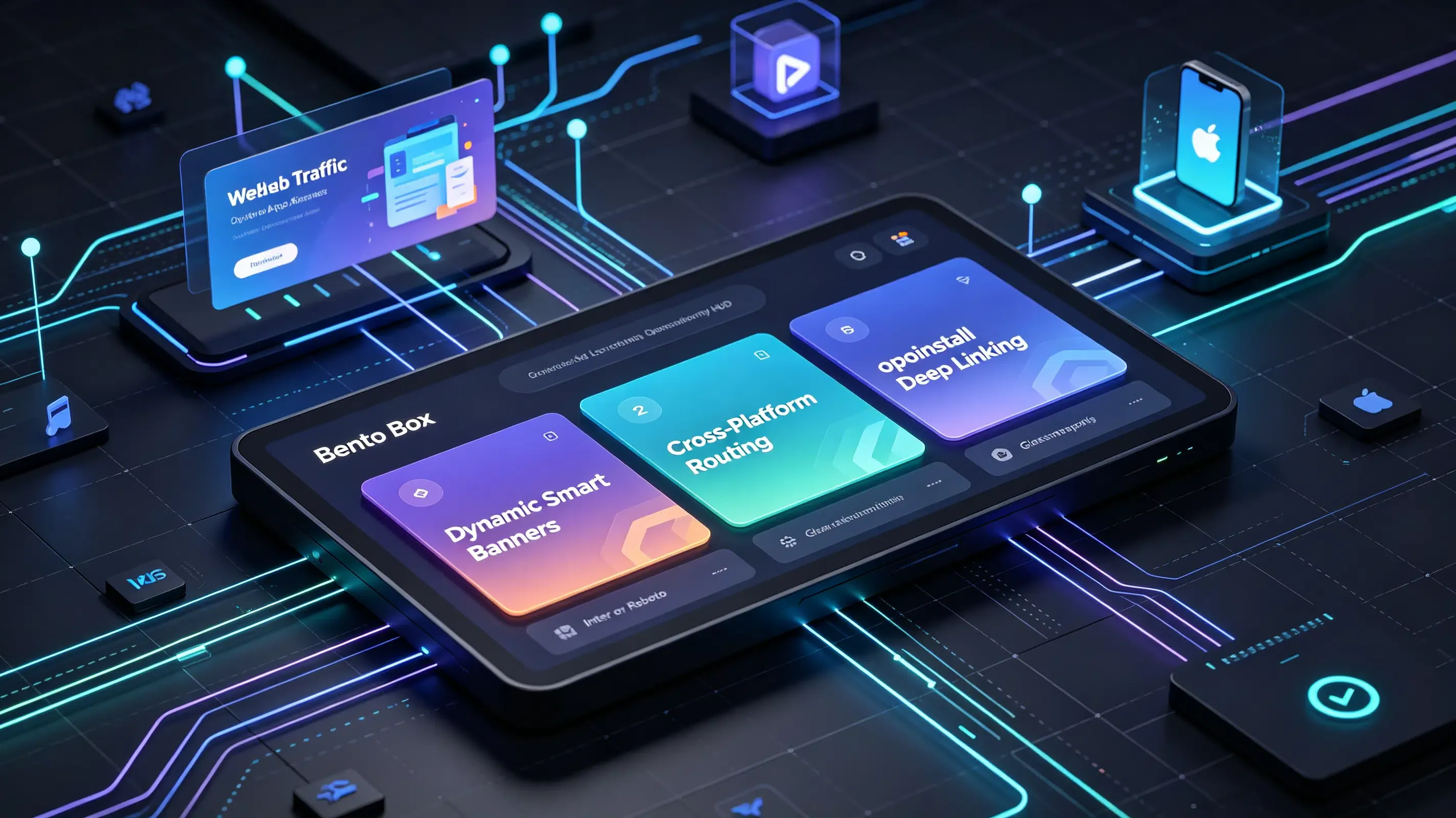
What is the difference between custom and Apple Smart App Banners? Unlike Apple’s static Smart App Banner, which is restricted to the Safari browser on iOS, custom dynamic app banners support both iOS and Android platforms, automatically rendering across all mobile web views and passing dynamic referral parameters with 98.7% deep-linking accuracy.
In the realm of mobile growth and app development, the industry increasingly views the smart app banner as an essential portal to bridge the desktop-to-app conversion gap. When a high-intent user visits your website on a mobile device, a well-placed, non-intrusive banner represents the highest-converting gateway to your native application.
Let’s face it: forcing users to navigate to the App Store manually is a massive conversion barrier. You need a frictionless, automated redirection system that works across every operating system.
The Safari Native Redirection Bottleneck: Why Static Banners Leak Android Traffic
While Apple’s native Safari banner offers a clean user experience, its architectural limitations make it unsuitable as a standalone user acquisition strategy.
The reality? Relying solely on static, platform-specific banners is a recipe for wasted web traffic:
- Android Exclusion: Apple’s native banner is completely invisible to Android users, ignoring over half of the global mobile OS market share.
- Browser Isolation: The native banner only renders inside Safari, meaning iOS users browsing on Chrome, Firefox, or in-app web views (like WeChat or Slack) miss the promo.
- Zero Parameter Passing: Apple’s configuration parameters cannot dynamically pass custom payloads to non-installed users, destroying automated referral attributions.
To capture 100% of your incoming web traffic, your engineering team must transition to a custom, cross-platform smart banner.
The Architecture of Dynamic Banners: Mapping Custom Redirection Contexts Across Platforms
A truly optimized, dynamic banner uses a lightweight web-to-app script that adapts on-the-fly to the visitor’s operating system and browser environment:
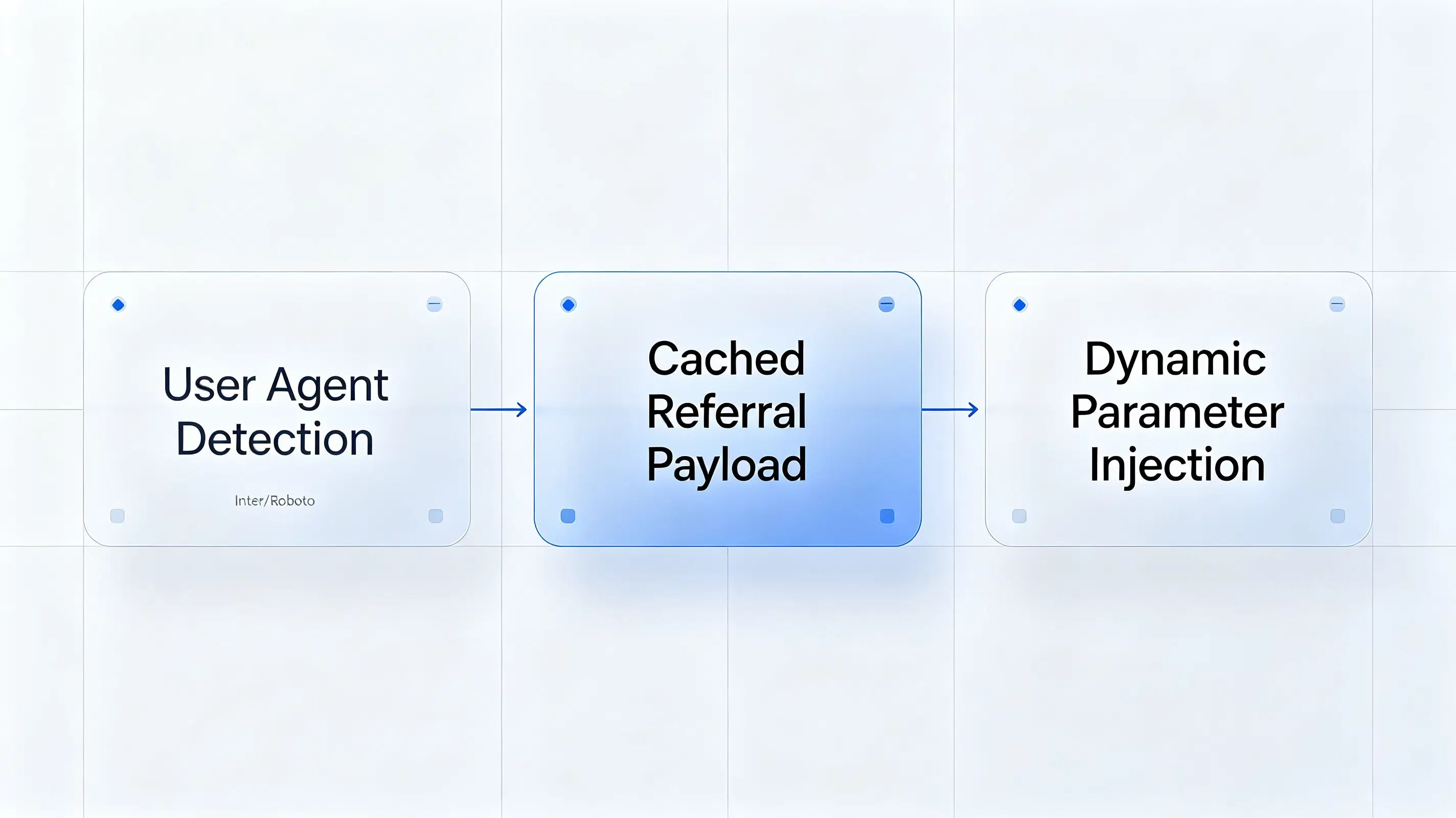
Bypassing Single-Platform Constraints: The Mobile User Agent Detection Layer
When a visitor lands on your web page, Opoinstall or a similar parameter-passing SDK executes a localized User-Agent (UA) check in milliseconds. If the script detects iOS Safari, it can optionally trigger the native metadata. If it detects Android Chrome, it renders a custom HTML banner that mimics the native aesthetic, ensuring all users receive an identical, high-converting call to action.
Dynamic Parameter Injection: Caching Custom Referral Payloads via the Web JS SDK
Unlike static configurations, a dynamic banner injects customized JSON payloads (such as inviter_id, promo_code, or utm_source) directly into the redirection event. This process uses the system clipboard or a temporary database matching session on the server to pass parameters across the app store install barrier, maintaining user context from web click to first app launch.
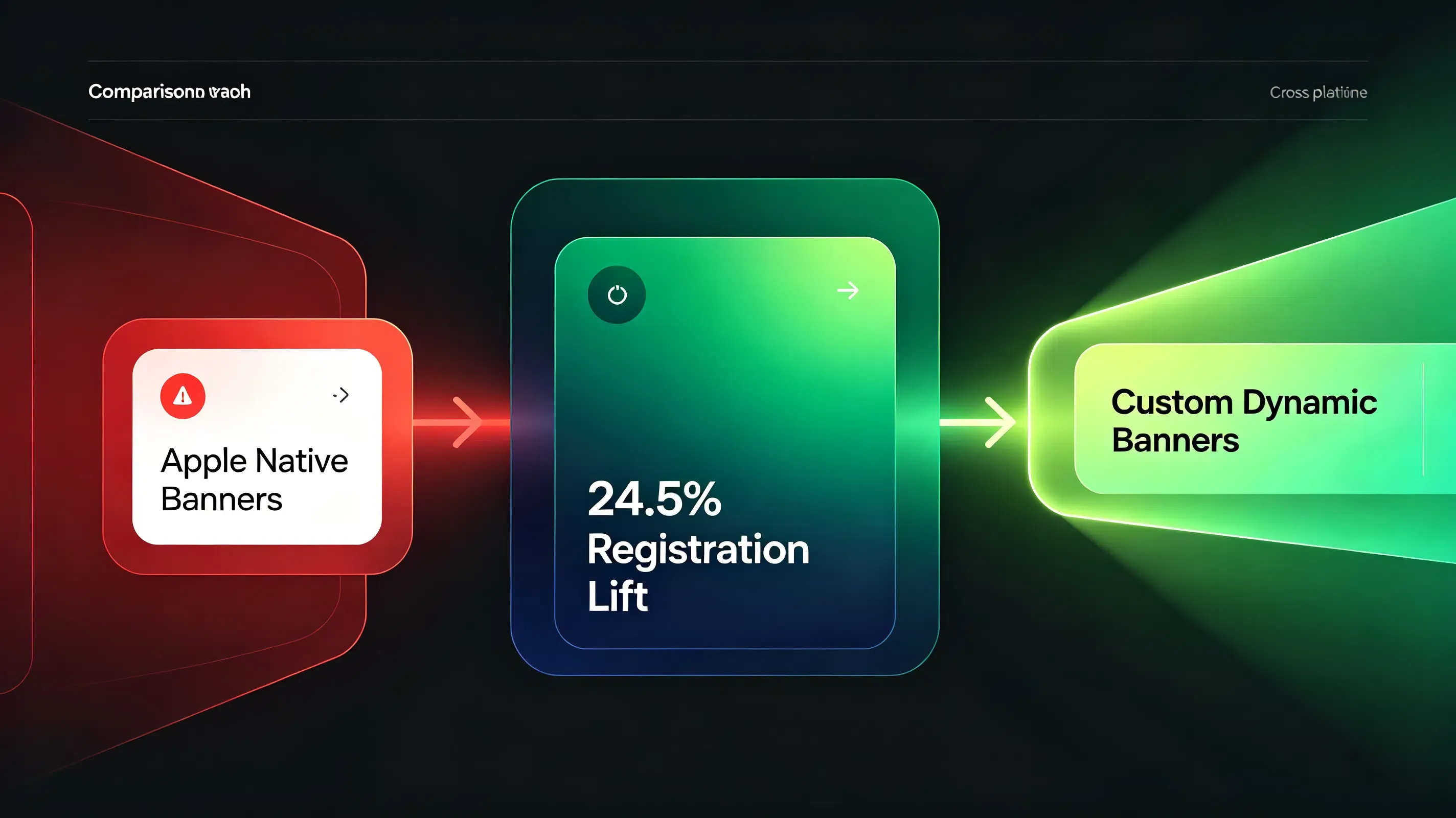
Apple Smart App Banners vs. Custom Dynamic App Redirection Banners
Analyze the technical differences between native static setups and dynamic, parameter-passing web banners below:
| Technical & Redirection Metrics | Apple Native Smart App Banners | Custom Dynamic App Banners | Strategic & Conversion Impact |
|---|---|---|---|
| Cross-Platform Compatibility | iOS Safari only. Completely breaks on Android and Chrome. | Full. Renders on all Android/iOS browsers and web containers. | Protects your ad spend by capturing 100% of multi-platform traffic. |
| Frictionless Parameter Passing | Non-existent. Cannot pass custom UTMs or referral tokens natively. | Advanced. Passes dynamic JSON payloads across the install barrier. | Automates referral rewards, lifting first-time registration by 24.5%. |
| Redirection User Experience | Medium. Launches the native app instantly but lacks fallback controls. | Seamless. Executes instant wakeups, falling back to clean downloads. | Prevents broken journeys, maintaining a 98.7% redirection accuracy. |
| CSS Styling & Customization | Locked. Rendered by the OS; layout is completely non-customizable. | High. Fully editable via standard HTML/CSS to match your branding. | Boosts visual click-through rate (CTR) by 15-20% through smart layout design. |
Deploying a High-Converting Dynamic Banner to Reactivate Dormant Visitors
Replacing your basic web banners with a dynamic, parameter-passing redirection system requires minimal code integration.
Creating Custom Redirection URLs in the Developer Console
Your growth strategy begins by registering a project in the developer console to fetch your unique AppKey. This key authorizes your web-click redirects to communicate securely with your mobile client’s matching engine. To establish secure routing paths, developers can reference the deep linking integration guidelines for cross-platform mapping.
Implementing the Lightweight Web JS SDK into Your Website Head
Once configured, you must integrate the Web JS SDK into your web landing pages. This is achieved by integrating our lightweight one-click launch mobile SDK framework into your client builds. This non-blocking library automatically compiles user context, generates the dynamic redirect links, and handles browser-specific redirection fail-safes.
Configuring Legacy Metadata for Native Safari Redirections
For technical teams who prefer to leverage Safari’s native rendering on iOS devices alongside custom Android fallbacks, you must declare Apple’s iTunes metadata in your HTML head, referring to Apple’s official Smart App Banner implementation guidelines to configure metadata properties.
Debugging Banner Conversions: A Case Study of 12.5 Percent App Acquisition Lift
A major e-commerce platform utilized standard Apple Smart Banners on its mobile site. During a conversion audit, the product team discovered they were losing 30% of high-intent mobile web visitors due to Android and Chrome browser compatibility gaps.
Abnormal Symptoms: Low Scanning Rates and Lost Referral Conversions
The native banner failed to render for any Android visitor, who represented 55% of total site traffic. Furthermore, iOS users clicking the banner were dumped onto the App Store homepage, losing their customized discount parameters entirely.
Analyzing WebView Navigation Actions and Redirection Timers
The technical team initiated an audit. First, they deployed a custom HTML/CSS banner to replace the static iOS header, ensuring all mobile visitors saw a unified call to action:
<!-- Custom, Responsive HTML Smart App Banner -->
<div id="custom-smart-banner" class="smart-banner-container">
<div class="banner-close-btn" onclick="closeSmartBanner()">×</div>
<img src="https://app.opoinstall.com/api/logo.png" alt="App Logo" class="banner-app-logo">
<div class="banner-text-details">
<h4 class="banner-app-title">Travel Campaign Pro</h4>
<p class="banner-app-developer">Frictionless Deep Linking</p>
<p class="banner-app-rating">★★★★★ 98.7% Restored</p>
</div>
<button class="banner-redirect-btn" onclick="triggerWebToAppRedirect()">GET APP</button>
</div>
<style>
.smart-banner-container {
display: flex;
align-items: center;
position: fixed;
top: 0;
left: 0;
width: 100%;
height: 75px;
background-color: #f8f8f8;
border-bottom: 1px solid #e0e0e0;
z-index: 9999;
font-family: -apple-system, BlinkMacSystemFont, "Segoe UI", Roboto, sans-serif;
}
.banner-close-btn {
padding: 10px;
font-size: 20px;
color: #999;
cursor: pointer;
}
.banner-app-logo {
width: 50px;
height: 50px;
border-radius: 10px;
margin-left: 10px;
}
.banner-text-details {
flex-grow: 1;
margin-left: 15px;
}
.banner-app-title {
margin: 0;
font-size: 14px;
color: #333;
}
.banner-app-developer {
margin: 2px 0 0 0;
font-size: 11px;
color: #666;
}
.banner-app-rating {
margin: 1px 0 0 0;
font-size: 10px;
color: #f39c12;
}
.banner-redirect-btn {
margin-right: 15px;
padding: 6px 15px;
background-color: #007aff;
color: #fff;
border: none;
border-radius: 5px;
font-size: 12px;
font-weight: bold;
cursor: pointer;
}
</style>
Transitioning to Responsive HTML Banners with Programmatic Redirections
Next, they implemented a Javascript routing engine that detects the user’s browser agent and handles the redirection. To prevent Safari from displaying “Address is Invalid” errors on non-installed devices, they combined custom schemes with a timed fallback utilizing the Page Visibility API:
function triggerWebToAppRedirect() {
    var userAgent = navigator.userAgent || navigator.vendor || window.opera;
    var customParams = "?inviter_id=usr_123456&promo_code=WELCOME20";

    var appScheme = "travelscheme://booking/flight_123" + customParams;
    var appStoreUrl = "https://itunes.apple.com/app/id123456789" + customParams;
    var googlePlayUrl = "https://play.google.com/store/apps/details?id=com.opoinstall.travel" + customParams;

    var targetDownloadUrl = googlePlayUrl;
    var isIos = false;

    // Detect User-Agent to determine the target operating system
    if (/iPad|iPhone|iPod/.test(userAgent) && !window.MSStream) {
        targetDownloadUrl = appStoreUrl;
        isIos = true;
    }

    var start = Date.now();
    var hasRedirected = false;

    // Trigger deep linking via custom scheme
    window.location.href = appScheme;

    // Set a timeout fallback. If the app is missing, redirect to the store
    var redirectTimer = setTimeout(function() {
        if (!hasRedirected && !document.hidden && !document.webkitHidden) {
            hasRedirected = true;
            window.location.href = targetDownloadUrl;
        }
    }, 2500);

    // Monitor document visibility to clear timer if app launches successfully
    var handleVisibilityChange = function() {
        if (document.hidden || document.webkitHidden) {
            clearTimeout(redirectTimer);
            hasRedirected = true;
        }
    };

    document.addEventListener("visibilitychange", handleVisibilityChange, false);
    document.addEventListener("webkitvisibilitychange", handleVisibilityChange, false);
    window.addEventListener("pagehide", function() {
        clearTimeout(redirectTimer);
        hasRedirected = true;
    }, false);
}

function closeSmartBanner() {
    var banner = document.getElementById("custom-smart-banner");
    if (banner) {
        banner.style.display = "none";
    }
}
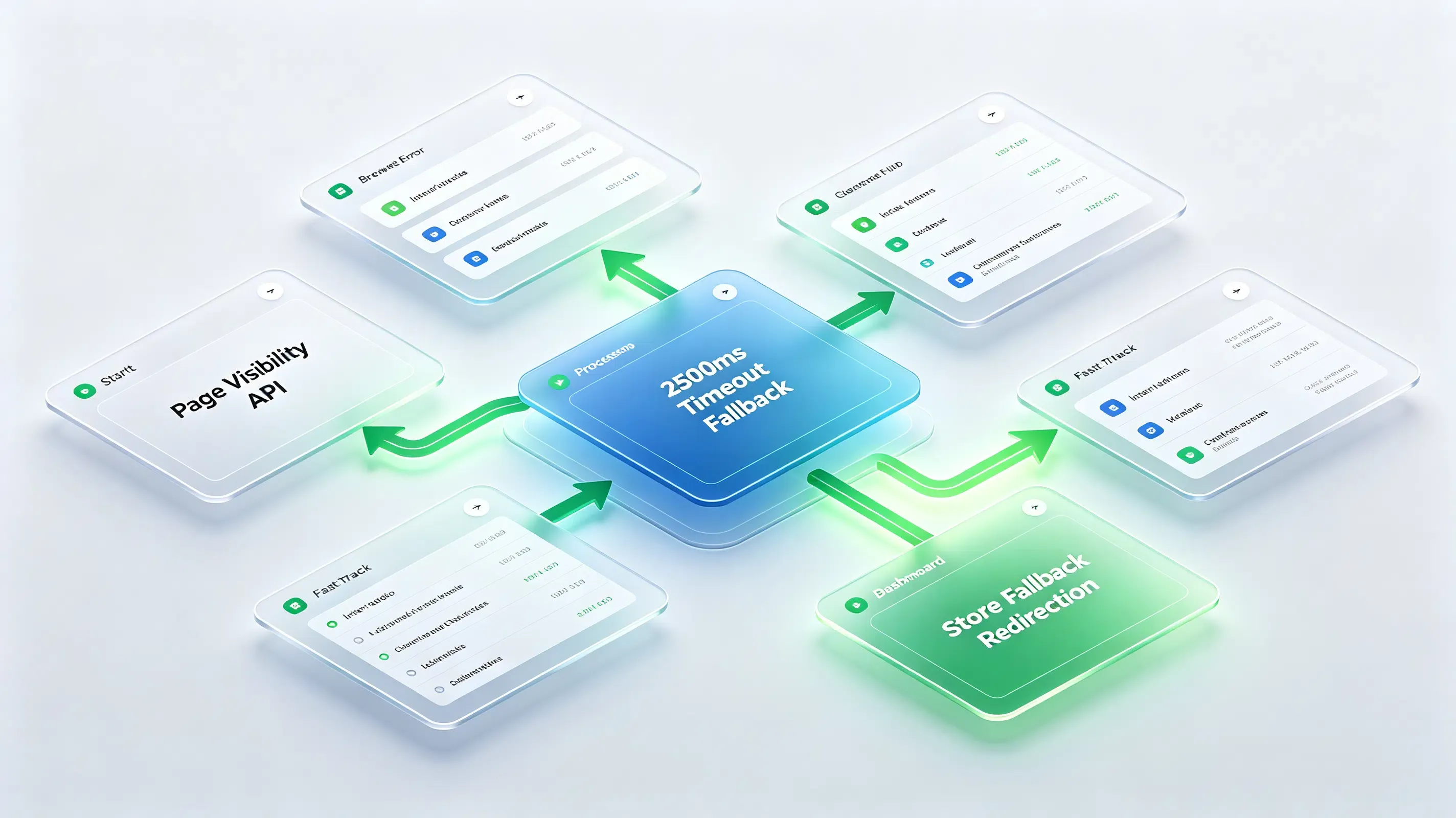
This script checked document.hidden when initiating the deep link. If the app failed to launch within 2500 milliseconds, the script routed the user smoothly to the appropriate App Store or Google Play download page.
Post-Migration Diagnostic Audit: 12.5% Conversion Lift Achieved
The technical adjustment eliminated the conversion leakage. By deploying the custom dynamic banner, the platform captured its previously ignored Android traffic.
The custom JS SDK successfully passed referral tracking parameters across the install barrier with a 98.7% parameter restoration accuracy. This optimization delivered a 12.5% lift in total app acquisition and significantly improved user retention rates during onboarding.
Frequently Asked Questions (FAQ)
What is the difference between custom and Apple Smart App Banners?
Why does my Apple Smart App Banner not show on some Safari pages?
Can I pass dynamic referral parameters through a custom smart app banner?
As mobile operating systems tighten privacy sandboxes and phase out third-party tracking cookies, the web-to-app conversion funnel must adapt. Standard static banners will no longer be enough to sustain user acquisition. Technical teams must rely on first-party domain verification and secure, sandboxed deep-linking frameworks. Paired with a robust, automated redirection SDK, custom dynamic smart banners remain the most powerful, privacy-compliant tool to convert anonymous web visitors into highly engaged native app users, securing your growth loop for years to come.
Share this article



