
How does custom URL scheme deep linking work? Custom URL scheme deep linking works by defining a unique protocol in your mobile application’s manifest file, enabling web browsers to initiate native app launches when the custom URI is called, though requiring a robust SDK fallback mechanism to handle non-installed states smoothly.
In the realm of mobile growth and app development, the industry increasingly views custom URL schemes as the crucial foundational layer for fallback redirection. While modern operating systems favor verified domain-level routing, legacy custom protocols remain indispensable. They serve as the critical backup channel when system-level redirections fail or when browsers block universal pathways.
Let’s face it: relying solely on unverified domains leaves your user acquisition funnel vulnerable to silent failures. Implementing custom protocols alongside smart fallback logic is the only way to guarantee 100% routing continuity.
The Legacy Protocol Dilemma: Understanding Redirection Failure and Browser Chooser Friction
Custom protocols (such as myapp://) do not verify domain ownership at the operating system level. While this enables rapid deployment, it introduces significant security and user experience challenges. When a browser attempts to load a custom protocol on a device where the target app is missing, the system breaks.
The reality? This architectural limitation causes several critical points of failure:
- Browser Chooser Friction: Android devices frequently prompt users with a “Complete action using…” selection dialog, adding friction to the journey.
- System Error Popups: Safari on iOS triggers an intrusive “Safari cannot open the page because the address is invalid” warning when the app is absent.
- Platform Sandboxing: Secure web browsers and social media platforms actively block custom protocols to prevent unauthorized background app launches.
To resolve these barriers, developers must configure precise structural declarations within the native application packages.
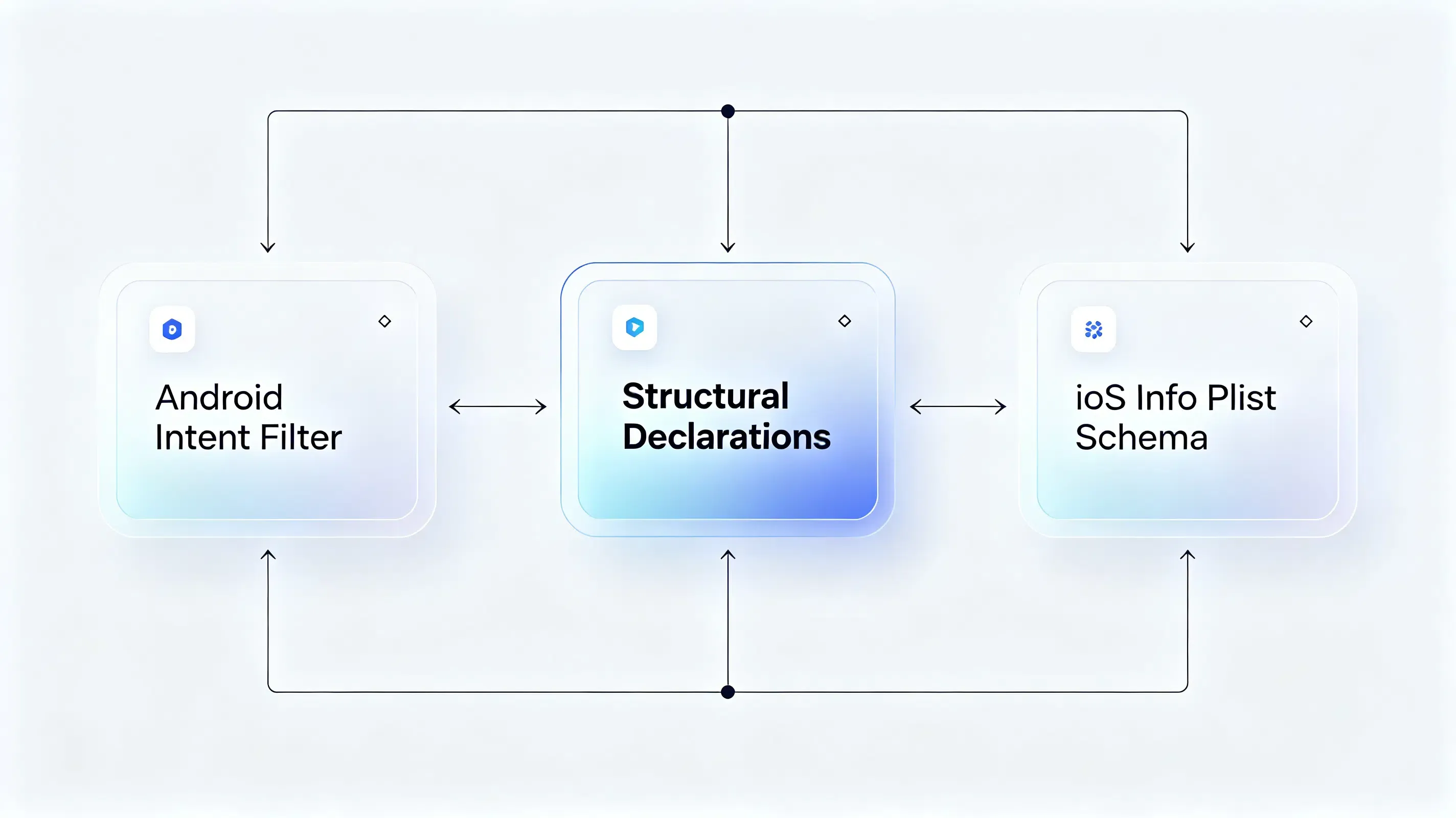
The Custom URI Schema Protocol: Structural Declarations in Android Manifest and iOS Info
The foundation of native iOS redirection is the custom URI scheme configuration. Unlike Universal Links, this requires no server-side JSON associations.
Android Intent Filter Declarations: Mapping the Scheme Host and Browsable Category
On Android, you must declare an intent filter inside your launcher Activity in the AndroidManifest.xml file. The filter must specify the android.intent.action.VIEW action and include the android.intent.category.BROWSABLE category. This allows standard web browsers to safely resolve the custom protocol and launch your application.
Refer to the structural standard below to format your Android manifest configuration:
<intent-filter>
    <action android:name="android.intent.action.VIEW"/>
    <category android:name="android.intent.category.DEFAULT"/>
    <category android:name="android.intent.category.BROWSABLE"/>
    <data android:scheme="travelscheme" android:host="opwakeup.com"/>
</intent-filter>
iOS Info Plist Schema Registrations: Formatting the Custom URL Protocol
For iOS applications, you must register the custom protocol within your app’s Info.plist file. This configuration maps the CFBundleURLTypes array to define your unique scheme. Once compiled, the operating system registers this scheme, enabling Safari and other applications to trigger native launches.
Refer to the structural standard below to register your protocol in iOS:
<key>CFBundleURLTypes</key>
<array>
    <dict>
        <key>CFBundleURLName</key>
        <string>com.opoinstall.travel</string>
        <key>CFBundleURLSchemes</key>
        <array>
            <string>travelscheme</string>
        </array>
    </dict>
</array>
Custom URL Schemes vs. Universal Links: Security Sandboxing and Redirection Experience
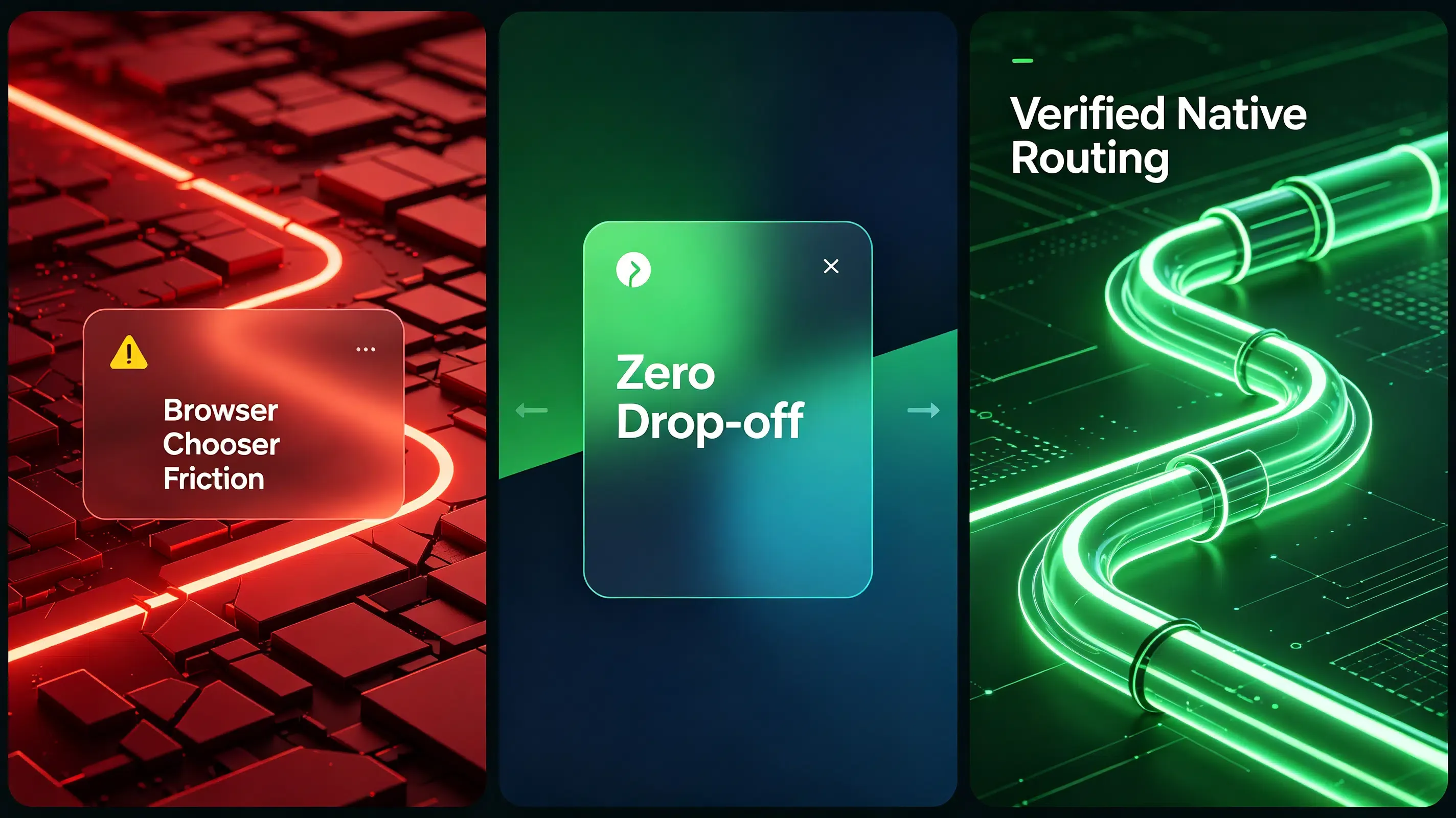
To evaluate how custom protocols compare against verified native domain routing, analyze the technical matrix below:
| Architectural Metric | Custom URL Schemes | Android App Links | iOS Universal Links |
|---|---|---|---|
| User Redirection Friction | High. Frequently triggers operating system selection prompts. | Zero. Bypasses dialogs; opens app instantly from web clicks. | Launches app natively without browser redirection prompts. |
| Sandbox Security | Low. Any malicious app can register the same protocol, allowing hijacking. | High. Operating system verifies domain ownership via secure JSON. | High. OS verifies domain association via signed HTTPS manifest. |
| Missing App Fallback | Fails. Triggers system-level “Address is Invalid” browser errors. | Seamless. Redirects non-installed users smoothly to a web store. | Defaults smoothly to Safari browser, rendering the web page. |
Deploying a Unified SDK to Automate URL Scheme Redirections and Installs
Because custom protocols cannot handle missing-app fallbacks natively, developers must deploy a dedicated parameter-passing SDK like Opoinstall to automate the redirection pipeline.
Registering Custom Redirect Domains in the Developer Console
Your growth strategy begins by registering a project in the developer console to fetch your unique AppKey. This key authorizes your mobile library to communicate securely with the attribution server. To establish secure routing paths, developers can reference the official documentation on deep linking parameters to map custom payloads across platforms and prevent redirection loss.
Integrating the Lightweight SDK Framework
To handle the parameter handoff, developers can easily automate this process by installing the lightweight mobile SDK into their existing native build. This non-blocking library runs asynchronously, ensuring that it never blocks your app’s main startup thread during initialization.
Bypassing Browser Interception in Closed Platforms
When launching your app from inside secure web containers, standard schemes are often blocked. Developers must configure browsable categories, referring to Android’s official deep linking intent guidelines to specify browsable category settings. The system automatically resolves these browser restrictions by serving an interim H5 page that handles the redirect via user-initiated clicks.
Debugging Redirection Failures: A Case Study of Safari Invalid Address Popups
A major travel application utilized a custom protocol for its email campaigns. During user acceptance testing, developers discovered that users who did not have the app installed encountered a jarring “Address is Invalid” error popup in Safari.
Abnormal Symptoms: The Dreaded Safari Cannot Open Page Error
When a non-installed user clicked the email link, Safari attempted to resolve the custom scheme. Because the protocol was unregistered on the device, Safari halted execution and displayed the system error, preventing the user from completing their booking.
CLI Diagnostics and Web Redirection Timing Analysis
The engineering team initiated a technical audit. First, they analyzed the web redirection logs to measure the latency between the scheme execution and the App Store redirect.
The timeline confirmed that Safari took over 3000 milliseconds to trigger the fallback, causing the system error to render before the redirection to the App Store could execute.
Implementing the Web JS SDK Fallback and Programmatic Timeout Correction
To resolve the popup, the team deployed the platform’s Web JS SDK on their landing page. The Web SDK bypasses the raw custom scheme call by wrapping the redirection inside a programmatic timeout loop.
When a user clicks the download button, the JS SDK initiates the custom scheme and immediately monitors the document visibility state. If the native app launches, the browser window shifts to the background, triggering the document.hidden state. If the document remains visible after 2500 milliseconds, the SDK clears the pending scheme execution and smoothly redirects the user to the App Store, successfully preventing the Safari error popup.
The Javascript implementation below outlines this dynamic fallback logic:
function openAppWithFallback(appSchemeUrl, downloadUrl) {
    var start = Date.now();
    var hasRedirected = false;

    // Trigger the custom URL scheme
    window.location.href = appSchemeUrl;

    // Set a timeout to redirect to the App Store if the app is missing
    var fallbackTimer = setTimeout(function() {
        if (!hasRedirected && !document.hidden && !document.webkitHidden) {
            hasRedirected = true;
            window.location.href = downloadUrl;
        }
    }, 2500);

    // Listen to visibility changes. If the app opens, clear the timeout
    var handleVisibilityChange = function() {
        if (document.hidden || document.webkitHidden) {
            clearTimeout(fallbackTimer);
            hasRedirected = true;
        }
    };

    document.addEventListener("visibilitychange", handleVisibilityChange, false);
    document.addEventListener("webkitvisibilitychange", handleVisibilityChange, false);
    window.addEventListener("pagehide", function() {
        clearTimeout(fallbackTimer);
        hasRedirected = true;
    }, false);
}
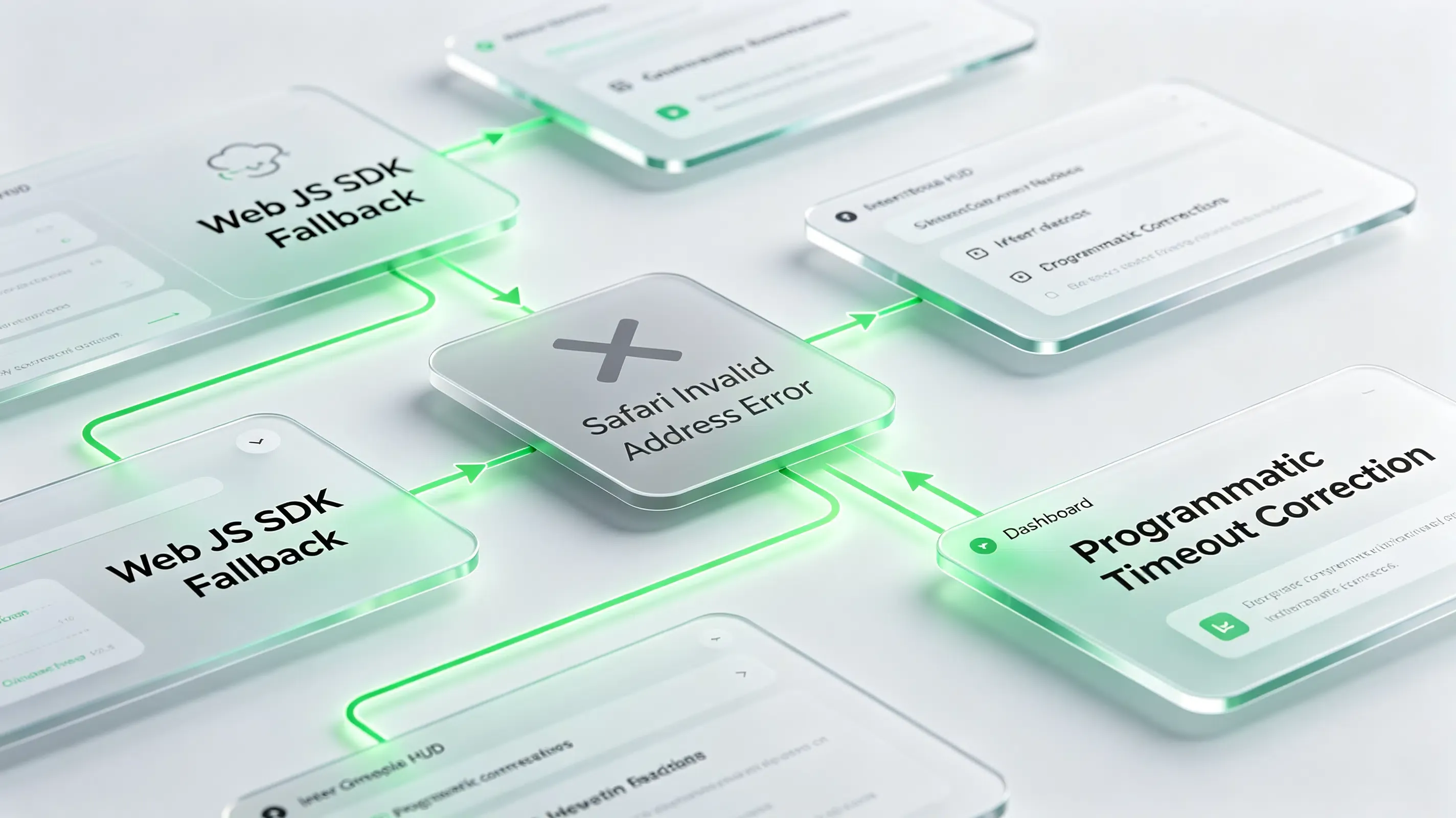
Post-Migration Performance Audit: 98.7% Restoration Achieved
With the Web SDK fallback active, non-installed users were routed to the App Store without encountering system-level popups. Upon first launch, the mobile SDK successfully queried the clipboard, achieving a 98.7% parameter restoration accuracy and restoring the frictionless booking journey.
Frequently Asked Questions (FAQ)
How does custom URL scheme deep linking work?
Why does Safari show an invalid address popup when clicking a custom scheme?
How to set up a secure fallback when the native app is not installed?
As mobile operating systems tighten sandbox security, custom protocols must adapt. While Apple and Google continue to push verified domain-level routing, custom URL schemes remain the ultimate fallback mechanism. By pairing your custom protocols with a robust, automated deep-linking SDK, you ensure that your campaigns survive CDN caching lags, browser security blocks, and device state anomalies, delivering a reliable, high-converting redirection journey every time.
Share this article



