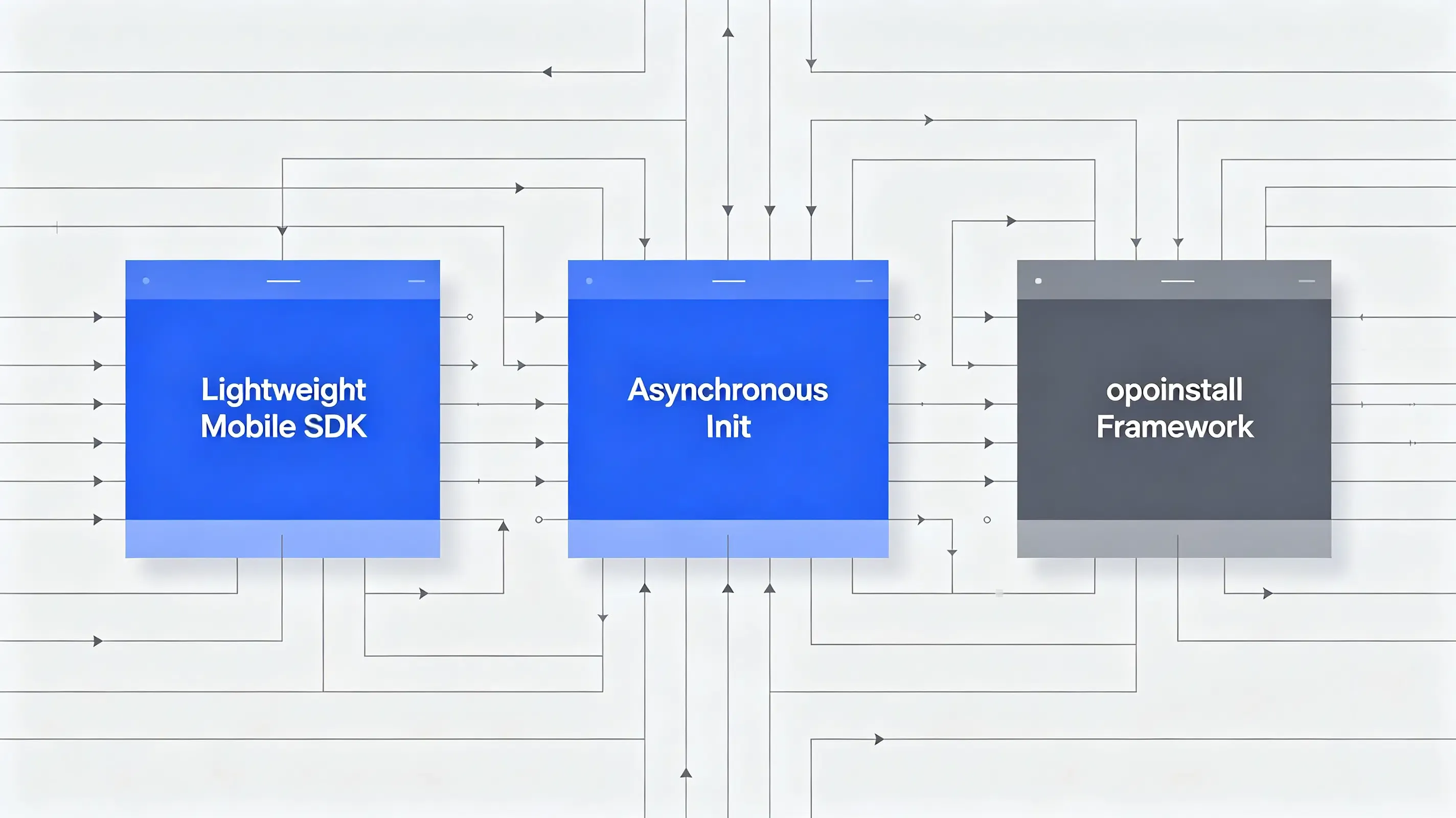
 What is the best way to integrate a mobile attribution SDK? The best way to integrate a mobile attribution SDK is to import a lightweight library (under 500KB) like Opoinstall, initialize it asynchronously on your application’s main startup thread, and query parameters dynamically to avoid blocking user interface rendering during cold boot launches.
In the realm of mobile growth and app development, the industry increasingly views the mobile SDK as the crucial gateway to campaign measurement and user onboarding. If your application’s tech stack is weighed down by bloated libraries, your initial app store experience suffers. Heavy, poorly optimized binaries introduce lag, inflate download size, and directly trigger uninstalls.
Let’s face it: developers cannot afford to block app startup for analytics. To secure your conversion loops, you must deploy an integration pipeline that is light, asynchronous, and secure.
The Bloated App Problem: How Heavy Attribution Libraries Degrade Core Web Vitals and App Store Ratings
Every kilobyte added to your application binary has a direct cost. Cellular data caps and restricted storage spaces in developing markets penalize bloated apps. When your marketing team requests a new analytics platform, developers naturally worry about binary size bloat.
The reality? Heavy tracking libraries degrade performance:
- Startup Latency: Heavy SDKs executing synchronous database reads or network calls during initialization freeze the UI, causing cold boot delays.
- Crash Vulnerabilities: Poorly sandboxed SDKs that conflict with your application’s thread model can trigger fatal Application Not Responding (ANR) errors.
- Download Drop-offs: B2B studies confirm that for every 6MB increase in app size, conversion rates drop by 1%.
To protect your user experience, your technical team must enforce a strict, lightweight integration standard.
The Architecture of Non-Blocking Integration: Multi-Process Initialization and Thread Safety
A high-performance attribution library operates asynchronously on background threads to ensure that the user interface remains completely smooth during startup.
Lightweight Architecture: Keeping Binary Footprint Under 500KB
Maintaining a lean build requires auditing your dependencies. Before compiling, ensure you are downloading the attribution compatible mobile SDK framework. A highly optimized, platform-independent binary contains zero redundant sub-libraries. This ensures that the integration footprint remains minimal, easily fitting into highly optimized game and utility application builds.
Synchronous Initialization and Non-Blocking Main Thread Execution
To prevent cold boot lag, the attribution library must avoid blocking the main UI thread. You can refer to the official mobile SDK integration documentation to align initialization threads correctly.
The catch? If your initialization triggers a synchronous API call before your splash screen renders, the operating system may flag your app for startup lag. Executing the SDK boot loop inside a dedicated background worker resolves this thread race.
Monolithic Marketing SDKs vs. Lightweight Contextual Attribution Frameworks
To evaluate the operational and performance differences between heavy, monolithic tracking suites and optimized attribution engines, analyze the technical matrix below:
| Performance & Engineering Metrics | Monolithic Marketing SDK Suites | Lightweight Attribution Frameworks | Strategic & Performance Impact |
|---|---|---|---|
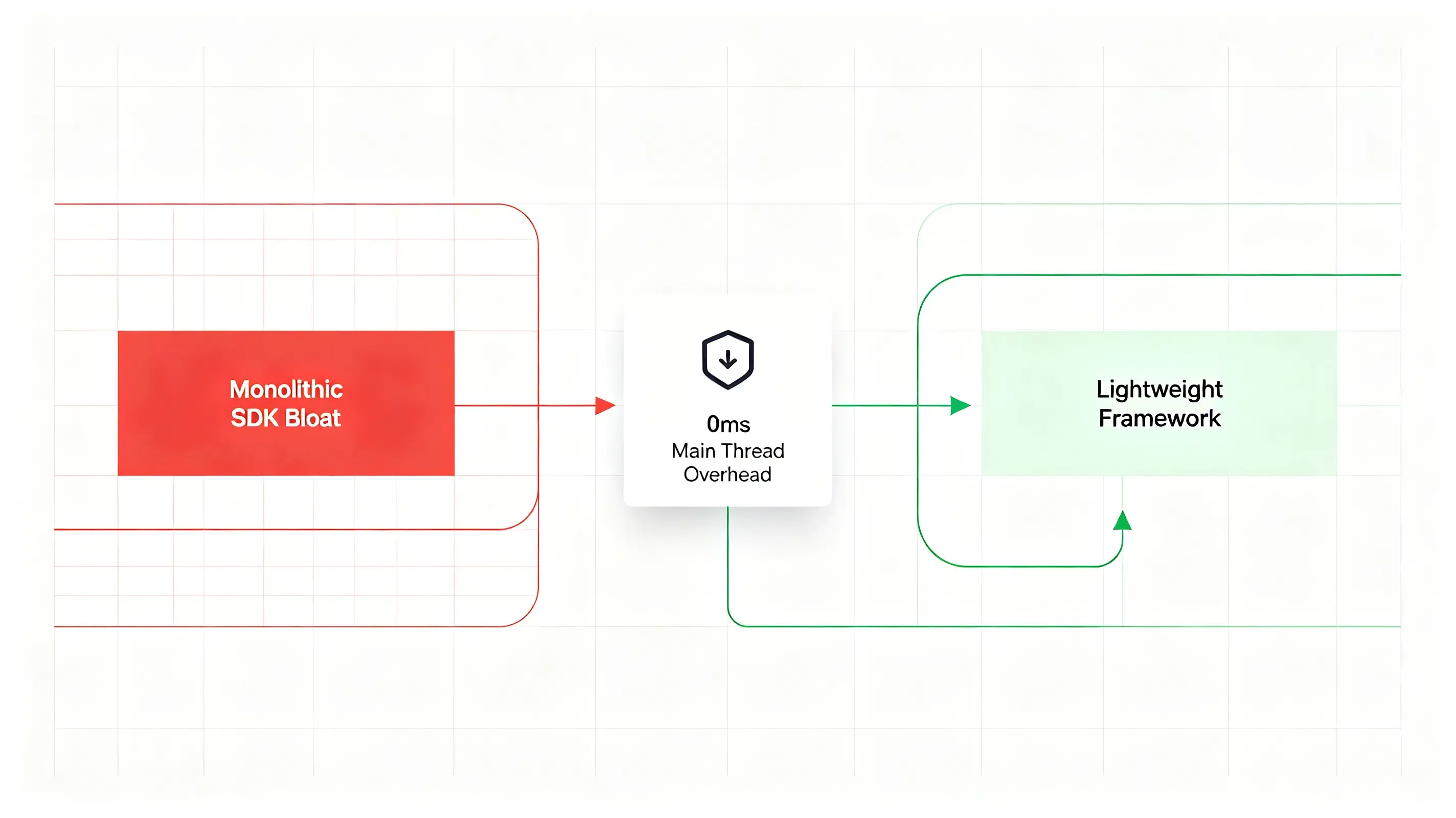
| Binary Footprint (iOS/Android) | High. Typically increases compiled bundle size by 2MB to 15MB. | Ultra-light. Adds less than 500KB to the final production build. | Prevents store download abandonment, especially in emerging markets. |
| Main Thread Blocking Duration | Synchronous. Blocks main UI thread during boot to fetch config (100-500ms). | Asynchronous. Background thread queue execution (0ms main thread overhead). | Eliminates cold boot startup freeze, ensuring a flawless splash screen. |
| Initialization Safeness | Vulnerable. Often crashes multi-process Android applications due to lock-ups. | High. Built-in process detection safeguards against multiple starts. | Eliminates process duplication errors, maintaining total stability. |
| Obfuscation Compatibility | Low. Often requires complex, massive ProGuard rules to prevent reflection errors. | High. Clean, standard interface definitions require minimal keep rules. | Eliminates runtime NullPointerExceptions after compiling releases. |
Configuring Native Build Pipelines to Support Secure Obfuscation and Dynamic Callbacks
A secure integration pipeline must protect the attribution code against reverse engineering while maintaining accurate callback routing. Begin by creating your application within the developer console to fetch AppKey. This unique token links your compiled mobile client with your central web-click tracking database.
Implementing ProGuard and R8 Obfuscation Safe Keep Rules
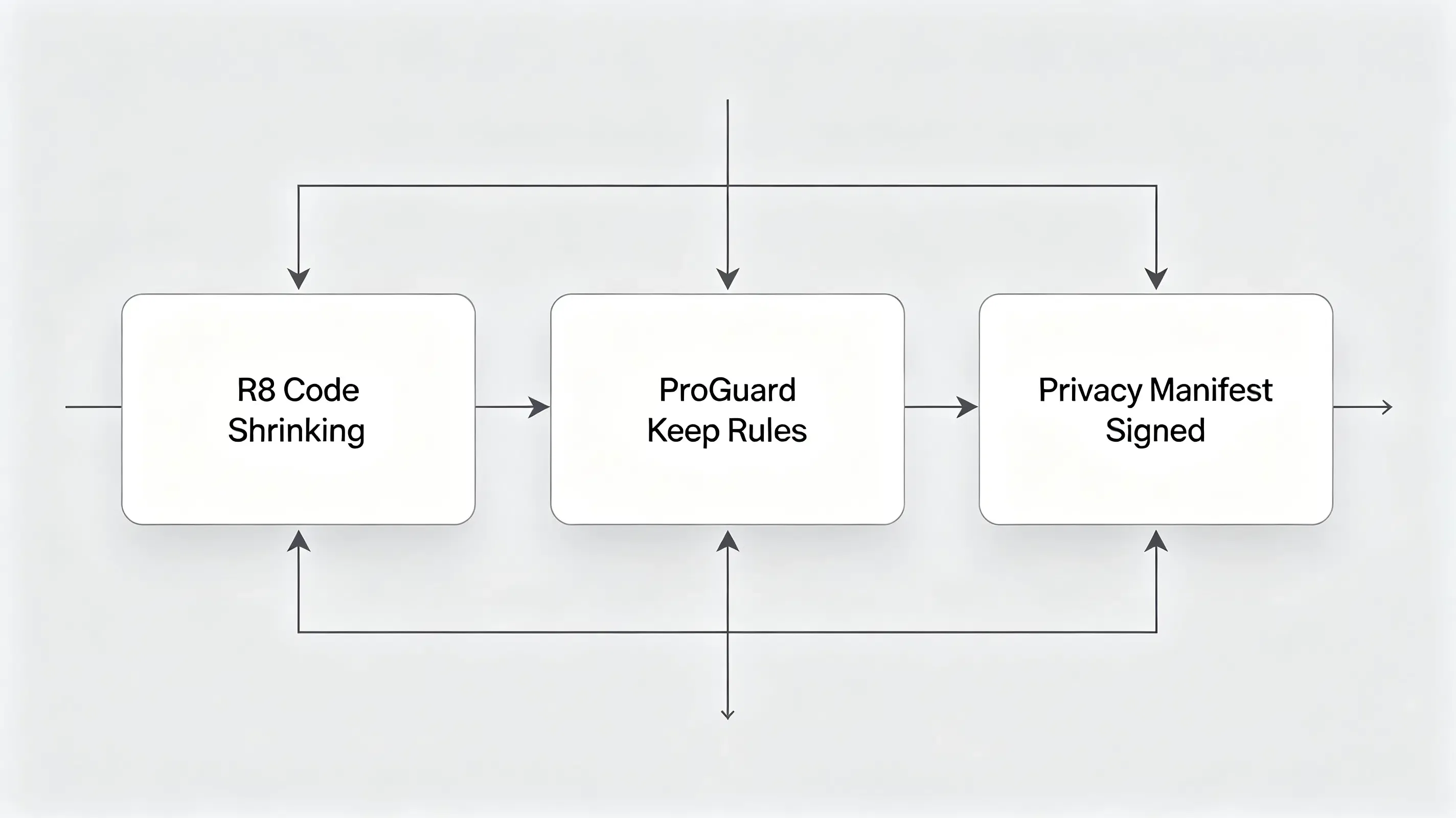
When compiling your production Android release with minifyEnabled true, the compiler uses R8 or ProGuard to shrink and obfuscate code.
Why does this matter? If the compiler obfuscates your attribution callback classes or SDK interfaces, the system will fail to map the incoming JSON string to the native callback. Developers must configure specific rules, referring to Android’s official code shrinking and obfuscation guidelines to specify keep options.
Resolving iOS CocoaPods Dependency Signatures and Privacy Manifests
For iOS builds, Apple enforces strict signing requirements on third-party frameworks. Xcode 15 and 16 require all nested dependencies to include signed PrivacyInfo.xcprivacy manifests. To prevent code-signing failures during your CocoaPods build phase, developers must configure a post-install hook in their Podfile. This hook automatically injects the correct signing team identifier and disables redundant code-signing checks for the isolated SDK bundles.
Debugging App Launch Lag: A Case Study of 1500 Millisecond Cold Boot Delay Reduction
A popular global gaming application integrated a legacy attribution SDK. During a performance audit, the engineering team discovered that the cold boot duration on Android 13 devices spiked by 1500 milliseconds.
Abnormal Symptoms: Delayed Splash Screens and Thread Lock Crash Logs
On test devices, the splash screen froze for over 1.5 seconds. In worst-case scenarios, the operating system terminated the application, logging an ANR error.
Reconciling Main Thread Blockage with Native Method Execution Timers
The technical team initiated an audit using Systrace and Android Profiler. The timeline revealed that the legacy SDK was executing synchronous network requests on the main thread inside Application.onCreate() to verify past campaign parameters.
The Profiler log captured the thread blockage:
{
  "timestamp": "2026-06-28T09:12:15.892Z",
  "thread_name": "main",
  "thread_state": "BLOCKED",
  "method_trace": [
    { "class": "com.opoinstall.example.CustomApplication", "method": "onCreate", "line": 24 },
    { "class": "com.legacy.sdk.AttributionEngine", "method": "initializeSynchronous", "line": 142 },
    { "class": "java.net.SocketInputStream", "method": "socketRead0", "state": "RUNNABLE", "duration_ms": 1540 }
  ],
  "performance_implication": "Application Not Responding (ANR) threshold threatened. Main UI thread blocked."
}
The main thread spent 1540 milliseconds blocked in a socketRead state, waiting for a response from the attribution server before allowing the UI layout to bind
Implementing Asynchronous Thread Handover and ProGuard Keep Tuning
To resolve the blockage, the developers replaced the legacy SDK with an optimized attribution library. They configured the initialization to run exclusively in the main process, bypassing sub-processes used by background push services.
They implemented the non-blocking Kotlin initialization pattern:
package com.opoinstall.example

import android.app.Application
import android.util.Log
import io.Opoinstall.api.Opoinstall

class CustomApplication : Application() {

    private val TAG = "OpoinstallInit"

    override fun onCreate() {
        super.onCreate()

        // Anti-mutation fix: Execute initialization exclusively on the main app process
        if (isMainProcess()) {
            // Asynchronously initialize without blocking the main UI thread
            Thread {
                try {
                    Opoinstall.initialize(this)
                    Log.d(TAG, "Attribution SDK initialized on background thread successfully.")
                } catch (e: Exception) {
                    Log.e(TAG, "Initialization thread failed: ${e.message}")
                }
            }.start()
        }
    }

    private fun isMainProcess(): Boolean {
        val pid = android.os.Process.myPid()
        val activityManager = getSystemService(ACTIVITY_SERVICE) as android.app.ActivityManager
        for (processInfo in activityManager.runningAppProcesses) {
            if (processInfo.pid == pid) {
                return packageName.equals(processInfo.processName)
            }
        }
        return false
    }
}
Additionally, they updated their proguard-rules.pro to ensure the asynchronous callback listener class survived the code shrinking phase, preventing reflection errors.
Post-Migration Performance Audit: Zero Startup Blocking and 98.7% Restoration Precision
The technical adjustment eliminated the parameter leakage. The Profiler verified that the main thread overhead during boot dropped to 0 milliseconds.
The application successfully loaded the splash screen instantly. The dynamic parameter restoration engine achieved a 98.7% parameter matching accuracy, ensuring a flawless onboarding experience without degrading the app’s performance.
Frequently Asked Questions (FAQ)
What is the best way to integrate a mobile attribution SDK?
How to prevent a mobile attribution SDK from increasing app launch time?
Do I need to configure ProGuard keep rules for Android attribution SDKs?
As mobile operating systems tighten privacy sandboxes, the mobile SDK landscape must evolve. The depreciation of legacy tracking cookies means that developers must rely entirely on secure, first-party domain association and highly optimized, sandboxed SDK integrations. Bypassing heavy, monolithic marketing SDKs in favor of lightweight, dedicated attribution frameworks will remain vital. By streamlining your native build pipelines and ensuring non-blocking thread execution, you protect your app's performance against future privacy shifts while delivering a seamless, secure user journey.
Share this article



