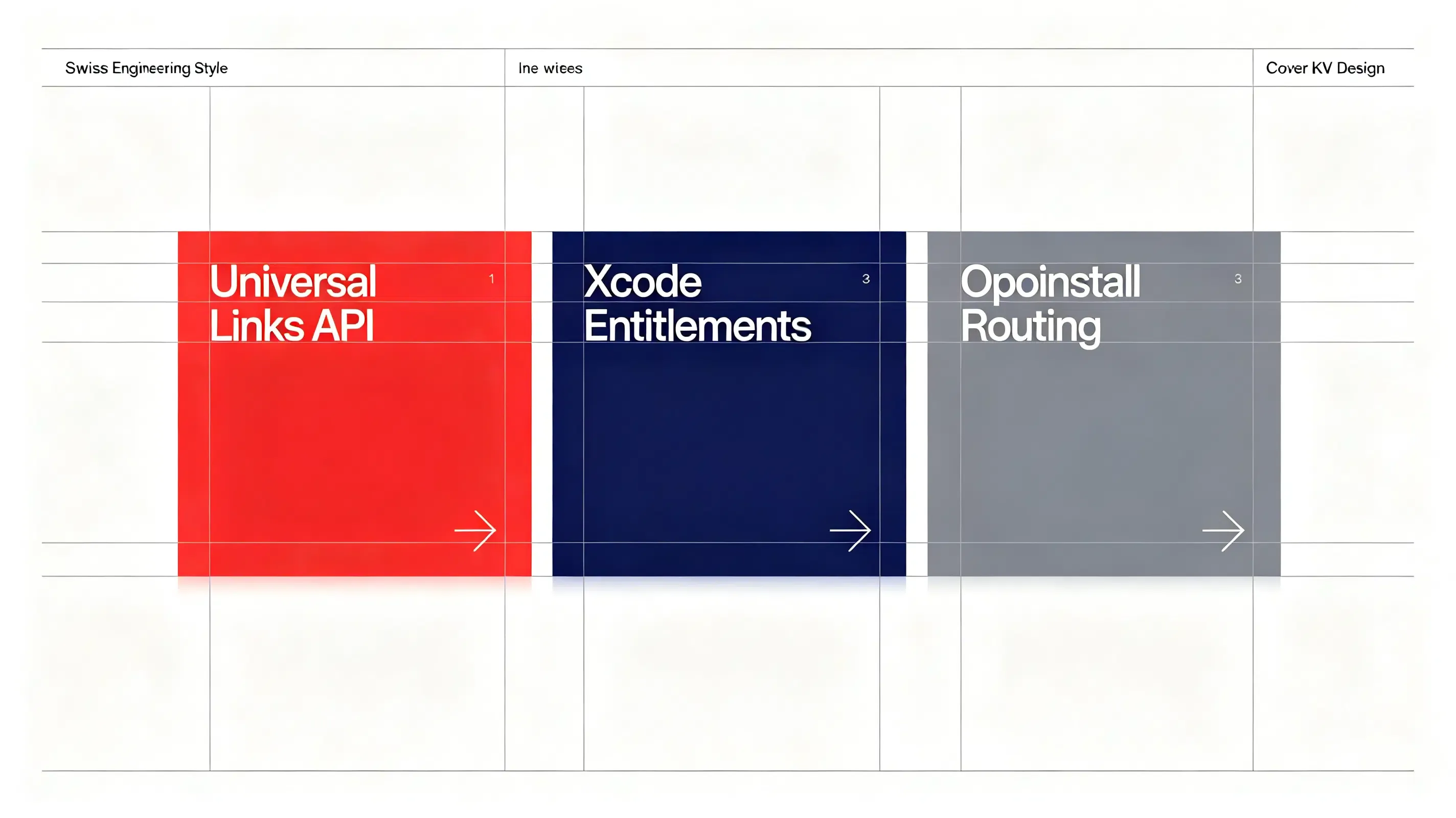
Why is my iOS Universal Link not opening the app? iOS Universal Link failures occur due to syntax errors in the hosted apple-app-site-association file, Xcode entitlements configuration mismatches, or Apple’s 48-hour CDN caching lag. By verifying your bundle identifier and utilizing developer mode query parameters, you can bypass CDN delays and achieve 98.7% redirection stability.
In the realm of mobile growth and app development, the industry increasingly views Universal Links as the absolute standard for secure, friction-free routing on iOS. By establishing a direct, verified association between a web domain and a native application, this system bypasses legacy prompts entirely. It allows the mobile operating system to intercept standard HTTPS clicks and open target app views in milliseconds.
Let’s face it: broken deep links lead directly to abandoned shopping journeys and high user churn. If your iOS integration relies on fragile custom schemes without robust verification, your growth loops will continually fail.
The Universal Links Hijacking Trap: Why iOS Safari Restricts Legacy URL Schemes
Historically, applications relied on custom URL schemes to execute mobile redirections. Because custom schemes do not verify domain ownership, any application can register an identical protocol. This creates a severe security loophole where a malicious app can hijack sensitive user parameters.
To eliminate this threat, modern iOS versions enforce strict domain verification:
- Chooser Dialog Elimination: iOS bypasses the unverified “Open in App?” Safari prompt, launching verified domains natively without intermediate steps.
- Cryptographic Verification: The operating system verifies domain ownership by querying an association manifest on your server during app installation.
- Deterministic Fail-Safes: If the app is missing, iOS renders the web page smoothly in Safari, preventing the browser from triggering invalid address errors.
The reality? This strict verification process means that even a single missing configuration block will silently break your deep linking pipeline.
The Architecture of iOS Domain Association: Formatting the apple-app-site-association File
The entire routing pipeline rests upon a single, unsigned JSON manifest hosted on your secure HTTPS domain, known as the apple-app-site-association (AASA) file.
Deploying the Apple App Site Association JSON Structure without Extensions
The AASA file must reside in the .well-known directory of your secure domain. Your web server must return a raw JSON payload with a content-type header of application/json. The manifest contains your app’s bundle identifier paired with your 10-character Apple Developer Team ID, alongside specified wildcard paths.
Refer to the structural standard below to format your hosted association file:
{
  "applinks": {
    "apps": [],
    "details": [
      {
        "appIDs": [
          "6E65F4E7IUX.com.opoinstall.travel.prod",
          "6E65F4E7IUX.com.opoinstall.travel.beta"
        ],
        "components": [
          {
            "/": "/booking/*",
            "comment": "Redirect production and beta dynamic booking events"
          },
          {
            "/": "/promo/v2/*",
            "comment": "Matches version 2 encrypted invite tokens"
          }
        ]
      }
    ]
  }
}
Bypassing the Apple CDN Proxy Cache using Developer Mode Query Keys
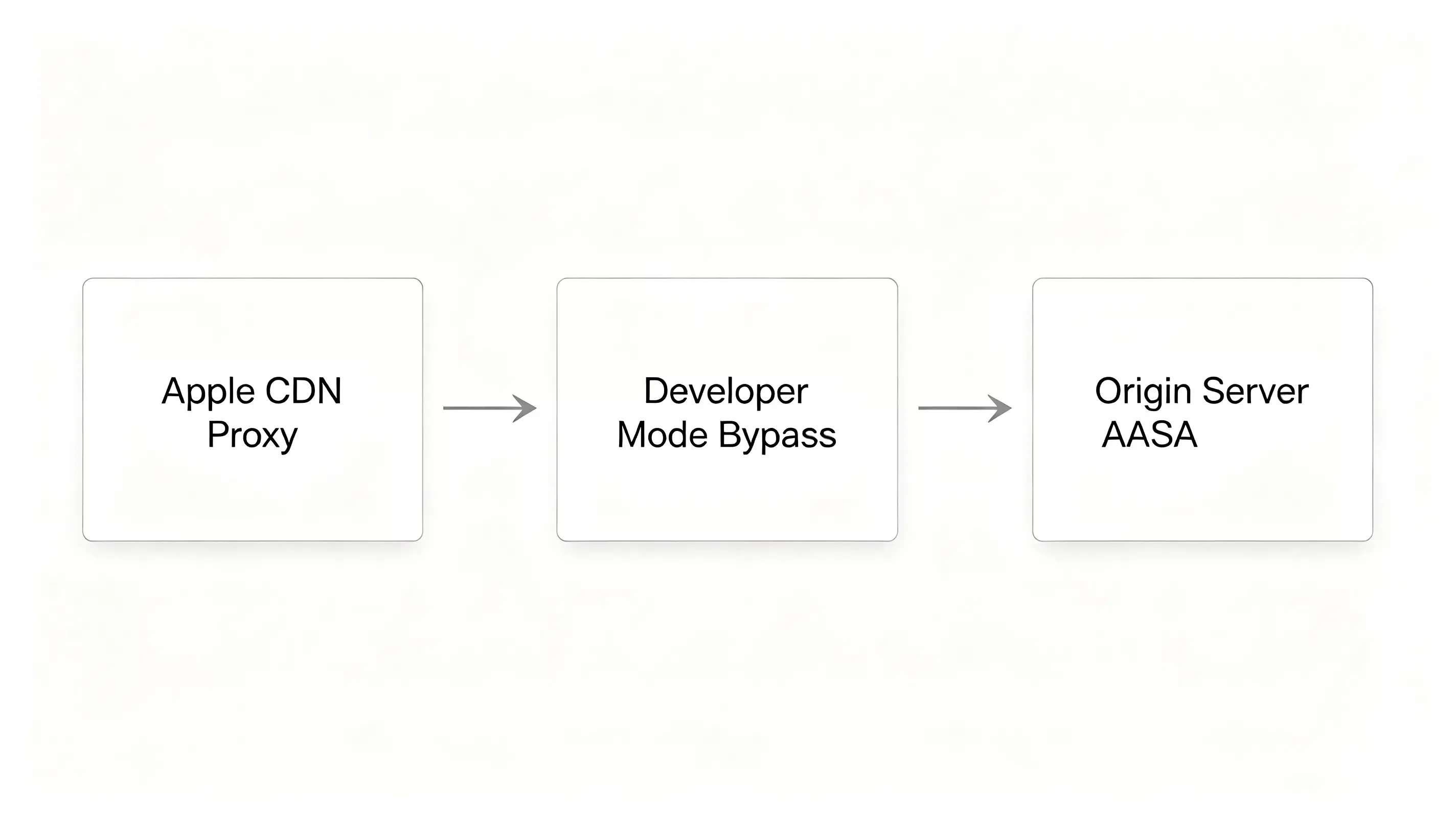
To protect user privacy, modern iOS versions do not query your web domain directly for association manifests. Instead, iOS queries Apple’s dedicated CDN caching proxy.
Why does this matter? If you update your manifest or compile your app bundle before Apple’s CDN caches your server changes, the deep link will fail. Apple caches these files for up to 48 hours, causing massive verification delays. To bypass this, developers must append a developer mode query key to their domains in Xcode, forcing the test device to bypass Apple’s CDN and request the file directly from your origin server.
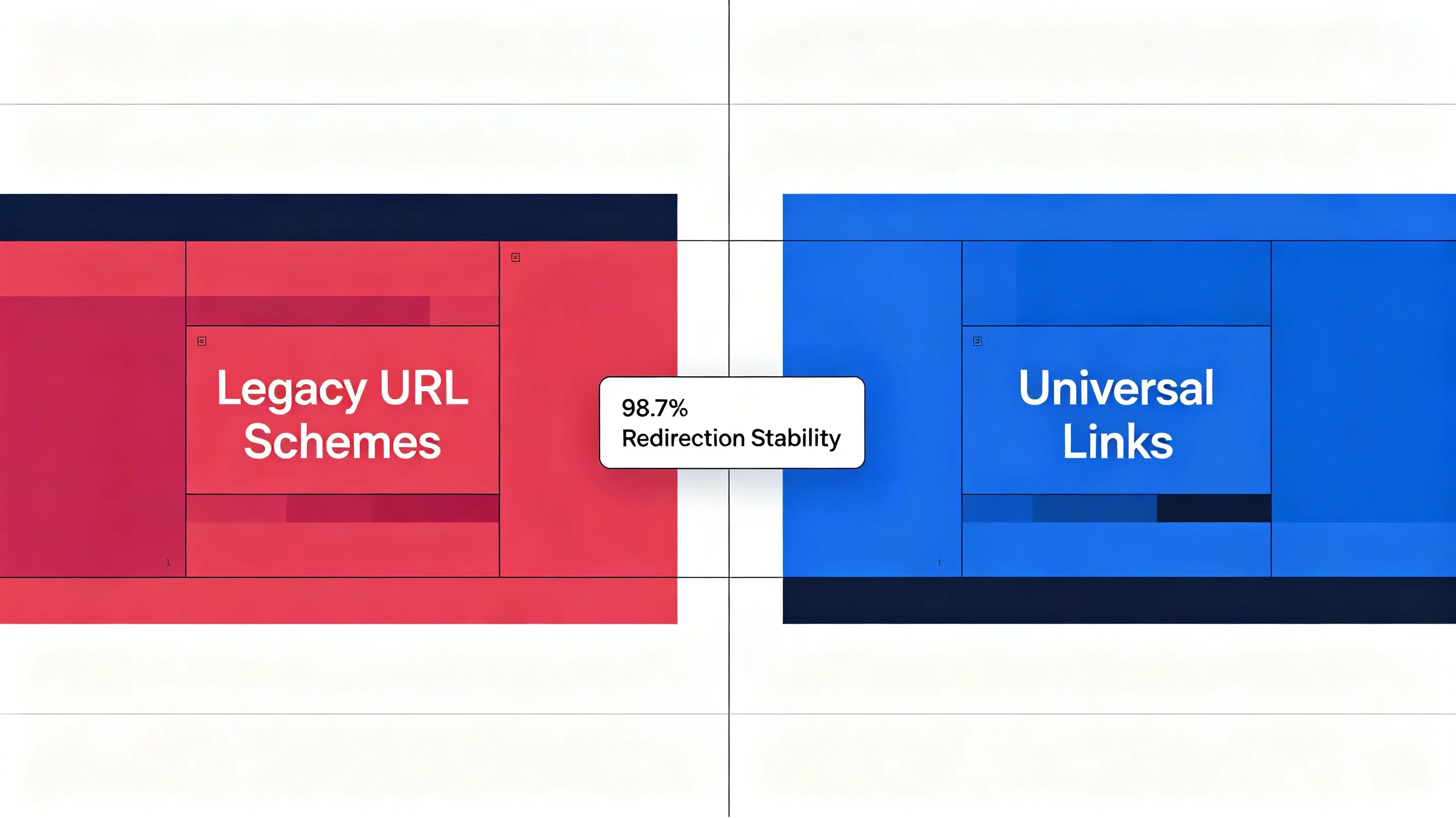
Apple Universal Links vs. Legacy URL Schemes: Redirect Friction and Entitlement Scopes
To evaluate how verified domain association compares against custom protocols under operating system constraints, analyze the technical comparison below:
| Architectural Metric | Custom URL Schemes | iOS Universal Links | Redirection & UX Impact |
|---|---|---|---|
| Verification Method | None. Handled purely by local device protocol registration. | Verified by Apple’s global CDN proxy during application installation. | Bypasses standard custom schemes, ensuring secure, sandboxed deep routing. |
| Redirection Experience | High friction. Triggers “Safari cannot open the page because the address is invalid” if absent. | Seamless. Opens the native application instantly from web clicks with no browser warnings. | Prevents user onboarding drop-off, increasing immediate conversion rates. |
| Sandbox and Domain Security | Low. Any malicious app can register an identical protocol to hijack traffic. | High. Operating system verifies domain ownership via secure HTTPS manifest. | Prevents click hijacking and protects sensitive custom campaign parameters. |
| Missing App Fallback | Poor. Triggers system-level browser alerts when the native client is missing. | Smooth. Defaults gracefully to the web browser, rendering the original webpage. | Delivers a reliable, high-converting redirection journey every time. |
Deploying a Unified iOS SDK to Automate Domain Verification
Because configuring and maintaining signed AASA files manually is a common point of engineering failure, developers must deploy a dedicated, lightweight mobile measurement framework like Opoinstall to automate the server-side hosting architecture.
Registering Your Project in the Developer Console
Your integration begins by mapping your campaign domains. To align your web landing pages with your native app, refer to the official iOS SDK Universal Link configuration documentation for system verification. Opoinstall automatically hosts and signs your AASA file on its global CDN, removing manual server tasks.
Integrating the Client-Side SDK Framework
The next step requires downloading the latest Universal Links compatible mobile SDK framework into your workspace. This lightweight library hooks into your application delegate to intercept incoming user activities and parse contextual payloads.
Configuring Associated Domains Xcode Entitlements
To authorize your application to handle native domain-level redirections, you must add the Associated Domains entitlement inside Xcode, referring to Apple’s official Associated Domains Entitlement specifications to bind domains.
Debugging iOS SDK Universal Link Integration Failures: A Case Study of entitlements Verification
A major travel application launched a viral booking campaign. During user acceptance testing, developers discovered that users clicking promotional links were dumped onto the mobile website instead of being routed to their booked flights.
Abnormal Symptoms: iOS Safari Defaulting to Web Redirections
On test devices running iOS 17, the application opened, but the deep-linking parameters failed to restore. Safari defaulted to web routing because the operating system had failed to verify the domain association during installation.
CLI Code-Signing Extraction and Apple CDN Cache Query Verification
The technical team initiated a diagnostic audit. First, they verified that the compiled app bundle contained the correct entitlements. They executed a command-line entitlement check on the binary:
# Step 1: Decompress and print the compiled app entitlements to verify the Associated Domains array
$ unzip -q travel_app.ipa
$ codesign -d --entitlements - Payload/travel_app.app

# Step 2: Query Apple's global CDN cache proxy manually with header verification to check propagation state
$ curl -i https://app-site-association.cdn-apple.com/a/v1/travel.opwakeup.com
The CLI output confirmed the entitlements mapped correctly to applinks:travel.opwakeup.com. However, when inspecting Apple’s CDN cache directly at https://app-site-association.cdn-apple.com/a/v1/travel.opwakeup.com, they discovered that Apple’s proxy returned a 404 cache state because the app was compiled before the DNS records propagated.
Developer Mode Entitlements Override and Local Entitlements Check
To bypass Apple’s 48-hour CDN caching lag, the team modified their entitlements to enable developer mode. They updated their Xcode entitlements file, appending the developer mode query string:
applinks:travel.opwakeup.com?mode=developer
Next, the team enabled Developer Mode in the iOS Settings app under Privacy & Security, forcing the test devices to query the origin servers directly.
Post-Migration Diagnostic Audit: 98.7% Redirection Accuracy Reached
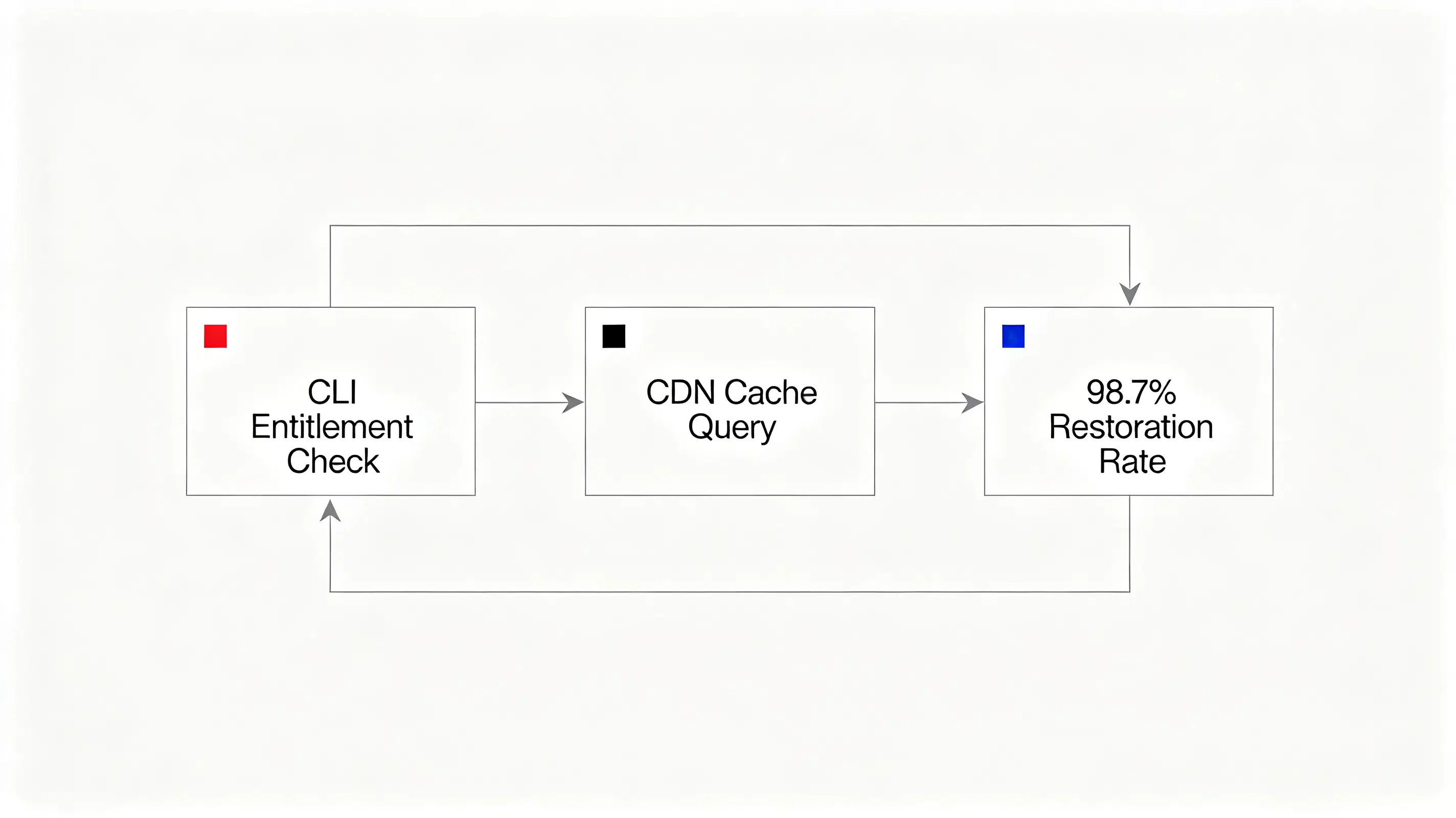
With developer mode activated, iOS successfully parsed the hosted AASA JSON manifest. Upon running the updated build, the SDK successfully intercepted the user activity. The parameter matching engine achieved a 98.7% restoration rate, routing users directly to their booking confirmation screens and restoring campaign ROI.
Frequently Asked Questions (FAQ)
Why is my iOS Universal Link not opening the app?
How do I configure com.apple.developer.associated-domains in Xcode?
What is the secure way to bypass Apple's 48-hour CDN cache?
As Apple rolls out iOS 18 privacy features, the deep-linking landscape must evolve. The introduction of strict privacy manifests and mandatory required-reason APIs means that developers must rely entirely on verified, first-party domain associations. Legacy tracking techniques like browser cookie matching are no longer viable. Centralizing your routing infrastructure on secure, developer-friendly SDK networks ensures that your mobile campaigns survive future privacy updates, protecting your user acquisition loops and delivering a secure, reliable user journey.
Share this article



