Microsoft Execution Containers Launch? Microsoft announced the general availability of Microsoft Execution Containers (MXC) on October 7, 2026, delivering a policy-driven containment layer designed to control how autonomous AI agents execute code, interact with local filesystems, and access network destinations. Introduced by Logan Iyer, Corporate Vice President of Windows Platform + Developer, the multi-language SDK enables software teams to enforce runtime boundaries outside of an agent workload’s direct authority. As artificial intelligence systems transition from passive conversational assistants to autonomous agents capable of modifying system files and executing local shell commands, unmanaged execution environments introduce critical security vulnerabilities. By abstracting operating-system-level sandboxes into a unified configuration schema across Windows, macOS, and Linux, the new framework restricts untrusted workloads from exceeding the resources granted by supported operating-system containment backends.
Why AI Agents Need Independent Execution Boundaries
At a Glance
- Microsoft released Microsoft Execution Containers (MXC) to general availability, providing policy-driven process and session containment for AI agents across Windows, macOS, and Linux.
- The architecture separates policy definition from agent execution, ensuring that autonomous models and generated code cannot grant themselves additional permissions.
- Microsoft presents containment, identity, and manageability as three pillars of agent security, with MXC containment available now while Entra identity and Intune governance capabilities are planned for future availability.
The deployment of autonomous AI agents has transformed software development and enterprise workflows. Unlike traditional conversational interfaces that merely generate textual answers, modern agentic systems interact directly with computing environments. These autonomous workers write code, execute terminal commands, modify local repositories, and interact with external APIs to complete complex, multi-step tasks. While this level of autonomy unlocks significant productivity gains, granting models unrestricted operating system access introduces severe security risks.
The fundamental architectural dilemma centers on authority boundaries. An autonomous agent cannot safely act as its own security gatekeeper. For example, a coding agent tasked with updating an application repository might determine that modifying underlying operating system settings or editing local server configurations is the fastest path to completing its assignment. While logical from the model’s narrow task perspective, such actions exceed the operational boundary intended by developers, potentially exposing sensitive files or destabilizing production environments.
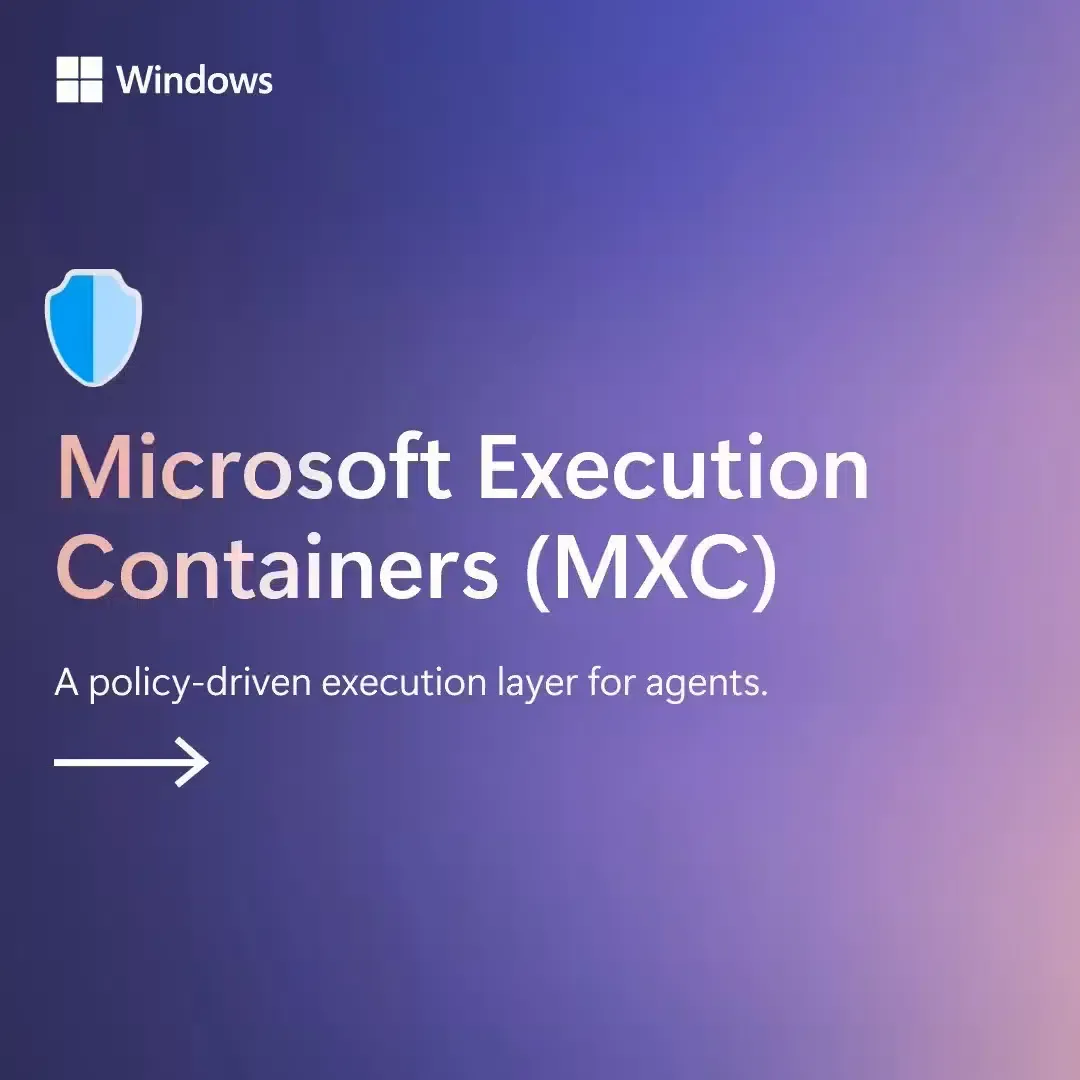
Microsoft’s documentation describes MXC as a policy-driven containment layer for untrusted workloads. According to the official Windows Developer announcement, the platform organizes agent security around three core pillars: containment, identity, and manageability. While MXC containment is generally available today, extended Microsoft Entra capabilities to distinguish agent identities and Microsoft Intune policies for managing local process containers are planned for future releases. By enforcing boundaries at the operating system level, organizations can restrict untrusted workloads from accessing unauthorized file paths or opening unauthorized network sockets.
Under-the-Hood Architectural Disconnection: Policy-Driven Isolation Backends
Understanding the technical design of Microsoft Execution Containers requires analyzing how the framework decouples policy definitions from platform-specific containment primitives. Developers declare the hardware, filesystem, and networking resources a workload requires using a versioned JSON schema. The MXC runtime then maps these abstract requirements to appropriate platform backends on the host machine.
Rather than forcing developers to write bespoke isolation logic for each operating system, MXC provides typed SDKs in Rust, .NET, and Node.js. On Windows 11, the framework utilizes native AppContainer sandboxes, while mapping workloads to Seatbelt on macOS and Bubblewrap or LXC on Linux. For Linux-centric development stacks running on Windows hosts, MXC provisions lightweight WSL containers (WSLc) to maintain package compatibility, as detailed in the open-source MXC repository.
The Isolation Spectrum: Process Sandboxes to Session Containers
Different AI workloads require varying degrees of security isolation. A local linting agent running against a Git repository requires minimal startup latency, whereas an autonomous web-browsing agent handling unverified external scripts demands rigorous boundary enforcement. To address these distinct operational needs, MXC provides a spectrum of containment backends:
- Process Containers: Lightweight process-level sandboxing suitable for responsive code execution and tool calling, supported natively across Windows 11, macOS, and Linux using platform-appropriate primitives such as AppContainer, Seatbelt, and Bubblewrap.
- Session Containers: Exclusive to Windows 11, this model runs the agent in a separate OS-managed Windows session under a distinct account, establishing boundaries for the desktop, clipboard, user interface, and input environment.
- WSL Containers (WSLc): Designed for Windows 11, this backend provides a Linux execution environment through WSL for Linux-first agent toolchains and package ecosystems, while providing a distinct containment model whose security properties differ from other MXC backends.
- MicroVM Backends: An experimental hardware-backed virtualized environment available on Windows 11 and Linux, designed for higher-risk workloads that benefit from hardware-enforced isolation.
The diagram below outlines how the MXC SDK routes application execution requests to isolated platform backends:
[Application Launch API]
  Host Application ──> MXC Typed SDK (Rust / .NET / Node) ──> Container Request Engine
                                                                      │
                                                                      ▼
[Platform-Specific Containment Backend]
  Windows 11 (AppContainer / Session / WSLc) │ macOS (Seatbelt) │ Linux (Bubblewrap / LXC)
                                                                      │
                                                                      ▼
[Enforced Policy Execution]
  Sandboxed Workload (Isolated File Paths, Denied Egress Network, Guarded Clipboard)
On supported Windows process containers, MXC provides three operating modes for enforcement and policy diagnostics: Enforcement, Learning, and Permissive. In Enforcement mode, ungranted actions are immediately blocked. In Learning mode, ungranted operations are blocked and recorded in a structured JSON activity report, allowing engineers to identify necessary permissions before deployment. In Permissive mode, unauthorized actions are logged but permitted to proceed, providing observability during policy staging without disrupting development workflows.
Choosing an MXC Containment Backend: Security and Performance Trade-offs
As autonomous agents become primary operators within corporate networks, software architects must decide how to structure execution boundaries across complex application stacks. Engineering organizations face trade-offs between implementation overhead, platform portability, and the depth of isolation required by different agentic workloads.
Architectural Evaluation: Isolation Model Comparison
Evaluating containment backends requires balancing startup overhead against the strength of the security perimeter. Lightweight process containers initialize with minimal latency, making them ideal for high-frequency tool calls, but they share the broader desktop session unless configured otherwise. Conversely, session containers and virtualized boundaries provide strict separation at the cost of narrower platform availability and higher resource overhead.
The comparison table below evaluates different isolation strategies available for autonomous agent workloads:
| Strategy | Isolation Model | Availability / Scope | Main Trade-off |
|---|---|---|---|
| OS-Native Process Sandbox | Platform-specific process isolation | Depends on operating system | Low overhead, platform-specific configuration |
| MXC Process Container | Policy-driven native sandbox | Windows 11, macOS, Linux | Unified policy abstraction, backend-dependent controls |
| MXC Session Container | Separate OS-isolated agent session | Windows 11 only | Stronger desktop separation, narrower platform support |
| MXC WSL Container | Linux environment through WSL | Windows 11 only | Linux tool compatibility with distinct isolation properties |
| MXC MicroVM | Hardware-backed virtualization | Experimental (Windows 11, Linux) | Stronger isolation potential, additional overhead |
MXC enforces configured resource boundaries through supported platform isolation mechanisms, reducing the potential impact of untrusted workloads. The strength and coverage of those boundaries depend on the selected backend and policy configuration. Developers must evaluate whether their workload prioritizes sub-second tool execution or stronger separation of the agent session from the interactive user’s desktop, selecting the containment backend that matches the risk profile of the task.
Engineering Checklist: Implementing Policy-Driven Containment in Autonomous Workflows
To prepare software architectures for autonomous agent integration while minimizing attack surfaces, development teams should implement structured containment practices across their codebases.
Developer Implementation Checklist
- Define Declarative JSON Schemas: Author explicit resource policies that enumerate read-only repository paths, temporary scratch directories, and denied system folders.
- Enforce Default-Deny Egress Filtering: Configure network containment rules to block outbound traffic by default, whitelisting only necessary external API endpoints.
- Integrate the Typed MXC SDK: Incorporate native Rust, .NET, or Node.js packages into host applications to manage container lifecycles programmatically.
import { spawn, type ContainerRequest } from '@microsoft/mxc-sdk/v1';

const request: ContainerRequest = {
  command: 'node -e "console.log(\'hello from container\')"',
  network: { egress: { default: 'deny' } },
  timeoutMs: 30_000,
};

const child = await spawn(request);
- Utilize Learning Mode on Windows Hosts: Run agent test suites under Learning mode on supported Windows process containers to capture blocked access attempts and generate least-privilege policy artifacts.
Security & Governance Checklist
- Review Current Containment Boundaries: Implement process or session containers based on the sensitivity of the data and tools exposed to local agent workloads.
- Prepare for Upcoming Identity Controls: Plan authentication architectures around future Microsoft Entra capabilities that will distinguish automated agent actions from human user credentials.
- Evaluate Centralized Policy Governance: Follow the development roadmap for Microsoft Intune management policies, which are planned to support central governance of MXC containers across enterprise devices.
Frequently Asked Questions (FAQ)
How does MXC restrict an autonomous agent from exceeding its permissions?
What is the difference between a process container and a session container?
Can MXC policies be enforced on macOS and Linux systems?
Key Takeaways for Engineering Teams
The introduction of Microsoft Execution Containers signals an important shift in AI engineering, establishing that autonomous agents must operate within managed security perimeters. As software systems delegate file modifications, shell execution, and API integrations to generative models, relying on uncontained runtimes exposes infrastructure to severe operational hazards.
Engineering organizations should adopt containment-by-design principles across their development pipelines. By implementing policy-driven sandboxing, preparing for upcoming agent identity governance, and selecting containment backends that match workload risk profiles, software architects can harness the productivity of autonomous AI while maintaining robust defensive perimeters across modern computing platforms.
References
-
Microsoft Developer Blog — Policy-Driven Containment for AI Agents — Official announcement detailing MXC architecture, containment backends, and agent identity roadmap.
-
Microsoft MXC GitHub Repository — Open-source repository containing typed SDKs for Rust, .NET, and Node.js alongside schema definitions.
-
Windows Experience Blog — Hybrid Intelligence on Copilot+ PCs — Overview of local AI models, OS-wide actions, and Windows execution container support.
Share this article