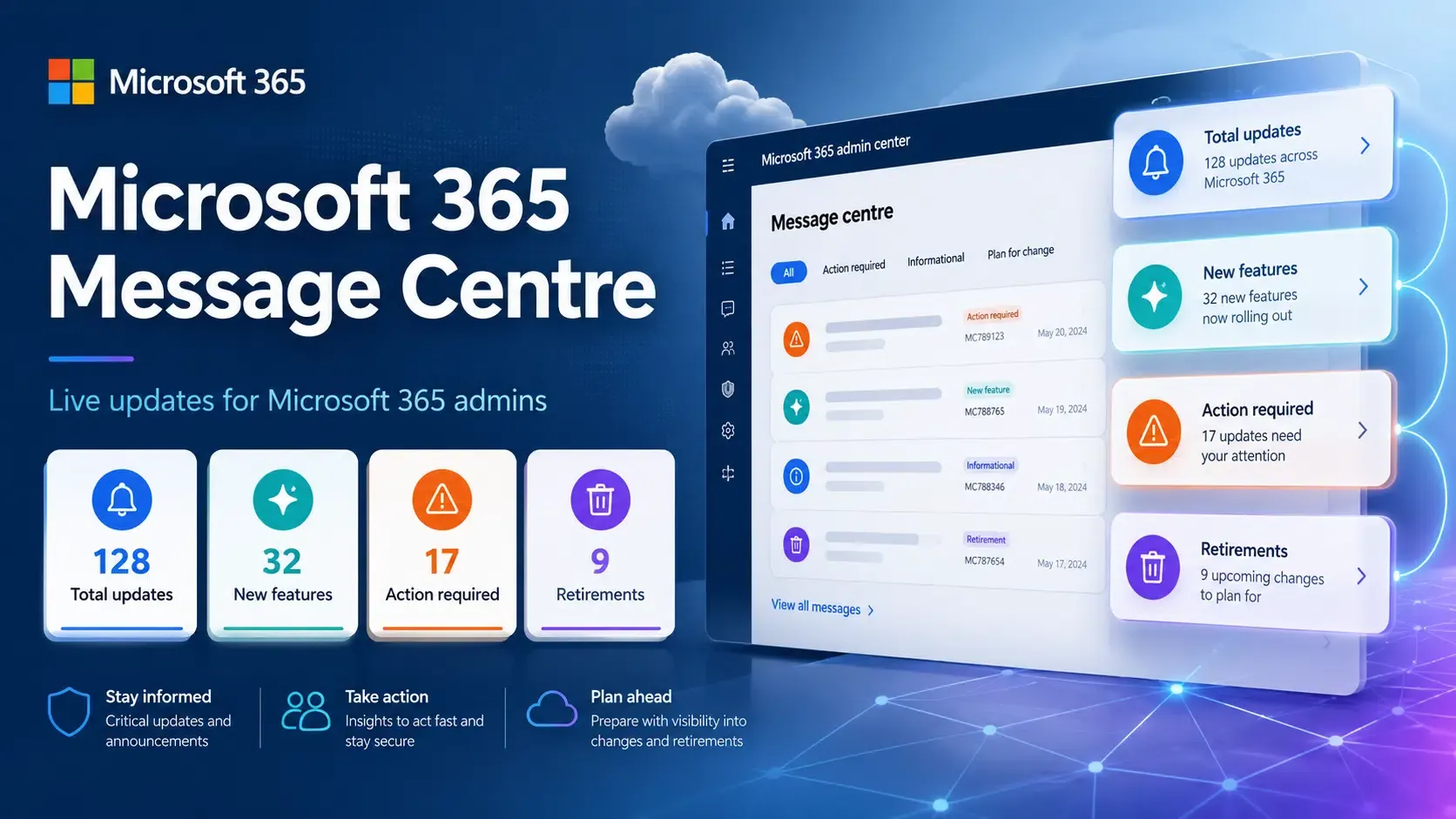
Microsoft Outlook to Block MSIX Attachments? Microsoft confirmed that Outlook on the web and the new Outlook for Windows client will block .msix and .msixbundle file attachments by default starting in early November 2026. According to a Microsoft 365 message center update (MC1488841), the modern Windows installation formats are being added to the BlockedFileTypes list in default and custom mailbox policies across Exchange Online tenants. While Microsoft originally designed the MSIX container format to modernize Windows app installation with sandboxing and signature verification, past threat actor campaigns exploiting installer protocol handlers have prompted platform-level security restrictions. The change affects organizations that rely on these Outlook clients to exchange Windows installation packages by email, prompting administrators and software publishers to review their attachment policies and alternative distribution methods.
Why Outlook Is Blocking MSIX Attachments
At a Glance
-
Microsoft will block .msix and .msixbundle attachments by default in Outlook on the web and the new Outlook for Windows beginning in early November 2026.
-
The file extensions will be added to the BlockedFileTypes parameter within OwaMailboxPolicy across Exchange Online tenants globally.
-
Administrators can whitelist the formats using the AllowedFileTypes property if their internal workflows require direct email package sharing.
Software distribution through email channels has long presented an operational tension between convenience and enterprise security. Development teams and internal IT departments frequently utilize email to distribute pre-release application builds, internal utilities, and installation packages directly to colleagues or select enterprise testers. The MSIX format, introduced as a modern successor to legacy .exe and .msi installers, was specifically built to provide containerized installation, predictable uninstallation, and disk-space optimization across Windows architectures.
However, distributing executable packages directly as email attachments bypasses centralized security posture evaluations. When an end user receives an installer via an inbox, visual verification alone cannot reliably determine whether the packaged binary has been tampered with or signed by an unauthorized entity. Because email remains the primary initial access vector for cyber attacks, security gateways must enforce strict file format restrictions to protect non-technical employees from inadvertently executing malicious code.
The operational friction emerges as Outlook restricts these attachments across commercial tenants, prompting software publishers to reconsider ad-hoc file sharing. According to reporting from BleepingComputer, the restriction applies to both individual .msix packages and .msixbundle files, which group multiple architecture-specific builds into a unified container. Once the policy rollout concludes in mid-November, attempts to open or download these attachments in supported Outlook clients will be blocked by default.
How OWA Mailbox Policy Blocks MSIX Attachment Access
Microsoft’s November 2026 change updates attachment restrictions within Exchange Online OWA Mailbox Policies. In Outlook on the web and the new Outlook for Windows, the configured BlockedFileTypes list determines which attachment extensions users are prevented from opening or downloading.
This is an attachment-access control applied to supported Outlook experiences. It should not be interpreted as a universal SMTP delivery rejection rule or as a Windows-wide ban on MSIX installation packages.
The diagram below outlines the operational flow of attachment access restrictions alongside standard Windows software delivery channels:
Message with .msix / .msixbundle attachment ──> Exchange Online mailbox ──> Outlook on the web / New Outlook for Windows ──> OwaMailboxPolicy attachment restrictions ──> Open / Download blocked by default ──> Administrator may configure an allowed-file exception
The policy addresses a specific attachment-access risk. It does not prevent publishers from distributing MSIX packages through other supported Windows channels, and it does not eliminate the need for application signing, reputation checks, or endpoint protection.
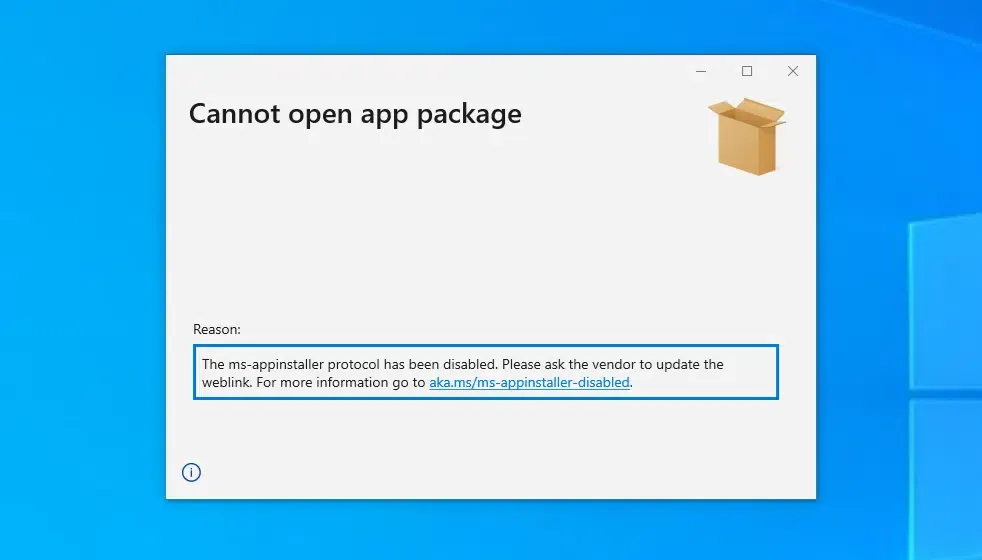
The Outlook policy change follows an earlier period of security concern surrounding Windows installer delivery mechanisms. In December 2023, Microsoft disabled the ms-appinstaller URI scheme handler by default after documented malware campaigns abused the installation workflow, as detailed by the Microsoft Security Response Center. That earlier measure addressed protocol-based installation risks, while the November 2026 Outlook update separately limits access to specified installer attachments in supported email clients. Attackers previously packaged malware inside signed MSIX wrappers to deliver families like Black Basta and DarkGate, prompting ongoing adjustments to package security across Microsoft products.
While blocking attachments mitigates automated drive-by opening of files inside Outlook, security analysts note that email filtering alone does not eliminate malicious package delivery. Threat actors can still attempt to bypass gateway extension blocks by renaming file extensions or embedding external download links within email bodies. Consequently, enterprise defense requires moving beyond static attachment blocking toward verified distribution channels and centralized package repositories, as analyzed by The Next Web.
Alternatives to Sending MSIX Installers by Email
Microsoft’s attachment policy update creates a specific delivery constraint for organizations that exchange MSIX installers through affected Outlook clients. Those organizations can review whether authenticated download portals, managed enterprise deployment, approved repositories, or narrowly scoped policy exceptions better fit their security and operational requirements.
Architectural Evaluation: Software Delivery Channels
Software publishers must choose between managing internal download infrastructure, configuring tenant email exemptions, or adopting managed software delivery pipelines.
The comparison table below evaluates standard Windows application distribution models:
| Distribution Method | Applicable Scenario | Security Consideration | Administrative Requirement |
|---|---|---|---|
| Outlook MSIX Attachments | Existing internal workflows | Blocked from opening/downloading by default in affected clients | Explicit OWA policy exception |
| Authenticated Download Portal | Direct enterprise software downloads | Signing, reputation, authentication, and endpoint checks | Portal maintenance and hosting |
| Managed Enterprise Deployment | Organization-controlled Windows applications | Centralized deployment and device management | IT administration and policy orchestration |
| Microsoft Store | Supported published Windows apps | Store submission and applicable platform checks | Publisher onboarding and release management |
Engineering teams should evaluate distribution methods according to their organization’s security policies, existing deployment infrastructure, and user needs. Authenticated download portals and managed deployment tools can provide centralized access controls and auditability, but their security depends on correct configuration, package validation, and endpoint protections.
Administrator and Publisher Checklist
To adapt to Exchange Online policy updates while maintaining smooth software delivery, engineering and IT operations teams should implement structured distribution workflows.
IT Administrator Management Checklist
-
Audit Tenant Policy Requirements: Review whether internal departments legitimately rely on receiving .msix or .msixbundle attachments via email.
-
Configure PowerShell AllowedFileTypes: If specific teams require email delivery, use Exchange Online PowerShell to append
.msixand.msixbundleto theAllowedFileTypesproperty on target mailbox policies, referencing Microsoft Learn documentation. -
Transition Senders to Cloud Storage: Instruct internal teams to share applications via authenticated OneDrive for Business or SharePoint links rather than raw email attachments, following official Microsoft support guidance.
Software Publisher & Development Checklist
-
Migrate from Attachments to Web Portals: Remove direct file attachment links from outbound onboarding emails, replacing them with links to authenticated HTTPS download portals.
-
Maintain Package Signing and Reputation Hygiene: Sign Windows packages using supported code-signing methods, validate certificate chains, and account for Microsoft Defender SmartScreen reputation checks. Do not assume that an EV certificate automatically removes security warnings.
-
Communicate Policy Updates to Customers: Provide clear guidance to enterprise users regarding alternative distribution methods to prevent deployment interruptions when Outlook blocks take effect.
Frequently Asked Questions (FAQ)
Which versions of Outlook are affected by the MSIX attachment block?
Can IT administrators still allow MSIX attachments for internal users?
Why is Microsoft blocking its own modern packaging format in Outlook?
Key Takeaways for Engineering Teams
Software publishers and enterprise engineering teams affected by the new Outlook restrictions should review their installation-package delivery workflows. Authenticated download portals, managed application deployment, and supported app stores offer alternatives to direct attachments, while code signing, reputation checks, and endpoint security remain necessary regardless of the distribution channel.
Organizations must adapt their delivery architectures to reflect a zero-trust approach to email attachments. By directing users through authenticated portals, implementing robust code-signing hygiene, and managing policy exceptions deliberately, technical teams can maintain secure software distribution workflows without disrupting end-user productivity.
References
-
Microsoft 365 Message Center — MC1488841 Archive — Third-party archive of a Microsoft 365 Message Center notification detailing the timeline, scope, and policy parameters for blocking .msix and .msixbundle attachments.
-
Microsoft Security Response Center — Microsoft Addresses App Installer Abuse — Official security advisory detailing historical threat actor campaigns abusing Windows installer handlers.
-
Microsoft Support — Blocked Attachments in Outlook — Official overview of default blocked file extensions, security guidelines, and file-sharing alternatives.
-
Microsoft Learn — Set-OwaMailboxPolicy Documentation — Technical documentation detailing the BlockedFileTypes and AllowedFileTypes parameters for Exchange Online administrators.
-
BleepingComputer — Microsoft Outlook to Block MSIX Attachments — Technical reporting on the Message Center MC1488841 announcement and historical threat actor abuse.
-
The Next Web — Microsoft Blocks Two Windows Installer Formats — Analysis of Exchange Online policy changes, regulatory implications, and enterprise distribution alternatives.
Share this article