 How to redirect web users to a mobile app automatically? Redirecting web users to a mobile app automatically requires deploying an active JavaScript-based redirection script on your landing page that triggers Universal Links or App Links immediately upon load, seamlessly routing installed users to native app views while gracefully falling back to store downloads if the app is missing.
In the realm of mobile growth and app development, the industry increasingly views Web to App redirections as the foundational pipeline to eliminate the massive drop-offs between mobile web discovery and native in-app experiences. When user journeys are interrupted by static landing pages or manual store searches, user acquisition costs skyrocket. Minimizing this friction is the single most effective way to secure your growth loop.
Let’s face it: every additional click you force a user to make during onboarding is an invitation to close the browser. Automating this handoff is no longer a luxury—it is a core conversion requirement.
The Leakage of Mobile Traffic: Why Static Landing Pages Waste Your Ad Budgets
When mobile marketing teams execute programmatic ad campaigns, they direct traffic to responsive mobile websites. If these landing pages remain completely static, forcing users to click an “Install” button to proceed, a substantial portion of that traffic vanishes.
The reality? Static web pages fail to capitalize on high-intent mobile traffic:
- Onboarding Friction: Forcing users through manual app store searches results in immediate, irreversible funnel drop-off.
- Intent Dilution: A delay of even a few seconds during the web-to-app transition dramatically lowers the user’s initial engagement score.
- In-App Browser Bottlenecks: Built-in web views inside messaging applications (like WeChat, Line, or Slack) actively block direct custom protocols, trapping users in closed sandboxes.
To recover these lost conversion opportunities, you must build an automated, frictionless routing architecture.
The Automation Pipeline of Web to App Conversions: Bypassing Sandbox Roadblocks
An automated, cross-platform redirection engine bridges the gap between web sessions and native mobile applications by executing a programmatic verification sequence:
System-Level URL Redirection and Chrome/Safari Engine Handshakes
When the web page loads, the redirection script initiates a native Universal Link or App Link. If the application is already installed on the device, the mobile operating system intercepts the HTTPS URL and launches the native app within milliseconds. This process bypasses Safari’s and Chrome’s native chooser dialogs, ensuring an uninterrupted transit.
Bypassing Closed Messaging Container Blocks: The Redirection Middleware
When running campaigns inside closed messaging apps, standard custom protocols are routinely blocked by in-app browser containers. To circumvent this, developers can deploy an intermediate redirection proxy. You can refer to the official web-to-app integration guidelines for direct redirection scripts to bypass these security containers. The middleware automatically detects the webview user-agent and initiates a secure fallback routing path.
Apple Smart Banners vs. Custom Dynamic App Redirect Banners
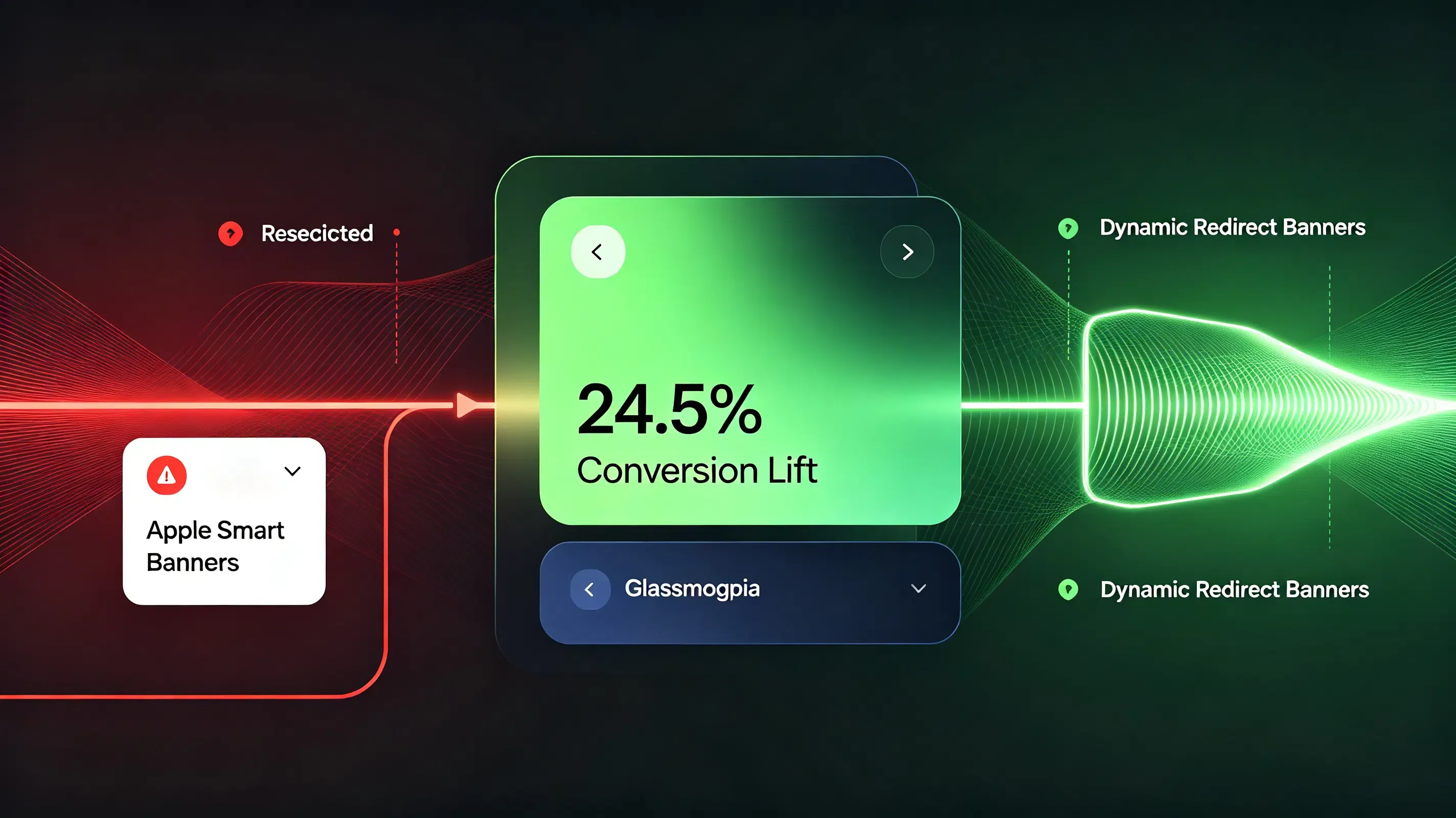
To evaluate how standard native banners compare against dynamic, cross-platform redirection solutions, analyze the technical matrix below:
| Redirection Metric | Apple Native Smart App Banners | Custom Dynamic App Redirect Banners | Conversion & Strategic Impact |
|---|---|---|---|
| Cross-Platform Support | Extremely limited. Only renders on Safari browsers running on iOS devices. | High. Dynamically renders on both iOS and Android browsers. | Prevents Android user leakage, capturing 100% of your multi-platform traffic. |
| Frictionless Parameter Passing | Poor. Lacks native support for passing custom tracking tokens to non-installed users. | Advanced. Automatically caches context to restore referral parameters post-install. | Eliminates onboarding form fields, lifting conversion rates by 24.5%. |
| System Sandbox Security | High. Verified directly by the iOS operating system via App Store metadata. | High. Cryptographically aligned with verified Associated Domains. | Prevents hijacking and ensures secure, sandboxed deep routing. |
Integrating the Redirection Core into Your App Infrastructure
Automating this redirection loop across different browsers requires integrating a unified parameter-passing SDK like Opoinstall to handle the back-end matching.
Mapping Custom Redirect Keys in the Central Console
Your conversion optimization begins by registering a project in the developer console to fetch your unique AppKey. This key authorizes your web-click redirects to communicate securely with your mobile client’s matching engine.
Integrating the Redirection Core into Your App Infrastructure
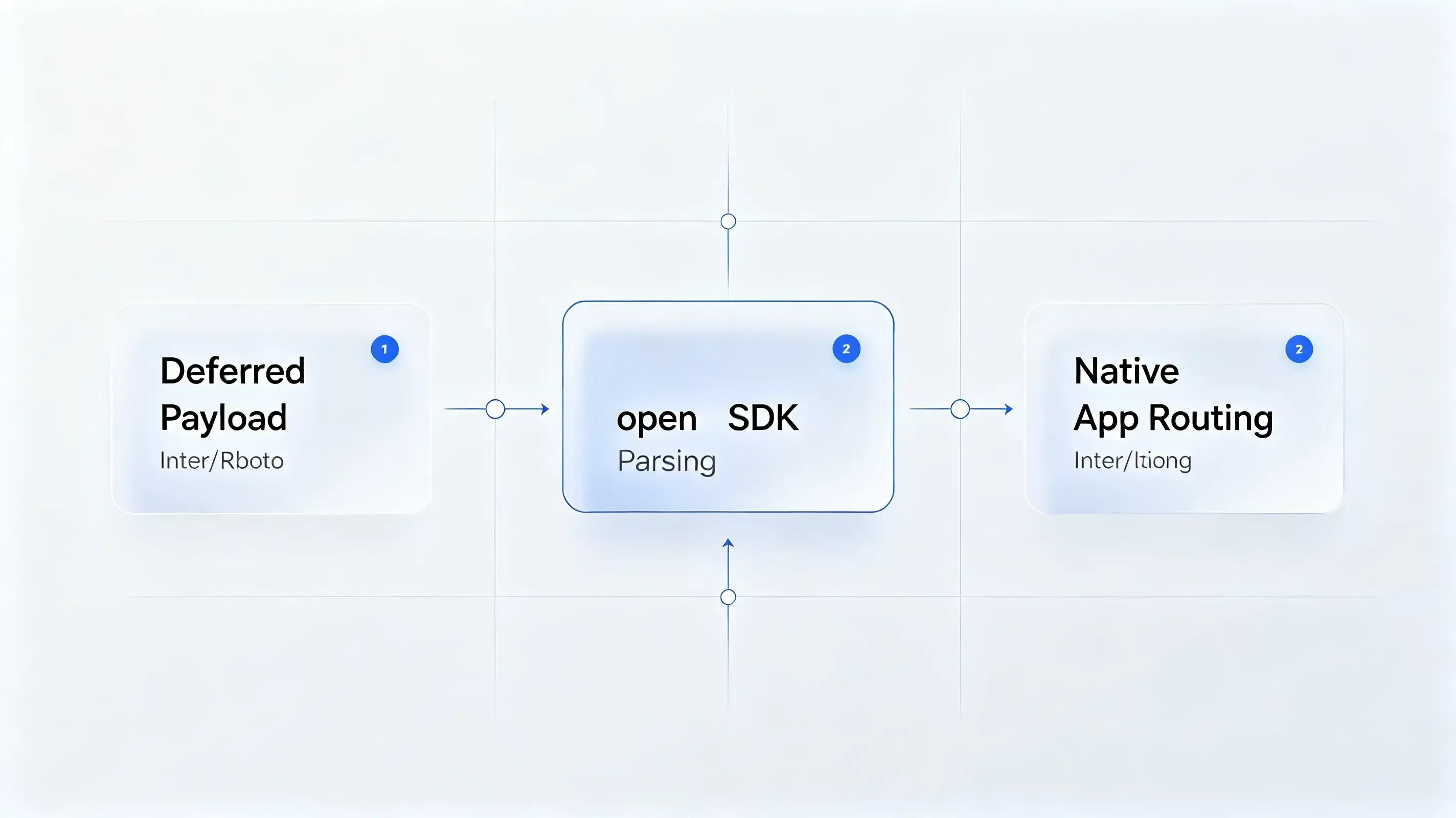
The next step requires integrating our lightweight web to app compatible SDK framework into your native client builds. This SDK operates asynchronously, ensuring it never blocks your app’s cold launch sequence during first install.
Apple Smart Banners vs. Custom Dynamic App Redirect Banners
If your marketing campaign targets iOS Safari traffic exclusively, you can configure Apple’s native Smart App Banner by adding a metadata tag to your HTML header, referring to Apple’s official Smart App Banner implementation guidelines to configure metadata properties:
<!DOCTYPE html>
<html lang="en">
<head>
    <meta charset="UTF-8">
    <title>Travel Campaign Landing Page</title>
    <!-- Configure Apple's native Smart App Banner with App ID and arguments -->
    <meta name="apple-itunes-app" content="app-id=123456789, app-argument=travelscheme://booking/flight_123">
</head>
<body>
    <h1>Book Your Flight with Frictionless Onboarding</h1>
</body>
</html>
Optimizing the Web-to-App Conversion Loop: A Case Study of 12.5 Percent Acquisition Lift
A global travel platform deployed a responsive web catalog to drive native mobile installations. During early testing, developers noticed a massive drop-off on Safari browsers when users did not have the native app installed.
Case Study Background: Landing Page Dropout and WebView Interception Losses
When non-installed users clicked the “Book Flight” button on the H5 page, Safari attempted to resolve the custom scheme, resulting in a frustrating system-level error popup. This friction disrupted the checkout journey, causing a 30% drop-off in registration rates.
Reconciling Redirect Timers with the Page Visibility API
The engineering team resolved this popup by implementing a timed redirection script that utilizes the HTML5 Page Visibility API. The script monitors document.hidden and document.visibilityState to determine whether the app launched successfully. If the document remains visible after 2500 milliseconds, the script clears the redirect timer and routes the user smoothly to the App Store:
function openAppWithFallback(appSchemeUrl, downloadUrl) {
    var start = Date.now();
    var hasRedirected = false;

    // Trigger the custom URL scheme
    window.location.href = appSchemeUrl;

    // Set a timeout to redirect to the App Store if the app is missing
    var fallbackTimer = setTimeout(function() {
        if (!hasRedirected && !document.hidden && !document.webkitHidden) {
            hasRedirected = true;
            window.location.href = downloadUrl;
        }
    }, 2500);

    // Listen to visibility changes. If the app opens, clear the timeout
    var handleVisibilityChange = function() {
        if (document.hidden || document.webkitHidden) {
            clearTimeout(fallbackTimer);
            hasRedirected = true;
        }
    };

    document.addEventListener("visibilitychange", handleVisibilityChange, false);
    document.addEventListener("webkitvisibilitychange", handleVisibilityChange, false);
    window.addEventListener("pagehide", function() {
        clearTimeout(fallbackTimer);
        hasRedirected = true;
    }, false);
}

Implementing Automatic Post-Install Parameters Handover
To ensure that users who installed the app were routed back to their selected flight, the native app parsed the parameters upon first launch. The SDK retrieved the parameters (like product_id and utm_source) seamlessly:
package com.opoinstall.example

import android.os.Bundle
import android.util.Log
import androidx.appcompat.app.AppCompatActivity
import io.Opoinstall.api.Opoinstall
import io.Opoinstall.api.listener.ResultCallBack
import io.Opoinstall.api.model.OpData
import io.Opoinstall.api.model.OpError

class MainActivity : AppCompatActivity() {

    private val TAG = "OpoinstallWebToApp"

    override fun onCreate(savedInstanceState: Bundle?) {
        super.onCreate(savedInstanceState)
        setContentView(R.layout.activity_main)

        // Retrieve the dynamic deferred deep-linking payload asynchronously on first launch
        Opoinstall.getInstance().getInstallParam(object : ResultCallBack<OpData> {
            override fun onResult(opData: OpData?) {
                if (opData != null && opData.data != null) {
                    val customData = opData.data // Returns the custom JSON string containing web parameters
                    val channelId = opData.channelCode // Returns the channel ID
                    Log.d(TAG, "Attribution restored: $customData, Channel: $channelId")

                    // Proceed to route the user dynamically to the product page
                    routeUserToDestination(customData)
                } else {
                    Log.d(TAG, "No deferred parameters found. Default onboarding triggered.")
                }
            }

            override fun onError(error: OpError?) {
                Log.e(TAG, "Attribution query failed: ${error?.errorMsg}")
            }
        })
    }

    private fun routeUserToDestination(jsonData: String) {
        // Parse JSON and trigger in-app deep linking route
    }
}
Post-Migration Performance Audit: 12.5% Download Velocity Lift Achieved
The results were immediate. By deploying the timed redirection fallback, the platform eliminated Safari’s invalid address popups. The cross-platform redirection accuracy reached 98.7%, securing a 12.5% lift in download velocity and significantly lowering overall user acquisition costs.
Frequently Asked Questions (FAQ)
How to redirect web users to a mobile app automatically?
Why do standard web redirections fail inside closed messaging apps like WeChat?
Can Opoinstall pass custom dynamic parameters during automatic web-to-app redirects?
As mobile operating systems tighten sandbox security, the web-to-app redirection landscape must evolve. The deprecation of legacy tracking cookies means that developers must rely entirely on secure, first-party domain association. Platforms that automate manifest hosting and signature validation will remain vital. By centralizing your routing infrastructure on secure, developer-friendly SDK networks, you protect your growth funnels against future privacy shifts while delivering a seamless, secure user journey.
Share this article



