Can ChatGPT on macOS read and send texts through the native Messages application? When OpenAI adds Apple Messages control to the desktop application, the system gains the ability to search conversation histories, draft replies, and dispatch texts across iMessage, SMS, and RCS. As artificial intelligence models shift from isolated chat windows to local operating system execution, desktop agents increasingly interact with native application data through user-granted permissions. Historically, coordinating desktop communication workflows required manual copying or custom automation scripts. Today, because third-party plugins utilize established macOS automation frameworks such as AppleScript and Accessibility to interact with local applications, engineering and security teams are evaluating the permission boundaries, prompt-injection risks, and authorization controls governing local agent workflows.
How ChatGPT Accesses Apple Messages on macOS
At a Glance
- OpenAI released an Apple Messages plugin for the ChatGPT desktop client on macOS, enabling message reading, search, drafting, and dispatch within Codex and ChatGPT Work.
- The integration functions on Apple silicon (arm64) architectures, requiring user-granted macOS privacy and automation permissions including Full Disk Access and Accessibility.
- A default per-send confirmation mechanism serves as the primary authorization boundary, requiring users to review message content and recipients before dispatch.
Desktop agent architecture is evolving from isolated conversational interfaces toward integrated desktop automation. For several years, conversational language models operated without access to local application databases, relying on cloud-hosted connectors or manual user input to process external context.
The introduction of the Apple Messages integration allows ChatGPT to interact directly with the local messaging environment on macOS. Rather than operating through a standalone remote messaging connector, the integration accesses the local Messages application through macOS permissions and automation frameworks to query conversation threads and stage outgoing text. The initial rollout and feature capabilities have been detailed across industry reporting, including coverage by 9to5Mac and MacRumors.
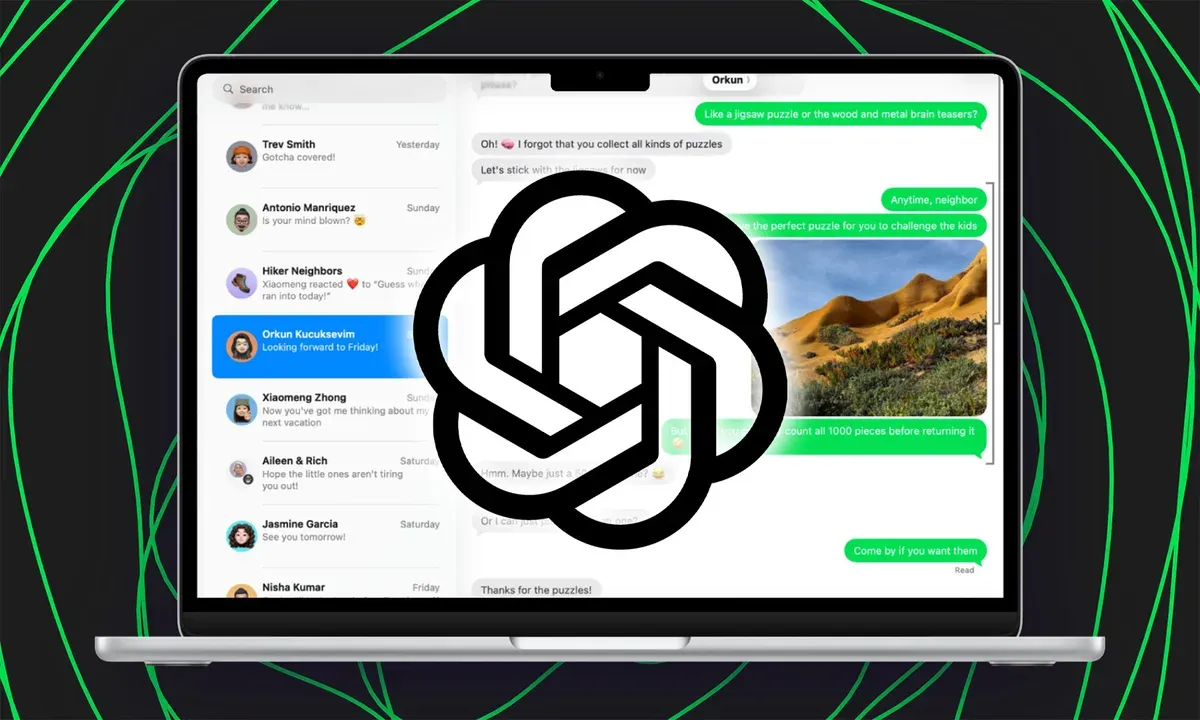
The operational mechanism behind the feature relies on user-authorized system entitlements. When configured, Codex and ChatGPT Work agents can parse active threads, extract logistical details, and prepare responses within the native macOS environment. This workflow requires explicit user consent during setup, with transmission gated behind active confirmation dialogs by default.
Understanding Permission Boundaries and Prompt Injection Risks
At the operating system level, granting desktop software access to local message data involves navigating macOS Transparency, Consent, and Control (TCC) privacy frameworks. Access to local Messages data is governed by macOS privacy and automation permissions. According to technical reporting by MacRumors and industry analysts, enabling the integration involves granting Full Disk Access, Accessibility permissions, and automation privileges within macOS System Settings.
This permission structure allows the agent to communicate with the Messages process via AppleScript and native automation interfaces, enabling programmatic search and message drafting across active threads.
Authorization Handshakes: Default Approval vs. Persistent Permissions
Because conversational text constitutes untrusted input, granting an agent write and send authority introduces prompt-injection considerations. The diagram below illustrates the verification workflow:
[Incoming Request / Context]
             │
             ▼
[ChatGPT Work / Codex Runtime]
             │
             ▼
[macOS Automation: AppleScript / Accessibility]
             │
             ▼
    { Send Action Requested }
             │
   ┌─────────┴─────────┐
   ▼                   ▼
[Per-Send Approval]   [Persistent Authorization]
 (Default: User OK)    (Standing Send Authority)
   │                   │
   └─────────┬─────────┘
             ▼
[Native Messages App: iMessage / SMS / RCS]
By default, the plugin enforces a per-send confirmation where the user reviews the message text and recipient list before transmission. While users can configure persistent approval for specific threads, official guidance discourages this setting for conversations that may receive untrusted instructions. If an agent processes untrusted text containing malicious instructions, standing dispatch permissions remove the final human review step before an outgoing message is sent.
Cross-Application Workflows and Context Handoff
The integration of ChatGPT with Apple Messages highlights an emerging software pattern: AI agents acting as intermediaries across disparate native applications. In complex workflows, an agent may read a client request from Messages, query local project files via terminal commands, and draft a response for final review.
This multi-application coordination reflects a broader engineering challenge: preserving task context across application boundaries while maintaining strict data isolation.
Managing Context Continuity Across Application Lifecycles
In desktop environments, context continuity is maintained through local automation layers and structured agent state. A distinct lifecycle challenge occurs in mobile application distribution when user journeys transition between external web channels and native mobile applications.
When a user engages with promotional campaigns, web links, or shared referrals, the pre-install campaign or destination context does not automatically survive the store-install-first-launch boundary if the application is not yet installed on the device. In these scenarios, traditional browser state does not carry over to the native app runtime. Specialized mobile linking architectures, such as OpoInstall, address this by providing deferred deep linking and parameter pass-through capabilities designed to restore eligible campaign, destination, or referral parameters upon the app’s first post-install launch. The two mechanisms solve different lifecycle problems, but both illustrate the need for explicit context handoff across application boundaries.
Integration Checklists: Security Best Practices for Desktop AI Automation
Deploying local AI agents with system-level access requires structured governance to safeguard personal and enterprise data.
Enterprise & Developer Security Checklist
- Maintain Default Approval Policies: Keep per-send confirmation active across communication plugins to ensure human verification before dispatching messages.
- Audit System-Level Entitlements: Periodically review macOS System Settings to verify which automation tools and background processes hold Full Disk Access.
- Isolate Agent Workspaces: Run automated scripts and agentic tool integrations inside dedicated, non-privileged user accounts or virtualized containers.
User Data & Compliance Checklist
- Review Workspace Access Controls: Enterprise administrators should utilize Computer Use administrative policies to centrally manage plugin availability on managed devices.
- Verify Local Automation Scope: Ensure that automation scripts operate within intended local directories and do not expose internal logs.
- Monitor API Token Scope: Restrict API tokens used by desktop automation plugins to least-privilege permissions.
Frequently Asked Questions (FAQ)
What messaging protocols are supported by the ChatGPT Mac plugin?
How does the plugin handle message dispatch authorization?
Can enterprise administrators disable the Messages plugin on managed Macs?
Key Takeaways for Engineering Teams
The integration of third-party AI agents with core operating system communication tools demonstrates the rapid transition toward autonomous desktop computing. As models gain the ability to interact with native applications through automation frameworks, traditional application isolation models must be reinforced with robust authorization boundaries.
Engineering and security teams must design workflows that prioritize explicit user consent, strict permission scoping, and human-in-the-loop safeguards. By balancing the productivity gains of desktop automation with rigorous security controls, organizations can leverage next-generation AI agents while protecting system integrity and user privacy.
References
-
OpenAI. ChatGPT Release Notes. https://help.openai.com/en/articles/6825453-chatgpt-release-notes
-
9to5Mac. ChatGPT update adds Apple Messages integration on Mac. https://9to5mac.com/2026/08/20/chatgpt-update-adds-apple-messages-integration-on-mac/
-
MacRumors. ChatGPT Can Now Read and Send iMessages on Mac. https://www.macrumors.com/2026/08/20/chatgpt-imessages-mac/
-
OpenAI. Plugins in ChatGPT and Codex — Apple Messages. https://developers.openai.com/codex/plugins
-
OpoInstall. How to Implement a Referral Tracking SDK with Deferred Deep Linking and Install Attribution. https://www.opoinstall.com/blog/referral-tracking-sdk-deferred-deep-linking
Share this article



